
 Live now
–
Live now
–
Game guide
Military Army Tycoon Guide: Your first moves after joining
Is this game fun?
No votes yet. Cast the first one.
About
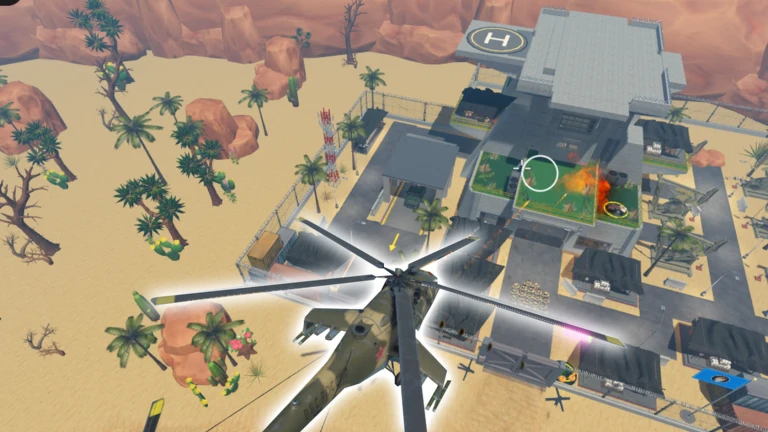
OverviewMilitary Army Tycoon is a Roblox tycoon game where you build a military base, grow your income, train soldier squads, and capture neutral locations across the battlefield. This guide covers everything from your first dropper to taking your first outpost, so whether you are just starting or stuck mid-game, you will find what you need here.
What is on this page
Contents
01
Your first moves after joining
Step
02
How the income system works
Check
03
Live and upcoming events
Events
04
What to buy and in what order
Table
05
Squad orders and barracks upgrades
Tips
06
Capturing the tent camp
Step
07
Working codes
Codes
08
When you are stuck or losing fights
Warn
09
Rebirth and free boosts
Summary
10
Glossary
Words
11
Common questions
FAQ
01
Your first moves after joining
Step
In short
Follow the guide arrows to place income buildings first, then collect cash and field your first squad before leaving your base.
When you join, your base shows purchase pads and floor arrows pointing at them. The arrows are your roadmap — follow them rather than guessing what to buy. Resist the urge to buy decorative items like walls or uniforms early; they do not generate income, and buying them first means you will sit waiting much longer for the next purchase. Get income moving, collect it, build a barracks, and head to the first outpost.
- Place a dropper and belt path follow the floor arrows to set up your first income building
- Build an upgrader it raises the value of boxes moving along the belt so each collection is worth more
- Step on the green collection point this is the only way to move belt income into your spendable cash
- Build a barracks and train a pistol squad this is the first squad available and gets you into combat quickly
- Issue the follow order confirm your soldiers are actually moving behind you before you leave the base
- Capture the tent camp taking this first outpost completes the opening loop and teaches every core mechanic
02
How the income system works
CheckIn short
Boxes on the belt are not cash yet — you must step on the green collection point to receive the money.
Droppers create boxes, boxes travel along the belt, and upgraders increase their value as they pass through. The critical step that new players miss is collection: until you walk onto the green collection point, none of that value becomes spendable cash. If you cannot afford a purchase pad, check whether you have actually collected first. It is also worth collecting before you march out to battle and again before you close the game, so nothing is left sitting on the belt.
- Boxes are moving on the belt dropper and belt path are placed correctly
- An upgrader is somewhere on the belt box values are being increased before collection
- You have stepped on the green collection point spendable cash has actually increased
- You collected before leaving the base income that built up will not be lost while you fight
- You collected before closing the game progress is saved, but uncollected belt income is not banked automatically
- Income buildings are bought before decorations walls and cosmetics come after droppers and upgraders
03 Live and upcoming events
Events
Events running now or coming soon. They have fixed dates, so check them first.
Live now
–
04
What to buy and in what order
TableIn short
Prioritize anything that increases income or combat power; save decorative buildings for after your base and army are running smoothly.
Every purchase should answer one question: does this help me earn faster or fight better? Start with income, then unlock combat, then reinforce defense. Cheap income buildings placed early will earn back their cost quickly, cutting your total wait time compared to holding out for a single expensive upgrade. Switch to defense buildings only once enemies are actually reaching your base entrance.
| Droppers and upgraders | buy first, they are the engine behind all future spending |
| Additional income buildings such as oil containers | buy after the basic belt is running |
| Barracks and first squad | buy once income is stable enough to keep building afterward |
| Squad health and attack upgrades | buy from the barracks after your first squad is trained |
| Walls, gates, and defensive layout | buy when enemies start reaching your base entrance |
| Decorative buildings | buy last, after income and combat power are in good shape |
05
Squad orders and barracks upgrades
Tips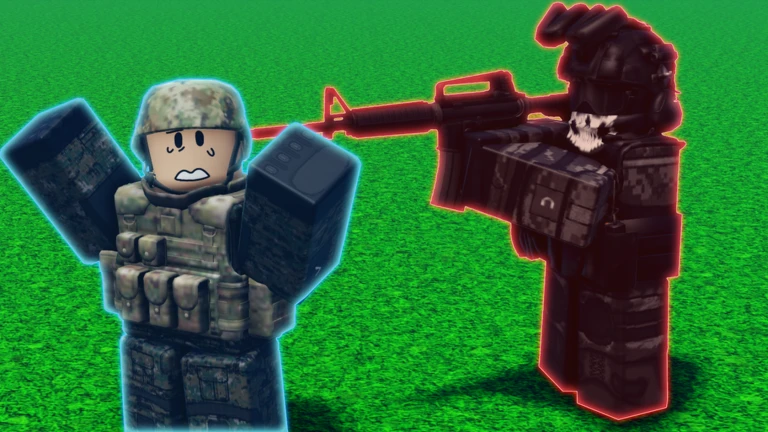
In short
Squads do nothing until you issue an order, and switching orders at the right moment is what keeps them alive.
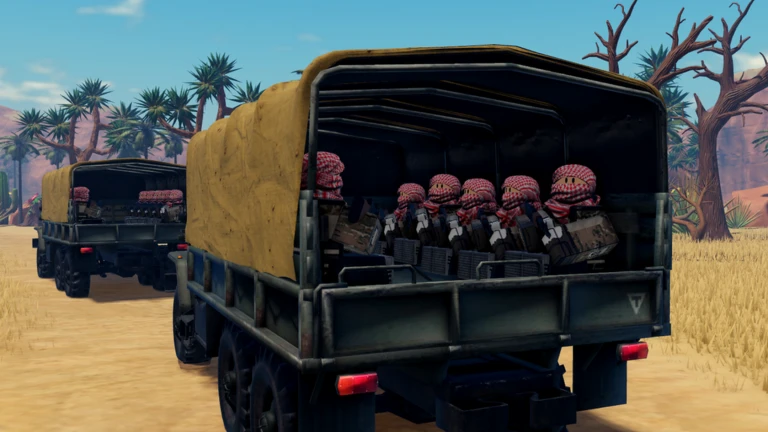
Inside the barracks you purchase the foundation and then the building itself before you can train troops. Once a squad is trained, open the order menu or use the radio to tell them what to do. Available squads include pistol, rifle, submachine gun, breacher, and reaper units. For upgrades, prioritize health if your squad dies before it can engage, and attack power if it survives but kills enemies too slowly.
Tips worth knowing
- Follow makes your squad trail behind you — check this is working before you leave the base
- Attack sends them at nearby enemies — switch from follow to attack when combat begins, not before
- Guard stations your squad in one spot — useful for holding a captured flag or protecting your base entrance
- Retreat pulls them back from a fight — use it to save surviving troops rather than letting them wipe
- If a squad is completely wiped out, you must return to the barracks and train a new one before orders do anything
- Upgrade health first if troops die at the start of a fight, attack power first if they survive but struggle to kill
06
Capturing the tent camp
StepIn short
Set your squad to follow, engage defenders with the attack order, then step inside the flag zone and wait for the capture confirmation.
The tent camp is the recommended first target because a pistol squad can handle the defenders there. The occupation sequence has to happen in order — fighting before capturing, and entering the flag zone only after all defenders are down. Once captured, you will see a notification showing a ten-percent income increase. Capturing additional outposts stacks further bonuses on top of that.
- Set squad to follow verify all soldiers are moving with you before stepping outside
- Approach the tent camp stay together so the squad is close when enemies appear
- Switch to attack when defenders are visible the follow order does not trigger combat automatically
- Support with your own weapon dealing damage yourself shortens how long your squad is under fire
- Check for stragglers scan the area for any defenders that are still alive before moving to the flag
- Step into the flag zone and wait stay inside until the capture completion message appears
07 Working codes
Codes
 mortar
"some" plutonium
mortar
"some" plutonium
"some" plutonium
CentreWaves
25 plutonium
25 plutonium
Bonus
50,000 Cash
50,000 Cash
Joined
50,000 Cash
50,000 Cash
08
When you are stuck or losing fights
WarnIn short
Identify whether the problem is income, squad strength, your own weapons, or base defense, then fix only that one thing.
Most progress blocks come down to one weak link rather than everything being wrong at once. If money feels slow, the fix is more income buildings, not skipping to expensive ones. If your squad keeps dying, check whether you have upgraded their health or attack in the barracks. If your base gets raided every time you leave, add walls and gate structures and leave part of your squad on guard. If you cannot complete a capture, make sure every defender is actually defeated before you try to enter the flag zone.
Worth watching out for
Long wait times between purchases mean your dropper or upgrader count is too low
add income buildings before anything else
Squad dying immediately on arrival means barracks health upgrades are overdue
go back and upgrade before the next attempt
Squad surviving but not killing means attack power needs upgrading
barracks upgrades apply to every future fight
Walls, gates, and at least one squad on guard duty are needed if the base is being attacked while you are away
Flag not capturing despite clear field means you have not fully entered the flag zone
walk completely inside and wait for the message
09
Rebirth and free boosts
SummaryIn short
Read the rebirth confirmation screen completely before confirming, and do not rush into it if you are unsure what you will lose.
Rebirth is not a button to press the moment it unlocks. The confirmation screen tells you exactly what you lose, what carries over, and what benefit you gain — read all of it before confirming. If the rebirth button is greyed out, there are likely unfinished purchase pads in your base; follow the floor arrows to find them. Joining the developer's community group gives you a free in-game boost that speeds up early progress, but the full game including base building, squad creation, and outpost capture is available without it. If a boost does not appear after joining, exit the game and rejoin.
- Rebirth read the confirmation screen fully; understand what is lost and what is kept before pressing confirm
- Rebirth button blocked means unfinished purchase pads remain; check the floor arrows to find them
- Skipping rebirth for now perfectly fine to keep capturing outposts and upgrading the base instead
- Community group boost speeds up early progress but is not required to reach any part of the game
- Boost not showing exit the game completely and rejoin to let it register
Glossary
Glossary- Cash
- The in-game currency used to buy base buildings, weapons, squads, and upgrades.
- Dropper
- A base building that creates boxes on the belt, forming the foundation of your income.
- Upgrader
- A base building that increases the value of boxes passing through it on the belt.
- Collection point
- The green floor area where belt income is converted into spendable cash when you step on it.
- Barracks
- The building where you train soldier squads and upgrade their health and attack power.
- Squad
- A group of soldier units that follow orders and fight alongside you.
- Order
- A command — follow, attack, guard, or retreat — that tells your squad how to behave.
- Neutral outpost
- A battlefield location held by defenders that you can capture for an income bonus.
- Capture
- The act of defeating all defenders at a location and then entering the flag zone to claim it.
- Rebirth
- A mechanic that resets part of your progress in exchange for a growth benefit in the next run.
- Oil container
- An additional income building available after your basic belt income is already running.
- Boost
- A temporary effect that speeds up progression, obtainable by joining the developer's community group.
- Purchase pad
- A floor tile you step on to buy a building or upgrade, guided by the floor arrows in your base.
Common questions
FAQCan I finish the whole game without spending Robux?
Yes. Base building, squad training, and outpost capture are all free. Paid options exist but they only speed things up — nothing is locked behind them.
I trained a squad but they are not moving. What is wrong?
Squads do not act until you give them an order. Open the order menu or use the radio and select follow, then watch to confirm the soldiers start moving. If the squad was wiped out in a previous fight, you need to train a new one in the barracks first, because orders have no effect on a squad that no longer exists.
I defeated all the defenders but the flag will not capture. What do I do?
Defeating defenders is only the first step — you also need to physically enter the flag zone and stay inside it until the capture message appears. Check that no enemies are still alive somewhere nearby, then walk fully into the flag area and wait.
Does my base progress save when I leave?
Progress is saved automatically, so you can return anytime and continue from where you left off. If something looks missing when you rejoin, wait a moment for the base to finish loading before assuming anything is gone.
Which should I upgrade first — squad health or attack power?
If your squad is dying before it even reaches enemies or right at the start of a fight, health is the priority. If the squad survives combat but takes too long to kill enemies, put the next upgrade into attack power.
What does joining the group actually give me?
Joining the developer's community group gives you a free in-game boost that makes early progression a bit faster. It is not required to access any part of the game. If the boost does not appear after you join, exit and rejoin.
Updated Sep 6, 2026
Game updates can change what is on this page. If you spot something, get in touch and let us know.
Game updates can change what is on this page. If you spot something, get in touch and let us know.
