
Paint Me Pretty Makeup Guide: The seven makeup tools
About
OverviewPaint Me Pretty Makeup is a freehand makeup game where you paint a look on a 3D face using real brush tools, then compete against up to nine other players in a vote.
What is on this page
Contents
Player notes and tips
Found a useful trick? Share it with everyone! Notes with screenshots are welcome!
Write a guide note
Paint Me Pretty 💄 Makeup
The seven makeup tools
Tips
You have seven tools to work with, and there are no restrictions on which ones you use or where you place them. Mix and match freely to build whatever style you want.
- Lipstick adds colour to the lips.
- Eyeshadow lays colour across the eyelids.
- Blush brings colour to the cheeks.
- Eyeliner lets you draw lines around the eyes.
- Brows lets you draw or fill in eyebrows.
- Lashes adds eyelash detail.
- Glitter puts sparkle anywhere on the face.
MetaNew Player Survey

The next survey is being prepared.
How a round plays out
Step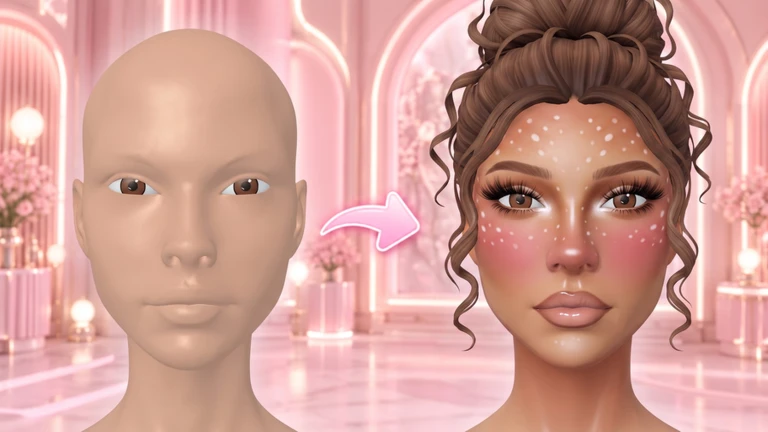
Up to ten players take part in a single round.
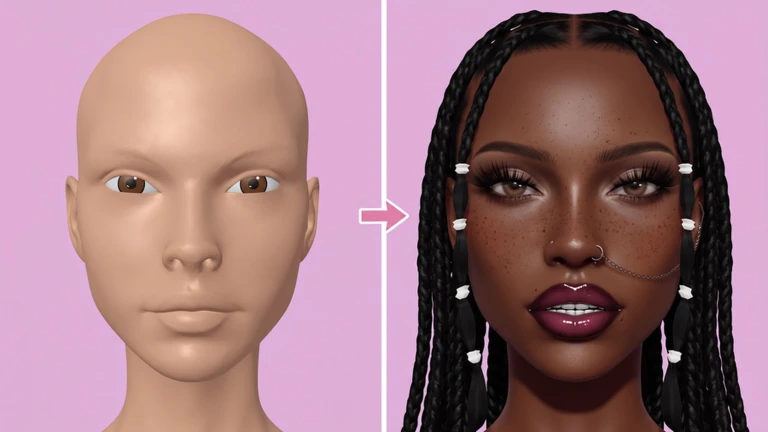
- Paint your look use any combination of the seven tools to build the style you want on the 3D face.
- Browse everyone's results once painting ends, you can see what every other player created.
- Cast your vote pick the look you like most; the result is decided by which look collects the most votes.
Undo and saving your work
Check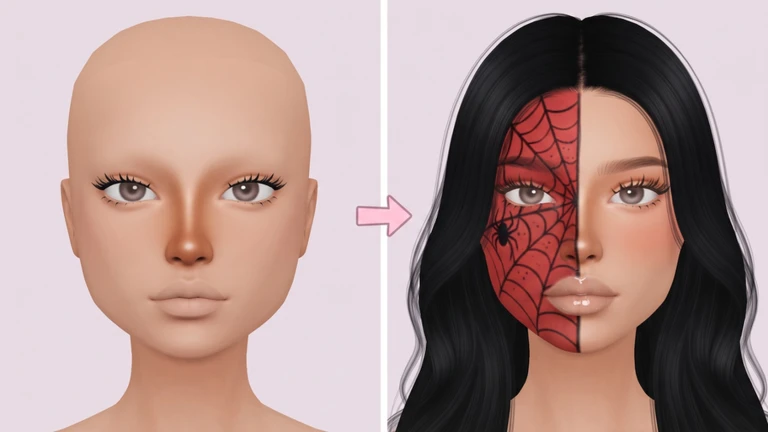
Two features reduce the pressure of painting freehand. Undo lets you reverse any individual brush stroke at any point during the makeup phase, so a mistake never ruins a look in progress. If a finished look turns out exactly how you wanted, the save feature lets you store it and come back to it later.
- Made a stroke you dislike use undo to remove it immediately.
- Not happy yet undo as many times as you need until the look feels right.
- Finished a look you love save it so you can view or reuse it in a future round.
Phone controls that speed up painting
Summary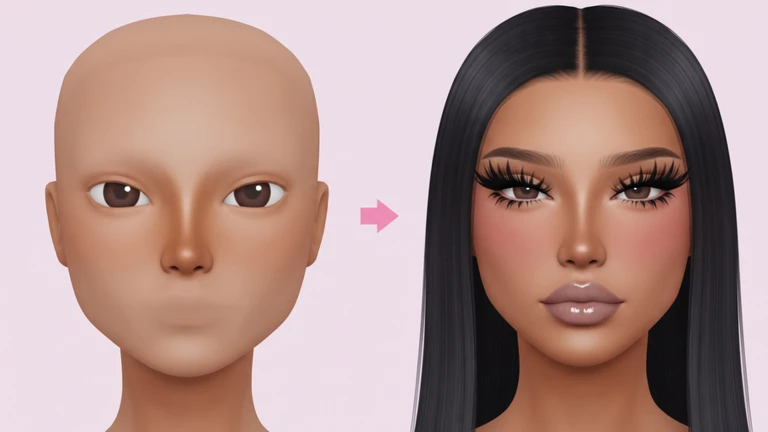
The game is designed with phone players in mind, and two gestures do most of the work.
- Pinch to zoom pinch the screen in or out to get closer to fine detail or pull back to see the full face.
- Tap to jump a single tap moves the camera straight to the eyes or lips so you do not have to scroll there manually.
- Freehand drawing every stroke is drawn by hand directly on the face, with no templates or auto-fill.
Glossary
Glossary- Freehand
- Drawing every stroke yourself by hand, without any templates or automatic placement helping you.
- Makeup phase
- The part of a round where you paint your look on the 3D face before voting begins.
- Voting phase
- The part of a round where all players view each other's finished looks and pick their favourite.
Common questions
FAQHow many players can join one round?
Up to ten players can take part in a single round.
What happens if my look is similar to someone else's?
Voting comes down to individual preference, so every player picks whichever look they personally like most.
Game updates can change what is on this page. If you spot something, get in touch and let us know.
