
My ZOO Guide: The core gameplay loop
About
OverviewMy ZOO is a Roblox idle game where you build and grow your own zoo by buying cages, collecting animals, and attracting paying guests. This guide walks you through the core loop, tips for earning money faster, and how to keep your zoo growing even when you step away.
What is on this page
Contents
Player notes and tips
Found a useful trick? Share it with everyone! Notes with screenshots are welcome!
Write a guide note
[🐨] My ZOO
The core gameplay loop
Step
Every session comes back to four actions in order. Work through them, then repeat at a larger scale each time.
- Buy a cage purchasing a cage unlocks a new animal inside it.
- Attract guests more animals means more visitors, and visitors spend money.
- Upgrade your zoo spending earnings on upgrades raises how much each guest pays, which speeds up every future loop.
MetaNew Player Survey

The next survey is being prepared.
Earning money faster
Tips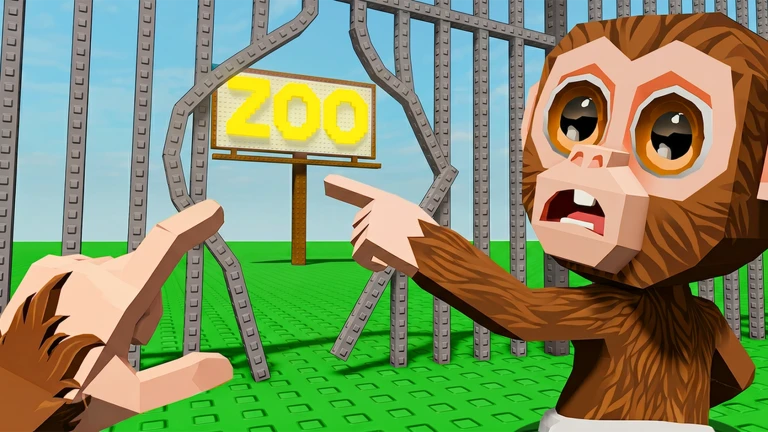
The more you upgrade the zoo itself, the more money guests leave behind. Collecting a wide variety of animals pulls in more guests.
- Collect as many different animals as you can to draw a bigger crowd of guests.
- Each new cage brings a different animal, so spreading out your purchases over time diversifies your collection.
Reaching a five-star zoo
Tips
Guest satisfaction drives your star rating, and guest satisfaction comes from having lots of animals in a well-upgraded zoo.
- Keep buying cages to grow your animal count — more animals attract more guests.
- Upgrade continuously so each guest's satisfaction stays high.
- A five-star rating rises on its own as your zoo grows.
Glossary
Glossary- Cage
- A purchasable enclosure that unlocks a new animal the moment you buy it.
- Guest
- A visitor who comes to your zoo and leaves money behind; more animals means more guests.
- Upgrade
- A paid improvement to your zoo or its animals that increases how much money guests spend.
- Offline earnings
- Money that accumulates in your zoo while you are logged off, ready to collect when you return.
Common questions
FAQDoes my zoo earn money when I close the game?
Yes — guests keep visiting and spending even while you are offline. The longer you stay away, the more cash will be waiting when you come back.
How do I unlock new animals?
Buy a cage and a new animal appears inside it straight away. Every cage purchase brings a different animal, so buying more cages directly expands your collection.
Can I reach the end of the game without paying real money?
Yes. Paid options only speed things up rather than unlock anything exclusively. If you are willing to wait, you can get there for free.
What actually raises my star rating?
Guest satisfaction determines your rating, and guests are happiest when your zoo has lots of animals and strong upgrades. Simply continuing to progress moves your rating upward.
Game updates can change what is on this page. If you spot something, get in touch and let us know.
