
Catalog Avatar Builder Guide: What this game actually is
About
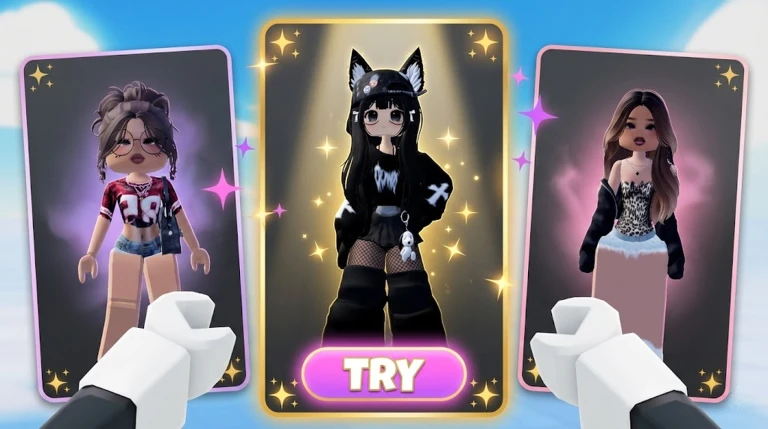
OverviewCatalog Avatar Builder is a free Roblox game where you can try on millions of items from the Roblox catalog — including limiteds, headless bundles, hair combos, animations, and more — before spending a single Robux.
What is on this page
Contents
What this game actually is
Summary
Catalog Avatar Builder is not a shopping cart or a dress-up minigame with its own wardrobe. Every item you see is a real Roblox catalog item. Trying things on is completely free, and if you decide to buy something, that purchase goes directly to your Roblox inventory and works in every Roblox game you play.
- Try-on free for every item in the catalog, including rare and limited ones
- Purchase optional, costs Robux, and adds the item to your permanent Roblox inventory
- Scope hats, hair, faces, makeup, clothing, accessories, animations, and full bundles are all supported
- Portability anything bought here is usable across all Roblox games, not just this one
MetaNew Player Survey
The next survey is being prepared.
Building your avatar from scratch
Step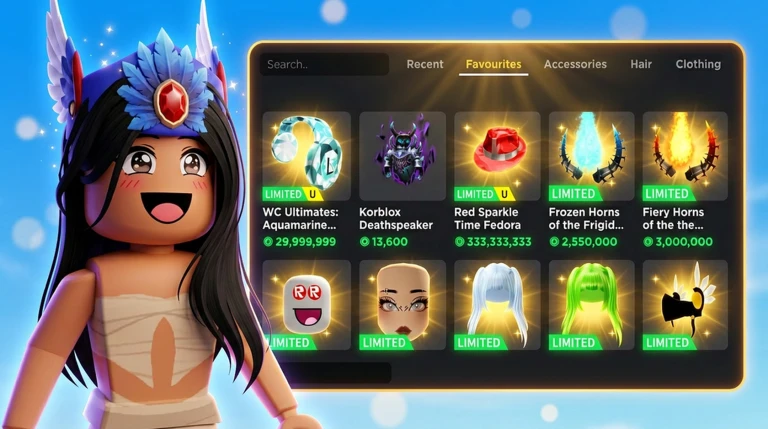
The game has a menu that lets you pick items by category. You can go back and change any single piece without starting over.
- Pick a hair style choose from individual hair items or pre-made hair combos and bundles
- Set your face and makeup adjust facial features and colour to match the look you want
- Choose your body set skin colour and body type before adding clothes on top
- Layer clothing and accessories stack hats, shirts, pants, shoes, and other accessories
- Check the full look rotate the view to see your avatar from all angles before you decide
Finding the right items
Tips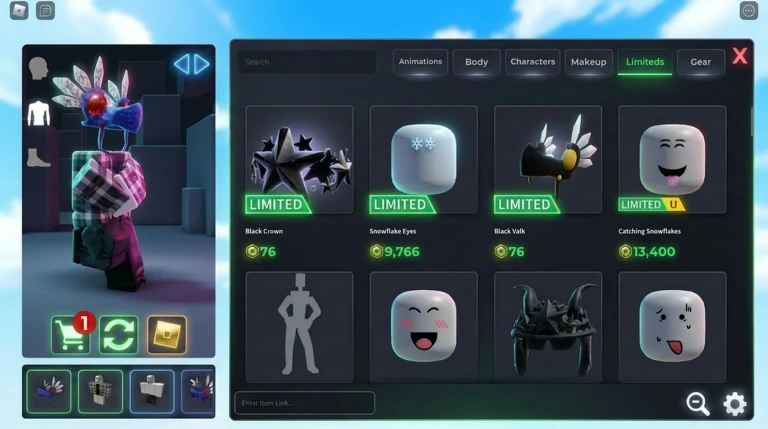
With millions of catalog items available, searching by tag or category is a way to stay on track. You can also browse limiteds and rare items from their own dedicated sections.
- Use style tags like Y2K, streetwear, or fantasy to narrow the catalog down to a theme
- Browse the limiteds and rare-items section to try on headless and Korblox looks at no cost
- Check a friend's avatar in-game and try on the same items to see how they look on your character
Saving and sharing your outfits
Check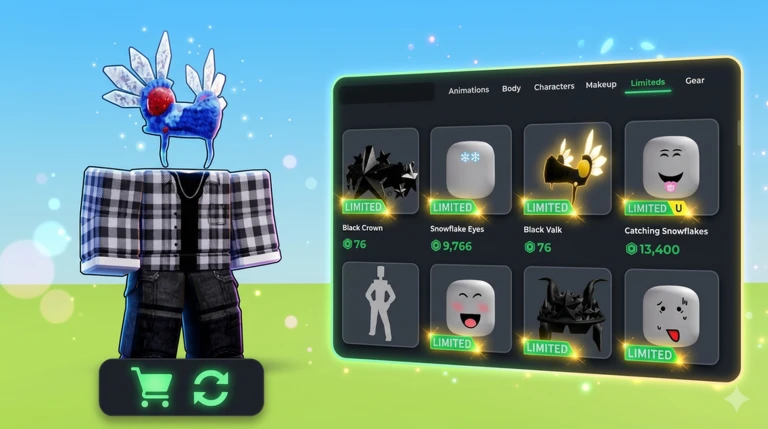
Once you have a look you like, the in-game save feature stores it so you can restore it later. Keeping several saved designs lets you match different moods or occasions. When you are with friends, comparing saved looks side by side is part of the fun.
- Finished putting together a look save it before you start experimenting with a new one
- Want to revisit an old design open your saved list and restore it in a few taps
- Hanging out with friends pull up your saved outfits to show them off and get feedback
Playing with friends
Tips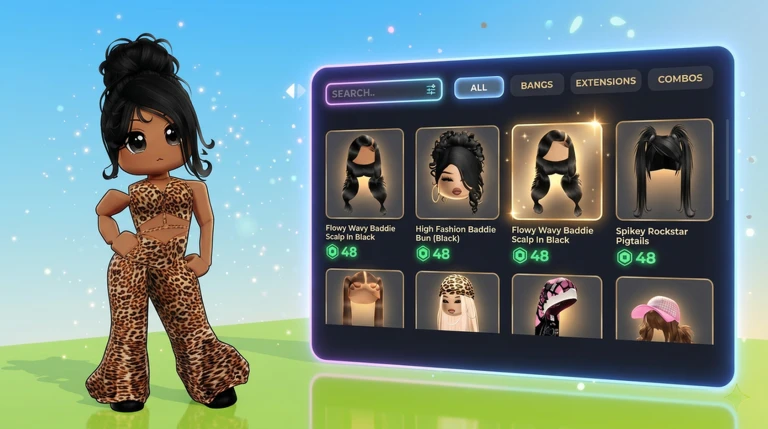
You and your friends can join the same session and spend time in the lobby or hangout areas together.
- Join the same server as your friends so you can see each other's avatars in real time
- Use the hangout space to compare looks and enjoy the creative side of Roblox avatars as a group
- Match fits with friends
What costs money and what doesn't
WarnEverything up to and including saving a design costs nothing. The moment you want to take an item out of this game and use it as your real Roblox avatar, you need to purchase it through the catalog. Limiteds and rare items can be expensive, so using the free try-on feature before buying is exactly what the game is designed for.
Community strategy ideas
CommunityThese ideas and tips come from people playing the game. Share your discoveries too!
No strategy ideas yet. Share a tip you discovered.
Share a strategy idea
Catalog Avatar Builder
Glossary
Glossary- Catalog
- The official Roblox marketplace where millions of items — from hats to full body bundles — are listed for sale.
- Limited
- A catalog item that was only sold during a specific window; once that window closes, no new copies can be purchased.
- Korblox
- A well-known Roblox bundle that replaces one of the avatar's legs with a skeletal design.
- Robux
- Roblox's premium currency, required to purchase items from the catalog.
- Inventory
- The personal list of every item you own on Roblox; anything you buy in this game is added here automatically.
- Bundle
- A catalog package that includes multiple avatar parts — such as a full body, animations, or a complete hair style — sold together.
- Hair combo
- A hairstyle made by layering two or more separate hair items to create a single combined look.
Common questions
FAQHow do I actually own an item I tried on?
Find the item in the catalog listing inside the game and purchase it with Robux. Once you buy it, it goes straight into your Roblox inventory and is usable in every Roblox game.
Can I save more than one outfit?
Yes — the game lets you save multiple avatar designs. You can open your saved list at any time and restore whichever design you want without rebuilding it from scratch.
Is there anything to do here besides designing alone?
You can join the same session as friends and hang out in the shared lobby spaces together. Comparing outfits, matching fits, and getting feedback on designs are all part of the experience.
Can I try on a limited item even if I cannot afford it?
Yes. Trying on any catalog item — including limiteds, headless bundles, and rare items — is completely free inside this game. The cost only applies if you decide to purchase and keep it.
Game updates can change what is on this page. If you spot something, get in touch and let us know.
