
Build Sandbox Guide: Core building actions
About
OverviewBuild Sandbox is a free-form building game where you place and shape blocks to make anything from a small house to a full city. This guide walks you through the basics, saving your work, and building with friends.
What is on this page
Contents
Player notes and tips
Found a useful trick? Share it with everyone! Notes with screenshots are welcome!
Write a guide note
Build Sandbox [🛠️]
Core building actions
Check
Building in Build Sandbox comes down to three repeated actions. Once you are comfortable with all three, you can construct practically anything.
- Place a block by clicking where you want it to appear in the world.
- Remove a block with the delete tool whenever a part of your build is in the wrong spot.
- Change a block's color by picking a shade from the color palette.
- Move the camera around your build regularly so you can spot mistakes from different angles.
MetaNew Player Survey

The next survey is being prepared.
Saving and reloading your build
Step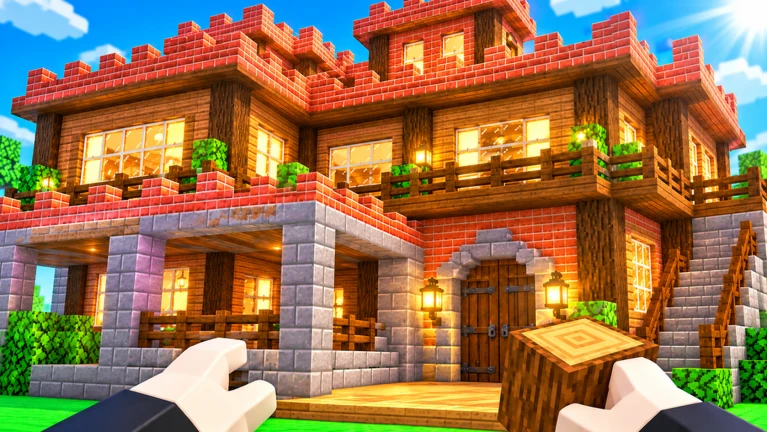
Build Sandbox gives every player a free private server to store their work. Your builds stay there between sessions, so a big project can be finished over many play sessions.
- Open the save screen
find the save option in the menu.
- Name your build
give it a title you will recognize later.
- Hit save
the build is written to your private server.
- Reload next time
when you come back, select your saved build from the list to continue working on it.
- Delete carefully
if you remove a save from the private server it is gone for good, so double-check before confirming.
Building with other players
Tips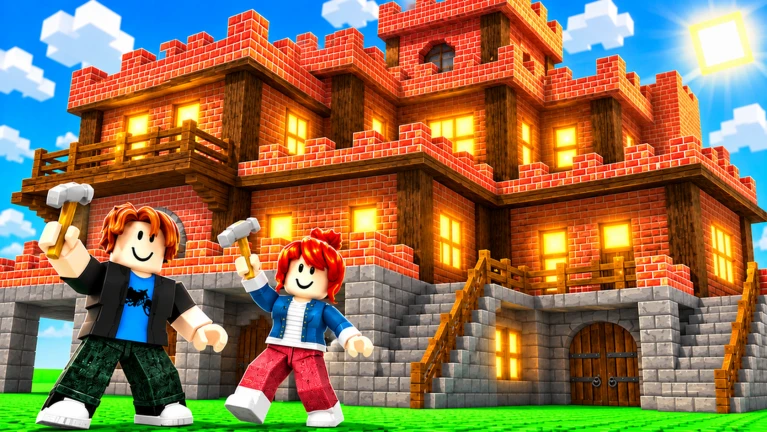
One room holds up to sixteen players at once, which makes large collaborative projects possible. A quick conversation before you all start building saves a lot of rearranging later.
- Agree on a theme before anyone places a single block.
- Split the map into zones so each person has a clear area to work in.
- Check where others are building before you start dropping blocks in a shared space.
Glossary
Glossary- Private server
- A personal space, free for every player, where your builds are stored between sessions.
- Block
- The basic cube-shaped unit you stack and arrange to form buildings and structures.
Common questions
FAQCan I build together with my friends?
Yes — if your friends join the same server, you all build in the same space at the same time. A single room supports up to sixteen players, so group projects of any size are possible.
How do I delete a saved build I no longer want?
Open the save screen, select the build you want to remove, and choose the delete option. Once it is deleted it is gone from your private server, so make sure you really want to remove it before you confirm.
Game updates can change what is on this page. If you spot something, get in touch and let us know.
