
My KPop Idol Binder — The basic loop
About
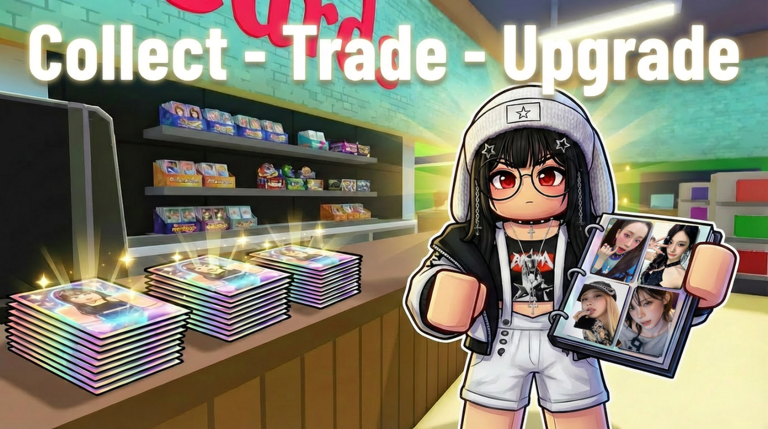
OverviewMy KPop Idol Binder is a Roblox collection game where you open packs to get K-Pop photocards, build a personal 3D binder, and chase rare mutations.
What is on this page
Contents
The basic loop: packs, cards, and your binder
Step
You start by spending in-game money on packs, then open them to receive photocards. Each card you collect can go straight into your 3D binder, where your whole collection is displayed. Sell cards you do not need to earn money back, then put that money toward more packs — that cycle is the core of the game.
- Buy a pack spend your in-game money at the pack shop.
- Open the pack each pack contains photocards across multiple tiers.
- Add cards to your binder place what you want to keep into your 3D collection.
- Sell duplicates or unwanted cards turn them into cash you can reinvest.
- Repeat use the money to buy the next pack and keep expanding your collection.
Card tiers and mutations
TipsCards come in multiple tiers, so some are more common than others right out of the pack. On top of the normal tier system, certain cards can appear as mutations — alternate versions that are harder to find. There are two mutation types to chase.
- Every card belongs to a tier; higher tiers are rarer pulls from packs.
- Golden mutations are a rarer version of a card, above the standard tier.
- Diamond mutations are even harder to find and sit at the top of the rarity ladder.
Upgrading your cards
Check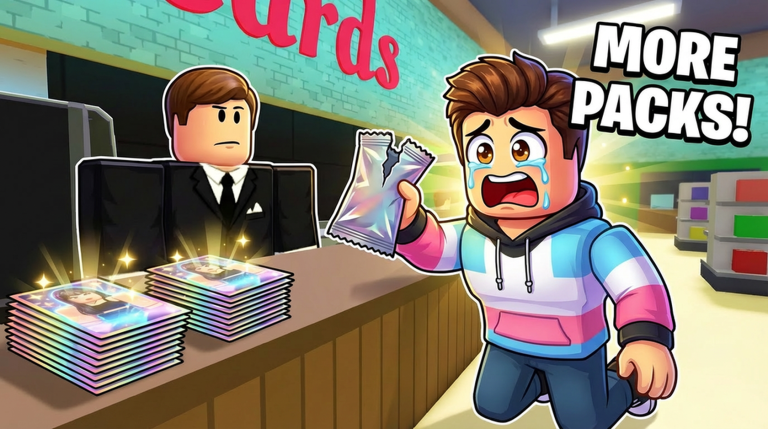
The upgrade feature lets you push a card's grade higher than where it started. A higher grade means more money if you ever sell that card.
- Use the upgrade feature on a card to raise its grade.
- Upgrading a card increases its sell value.
Trading, gifting, and card pets
TipsUp to eight players can be in the same room at once. You can send a card directly to a friend as a gift, or open a trade to swap cards with another player. Separately, you can equip one of your cards as a Card Pet, and it will follow you around as you play.
- Trade with other players to get cards you are missing.
- Gift a card to a friend if they are looking for something you have extras of.
- Equip a Card Pet from your collection — it follows you around the whole session.
- New cards and features are added regularly.
Glossary
Glossary- Photocard
- A collectible card featuring a K-Pop idol, and the main item you gather throughout the game.
- Binder
- Your personal 3D collection book where you display and organize the photocards you have earned.
- Tier
- The rarity level a card belongs to, with multiple tiers available.
- Mutation
- A rare alternate version of a card — either Golden or Diamond — that is harder to find than the standard version.
- Card Pet
- A card you equip so it follows you around as a companion during your session.
- Upgrade
- A feature that raises a card's grade, increasing its rank and sell value.
Common questions
FAQHow many players can be in the same room?
Up to eight players can share one room, making it easy to find someone to trade with or gift cards to.
Will there be new cards to collect over time?
New cards and features are added to the game on a regular basis, so your collection targets will keep growing.
Game updates can change what is on this page. If you spot something, get in touch and let us know.
