 Upcoming
–
Revamp Update
This is the update of all time release date is not final

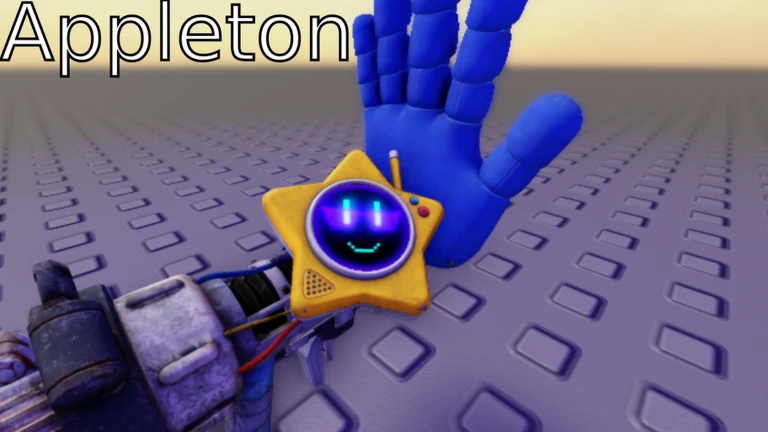
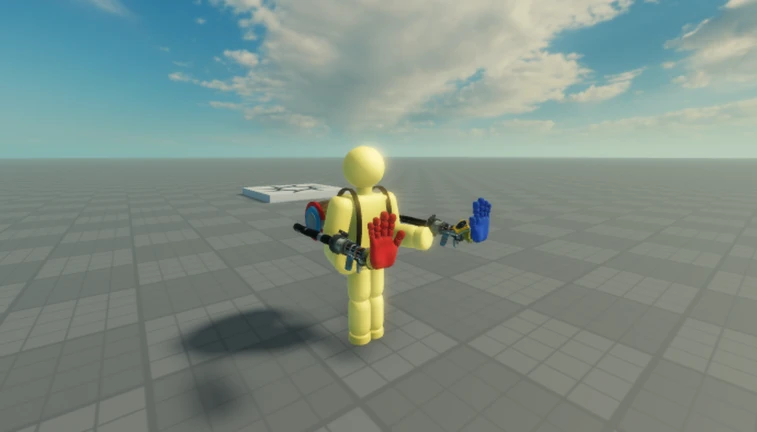
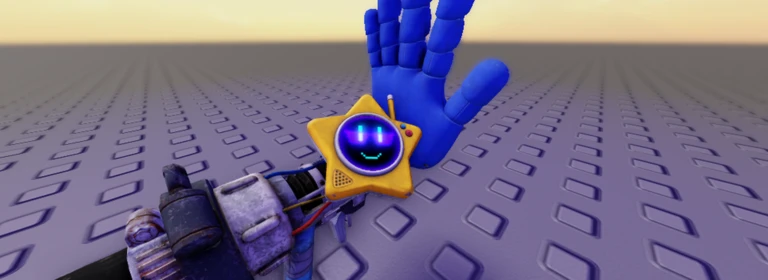
Welcome to Appleton's Grabpack system!
PC Controls
* Left Mouse Button — Shoot the left hand
* Right Mouse Button — Shoot the right hand
* F — Toggle Flashlight (if equipped)
* V — Toggle Blacklight (if equipped)
* Q or 1–6 — Switch hands
* G — Drop the item you’re holding
* Left Shift (Hold) — Sprint
Inspired by Poppy Playtime by MOB Entertainment!
Game Icon by: NotJay
Some assets are sourced from Sketchfab.
Inspired by “A Grabpack Test” by elian1303 and his team.

The next survey is being prepared.
Difficulty, whether it works on your own, whether it works in Japanese, how it plays on a phone, and how far you get without paying. All five come from people who have actually played it.
Nobody has rated this game yet.
Upcoming
–
This is the update of all time release date is not final
Guide
[UPDATE] Lockwood’s Grabpack System Guide
Read the guide →
 (UPD)Find the Crayons 🖍️ (260!)
Rating80%
Playing5
 Geometry Blox
Rating33%
Playing5
 BEAT BOUNCE 🎶 (GEOMETRY DASH)
Rating72%
Playing2.2K
 Poly Dash (Geometry Dash)
Rating62%
Playing545
 Worm Tower
Rating83%
Playing3
 Nimbit
Rating67%
Playing0
 [🎣 UPD] MOUNT PINKKY
Rating87%
Playing0
 🏫 Matematika Tower
Rating83%
Playing0
You can manage your lists from My Games.
Answers are only counted as totals. Names and individual answers are never shown.
Before you start
Please check the following before using MetaNew.
* You can change your email preference any time from your profile.
