Games listed 43,680
Game guide

Lockwood’s Grabpack System Guide: Core controls for both hands

[UPDATE] Lockwood’s Grabpack System
Appleton's Community :D, Playing 205, Rating 73.6%
Creator Appleton's Community :D
Playing 205
Rating 73.6%
Is this game fun?
No votes yet. Cast the first one.

About

Overview

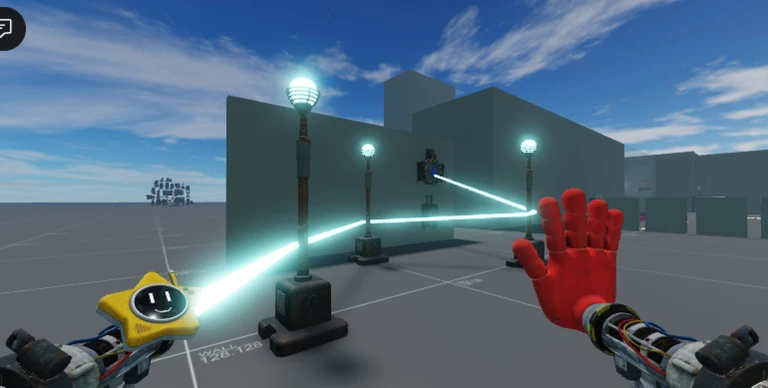
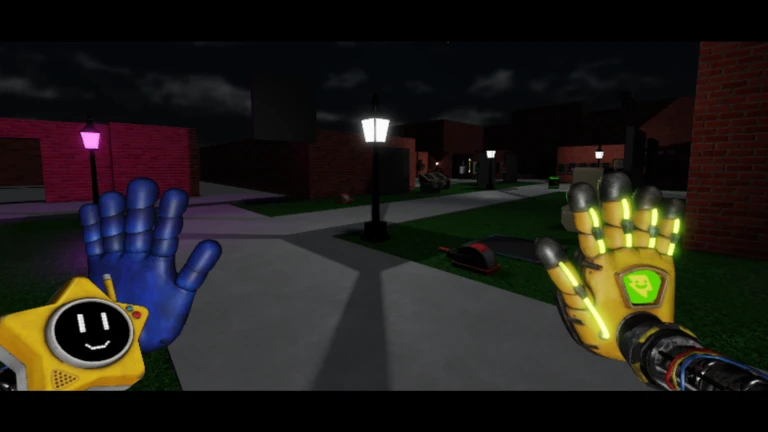
Lockwood's Grabpack System is an obstacle and puzzle game where you control a pair of mechanical hands to grab objects, cross gaps, and reach each stage's goal. The game has six completed maps and two more badges that are not yet obtainable. This guide covers the controls, how to handle tough stages, and how to manage your equipment so you can keep moving forward.

What is on this page

Contents

Player notes and tips

Found a useful trick? Share it with everyone! Notes with screenshots are welcome!

01

Core controls for both hands

Check
In short Every action in the game runs through two independent hands, so knowing which button fires which hand is the first thing to get right.

On PC you fire each hand separately using the two mouse buttons. On mobile, on-screen buttons replace the mouse, and a joystick handles movement instead of a keyboard. Both platforms let you reach every stage.

  • Left Mouse Button shoots the left hand on mobile use the left on-screen button
  • Right Mouse Button shoots the right hand on mobile use the right on-screen button
  • W, A, S, D moves your character mobile uses a joystick instead
  • Left Shift held down makes you sprint
  • F toggles the flashlight when you have one equipped
  • Z unlocks or relocks the mouse cursor on PC
Ask on the board
02

Switching and dropping equipment

Step
In short Swapping hands and dropping items at the right moment keeps you prepared for whatever the current stage throws at you.

Your grabpack can hold different hand types and tools, and you can change between them without stopping for long. Dropping something you no longer need frees you up to grab something more useful.

  1. Switch hands press Q or any number key from 1 to 6 to cycle through what you have equipped
  2. Toggle the flashlight press F to light up dark areas when the flashlight is part of your loadout
  3. Drop a held item press G to put it down so you can grab something else
03 Live and upcoming events Events

Events running now or coming soon. They have fixed dates, so check them first.

Upcoming –

Revamp Update

This is the update of all time release date is not final

See the whole schedule
04

Maps and completion badges

Tips
In short There are six earnable badges right now, one for each completed map, with more planned but not yet available.

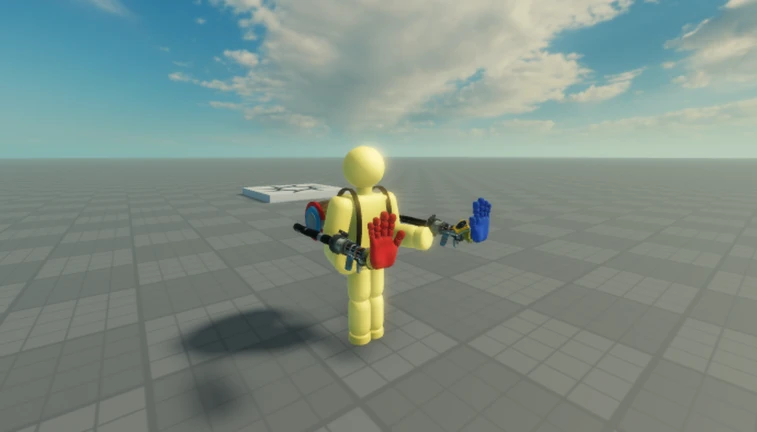
The game has six maps, each rewarding a badge when you escape it.
Tips worth knowing
  • Maps 1, 2, 3, and 4 each award their own badge on escape
  • Map 5 and Map 6 each have their own completion badge
  • Two further badges exist in the game but cannot be earned yet
05

Getting through a stuck stage

Tips
In short Stopping to look around and using the skip option when needed stops a single hard stage from blocking your whole run.

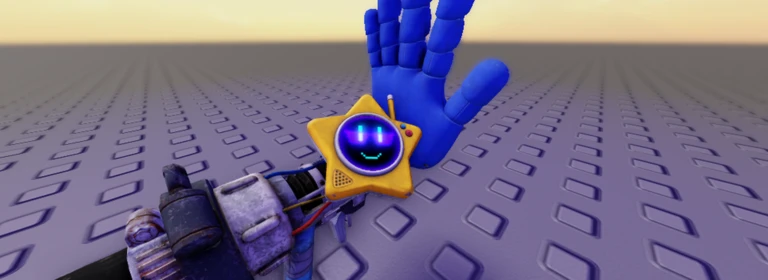
Stages hide their solutions in the layout of objects around you. If you cannot clear a stage, the game lets you skip it and come back whenever you are ready. Checkpoints save your progress mid-stage, so a failed attempt does not always send you all the way back to the start.
Tips worth knowing
  • Stop moving and look at every platform and object before committing to a path
  • Reach a checkpoint and your progress to that point is saved automatically
  • Skip a stage you cannot beat and return to it later — you are not locked out permanently
06

Free-to-play access

Summary
In short Nothing in this game requires spending Robux, including the stage skip feature.

Every stage and every feature described in this guide is available without any purchase. The skip option that lets you jump over a difficult stage is open to all players.

  • All stages open to every player at no cost
  • Stage skip free to use at any time
  • Mobile and PC access both platforms, both free

Glossary

Glossary
Grabpack
The two-handed mechanical system you control in the game, with each hand operated independently to grab objects and solve puzzles.
Checkpoint
A mid-stage save point that records your progress so a failed attempt sends you back there rather than to the very beginning.
Stage skip
A built-in option that lets you bypass a stage you cannot clear and continue forward, with the option to return and try it again later.
Sprint
Faster movement activated by holding Left Shift on PC.

Common questions

FAQ

Can you play on mobile the same way as on PC?

The controls are different — mobile uses on-screen buttons and a joystick instead of a mouse and keyboard — but every stage is available on both platforms. Nothing is locked to one version.

What should you do when a stage feels impossible?

Use the skip feature to move on and come back to the stage later.

Do you need to spend Robux to finish the game?

No. Every stage and every feature, including the skip option, is free. You can reach the end of the game without any purchase.

How many maps are in the game?

There are six maps you can complete right now, each awarding its own badge when you escape. Two additional badges exist in the game but cannot be earned yet.

Updated Oct 24, 2026
Game updates can change what is on this page. If you spot something, get in touch and let us know.
[UPDATE] Lockwood’s Grabpack System Appleton's Community :D, Playing 205, Rating 73.6%
See the game pageAsk on the board
Add it to your home screen and it works like an app. One tap to open, and it loads faster after that.