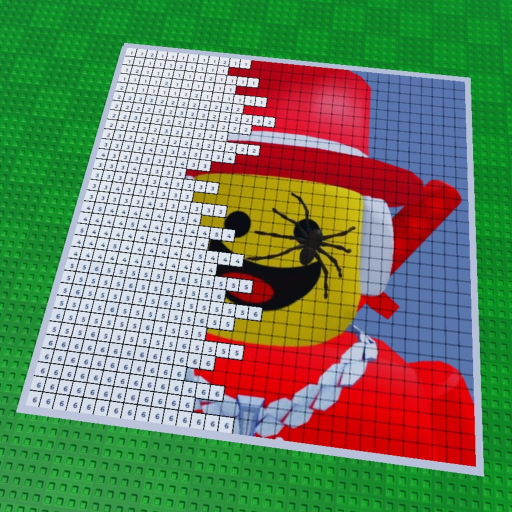
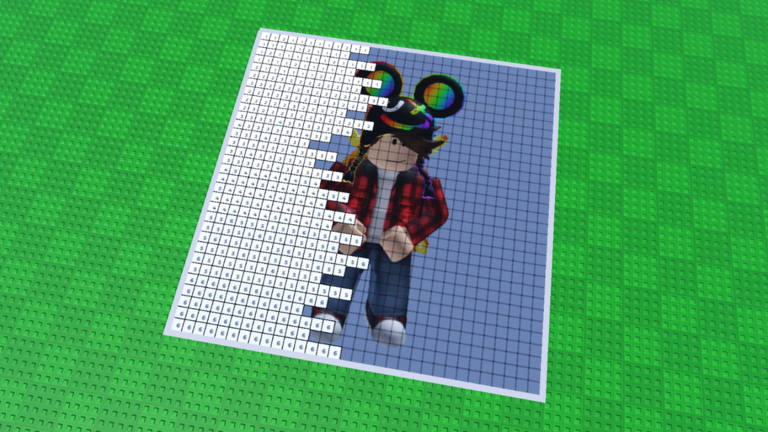
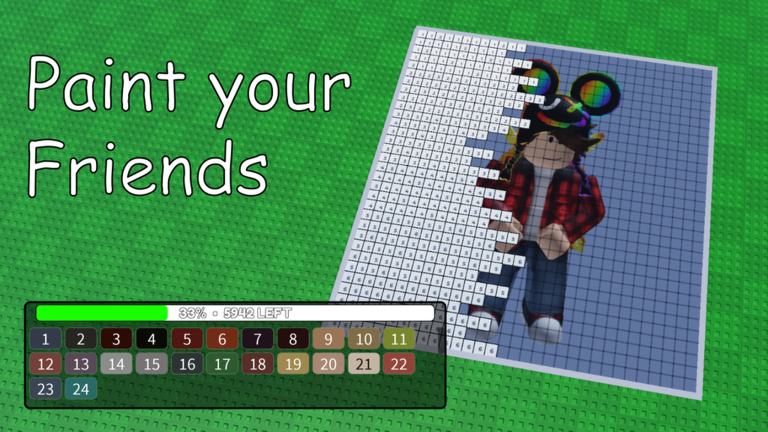
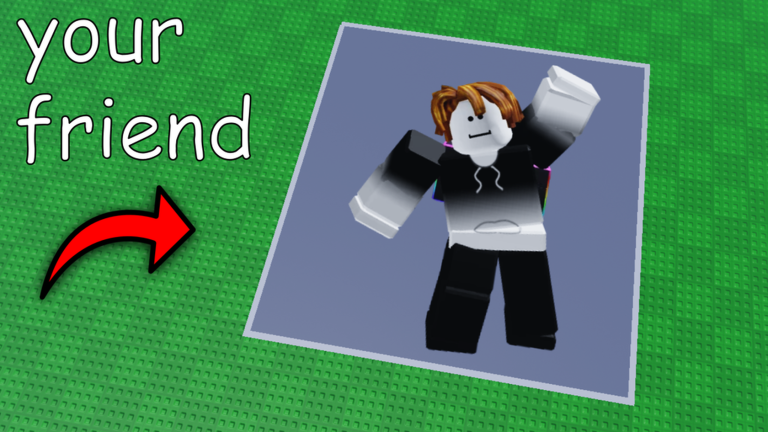
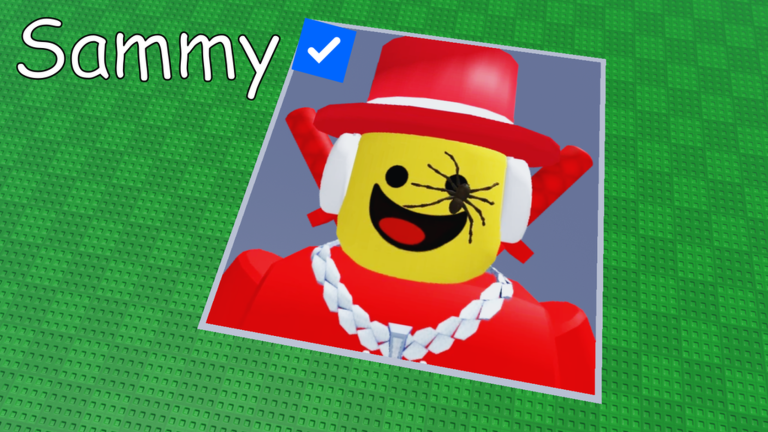
Paint your Friends! is a block-by-block coloring game where you load a photo of a friend or celebrity onto your canvas and paint it one block at a time. This guide covers how to get started, how to finish a painting, how to play with friends, and how to earn all four badges.
In shortClaiming a plot and opening your canvas are the two things you must do before any painting can begin.
When you first load into the game, nothing is yours yet — you need to claim a plot before you can paint. Once you have one, sit down on it to open the canvas, then choose the photo or icon you want to color. From that point on, you just match each block to the color you see in the reference image.
Claim a plotfind an unclaimed spot in the game world and take it as your own workspace.
Sit on your plotsitting down is what lets you open the canvas interface.
Load an imagepick a friend's icon, a celebrity's photo, or any image you want to recreate.
Read the colorslook at the reference image and match each block to the color shown there.
In shortGrouping blocks of the same color together is the quickest way to work through a canvas.
The canvas is made up of many small blocks. Because the game saves automatically, you can leave and come back at any time without losing progress, and you can repaint any block as many times as you like until the result looks right.
Tips worth knowing
Pick one color and paint every block of that color before switching to the next.
Do not worry about mistakes — every block can be repainted as many times as you want.
Leave whenever you need to; your work saves automatically and will be waiting for you.
Once you are happy with the result, share your finished painting with other players worldwide.
03Live and upcoming eventsEvents
いま開催中・開催予定のイベントです。期間が決まっているので先に確認しておきましょう。
UpcomingOct 12 – Oct 19
Customization
Better late than never am i right guys 😂😂
Change color, texture, material, etc
It will be free for the duration of …
In shortUp to seven players can paint together in one room and see each other's changes instantly.
Joining the same room as a friend means you can both paint on canvases side by side and watch each other's blocks change color as it happens. A single room holds at most seven players. Solo play is equally valid — the game is designed to be relaxing either way.
Make sure everyone you want to paint with joins the same room.
Keep your group at seven people or fewerthat is the maximum one room allows.
Watch your friends' blocks update on your screen in real time as they paint.
05
All four badges and how to earn them
Table
In shortThree of the four badges are completely in your hands; the fourth depends on running into the developer in-game.
The game has exactly four badges. Two of them unlock through normal play, one requires the developer to see your work, and one requires you to meet the developer inside the game. Finishing a single painting is the milestone that opens up badge progress beyond the first.
Welcome!
awarded just for opening and playing the game.
Completed a Drawing
awarded when you finish your first full painting.
You painted me!
awarded when the developer sees your painting.
You met the creator
awarded when you encounter the developer in-game.
06
What costs nothing
Summary
In shortEvery core feature of the game, including painting, saving, sharing, and earning badges, is free.
You do not need to spend anything to get the full experience. Painting, automatic saving, sharing your finished work with the world, and collecting all four badges are all available without any purchases.
Painting free for all players.
Automatic saving free for all players.
Sharing creations free for all players.
Badge collection free for all players.
Glossary
Glossary
Plot
A personal space you claim in the game world; you must sit on it to open your canvas.
Canvas
The painting surface that displays your chosen image block by block, ready for you to color.
Block
One of the small squares that make up the canvas; each block gets its own color.
Badge
An in-game achievement that appears on your Roblox profile when you meet a specific condition.
Common questions
FAQ
Will I lose my painting if I leave mid-way through?
No — paintings save automatically. You can close the game at any point and pick up exactly where you left off when you return.
Can other players see my finished painting?
Yes. Once you are done, you can share your creation and other players around the world will be able to see it.
How many people can paint together in one room?
One room holds a maximum of seven players.
Can I redo a block I already painted?
Yes, every block can be repainted as many times as you like.
Updated Oct 1, 2026
Game updates can change what is on this page. If you spot something, get in touch and let us know.