
Vehicle Crash Physics X Guide: Basic controls to learn first
About
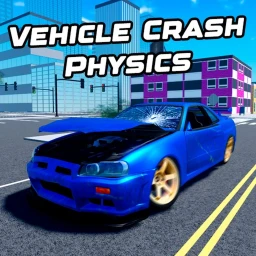
OverviewVehicle Crash Physics X is an open-world, free-roam simulator where you pick from over 180 vehicles — trucks, buses, sports cars, JDM cars, and more — and test how they handle, drift, and break apart. There are no missions or win conditions, so this guide walks you through the controls, the vehicle types, and the best ways to get the most out of the crash physics.
What is on this page
Contents
Basic controls to learn first
Check
Every vehicle uses the same core controls, so learning them once covers the whole game.
- W-A-S-D moves your vehicle forward, left, right, and backward.
- Shift while in a vehicle applies the handbrake this is separate from the sprint function on foot.
- Ctrl fires the nitro boost, but only on vehicles that support it.
- V switches between the normal camera and first-person view from inside the vehicle.
- H sounds the horn, and Y puts your character into ragdoll so you fall out of the vehicle.
- Z, X, and C control the left indicator, both indicators together, and the right indicator.
MetaNew Player Survey
The next survey is being prepared.
Police car extras
Tips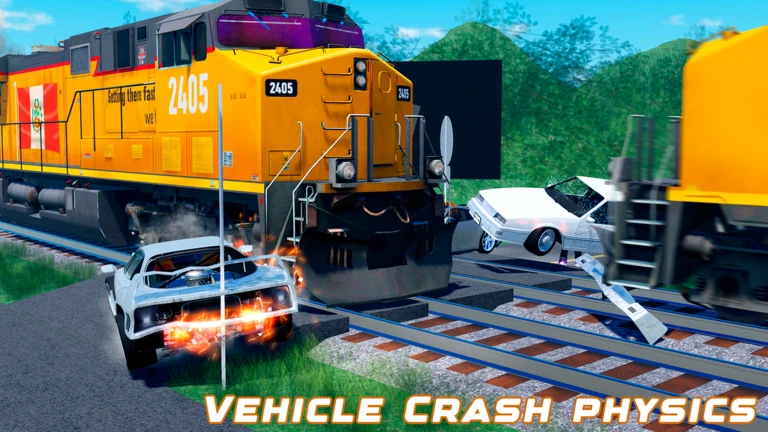
When you spawn a police car, three keys become active that do nothing on civilian vehicles.
- J toggles the siren lights on and off.
- R plays the wail siren sound.
- T plays the yelp siren sound.
How vehicle types handle differently
Table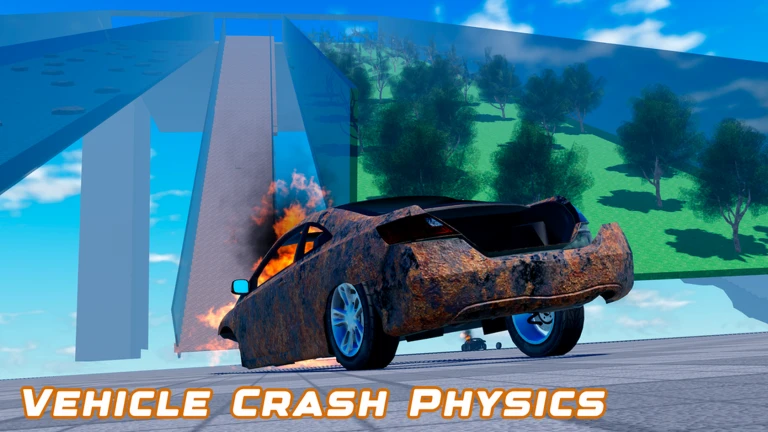
The game's physics engine means every category of vehicle behaves differently on impact and in corners. Trying several categories back to back is a way to feel the contrast.
| Trucks and buses | high mass, resistant to damage, sluggish steering |
| Sports cars and supercars | fast and agile, but body deforms easily in crashes |
| JDM cars and classic cars | distinctive handling character, nitro support varies by model |
| Special vehicles | limited to specific traits, some suited to drifting or physics tests |
Getting the most out of crash testing
Tips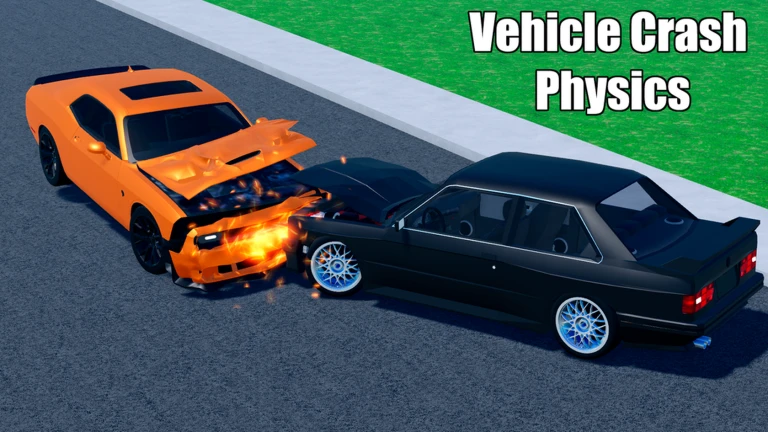
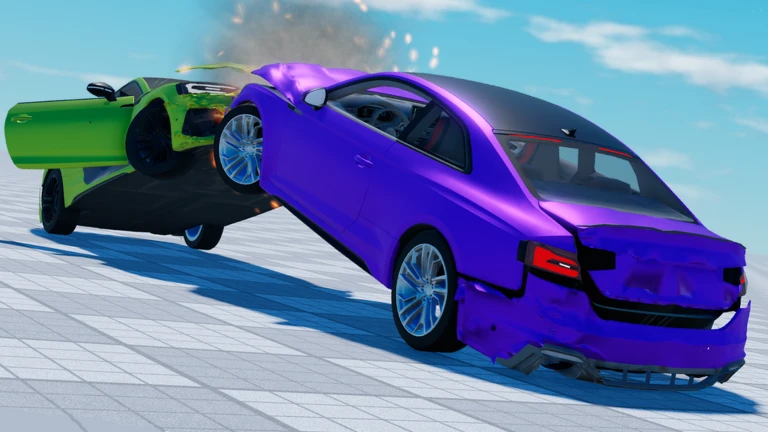
The game uses HARDBODY destruction physics, which means the way a vehicle breaks depends on how fast you hit something, what angle you come in at, and how the vehicle is built. Every vehicle in the roster of over 180 is free to use with no paywall.
- Try a slow-speed collision first to see minor damage before pushing to higher speeds.
- Hit the same wall head-on and then at an angle to compare how the body crumples differently.
- Crash two vehicles into each other to see how the heavier one pushes through.
- Use the ragdoll key after a big crash to exit the vehicle and walk around the wreck.
- Repeat the same impact with a truck and then a sports car to feel the weight difference directly.
Glossary
Glossary- HARDBODY destruction physics
- The physics engine this game uses, which calculates damage based on collision speed, angle, and vehicle structure to produce realistic-looking deformation.
- Handbrake
- Activated by Shift while in a vehicle; locks the rear wheels and causes the back of the vehicle to slide, making drifts possible.
- Nitro
- A short burst of extra speed triggered by Ctrl, available only on certain vehicles in the roster.
- Ragdoll
- Pressing Y makes your character go limp and separate from the vehicle.
- First-person view
- Pressing V while inside a vehicle switches the camera to the driver's-seat perspective.
- JDM car
- A category of vehicles modelled on Japanese domestic market cars.
- Free-roam
- A game format with no fixed path or objectives, where you can drive anywhere on the open-world map at any time.
Common questions
FAQAre there missions or goals to complete?
There are none. This is a free-roam simulator with no objectives or win conditions.
Do I need to spend Robux to access all the vehicles?
No. All vehicles are available to every player for free. Nothing in the roster is locked behind a paywall, so you can jump straight to any of the 180-plus options.
Why does nitro work on some vehicles but not others?
Only certain vehicles in the game are built with nitro support. Press Ctrl after spawning and you will know immediately whether a vehicle supports it.
Can I still use the handbrake and nitro in first-person view?
Yes. Switching to first-person with V does not disable any controls. Shift for the handbrake and Ctrl for nitro both work exactly as normal while you are in that view.
Game updates can change what is on this page. If you spot something, get in touch and let us know.
