
Be a Director Guide: Your first loop
About
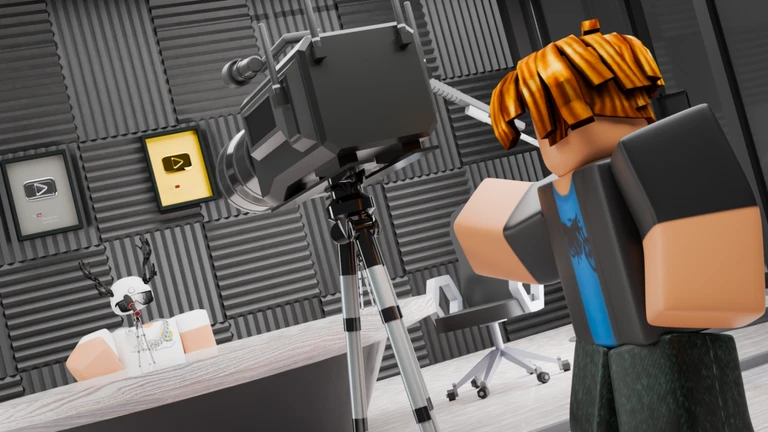
OverviewBe a Director (also called Clip Tycoon) starts you in a small garage and challenges you to build a full video production studio from the ground up. You shoot content, edit it into clips, upload them for cash, then spend that cash on better gear and staff.
What is on this page
Contents
Your first loop: shoot, edit, upload
Step
Everything starts in the garage with the basic gear already in place.
- Record content use the garage equipment to capture your first footage.
- Edit the recording turn the raw footage into a short clip at the editing station.
- Upload the clip post the finished clip to earn your first payout.
- Check your cash see how much you earned so you know what you can afford next.
Upgrading your studio facilities
Tips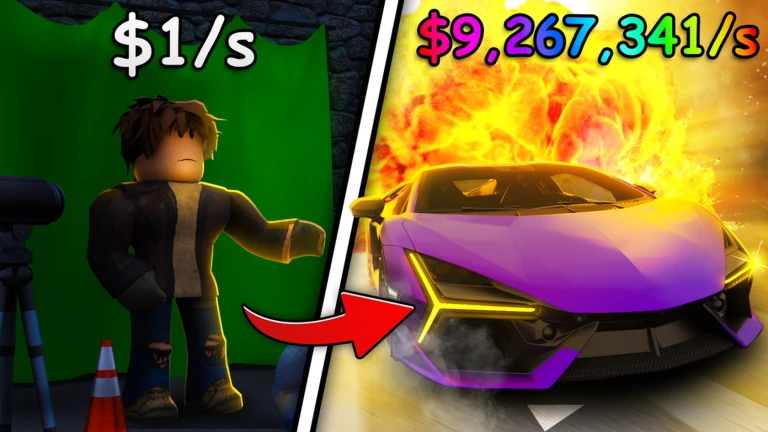
Every upgrade you make raises the quality of the content you can produce, which directly increases how much each upload pays.
- Better shooting equipment unlocks higher-value content that pays more per upload.
- Upgrading your editing setup increases the value of each finished clip.
- A higher facility level expands both the types and the quality of content you can record.
- Put earnings back into upgrades as soon as you can afford them.
Hiring staff and what each role does
Table
Once your studio is growing, you can hire cameramen, editors, and directors. Each role automates a different part of the pipeline, so the studio keeps producing even when you are not actively clicking.
| Cameraman | automates part of the recording process so footage accumulates on its own. |
| Editor | handles the editing step, reducing the manual work between recording and uploading. |
| Director | improves the overall efficiency of the whole facility. |
| Multiple staff combined | lets far more videos reach the upload stage in the same amount of time. |
Keeping progress safe
CheckYour studio layout, equipment, purchased upgrades, and current cash balance are all saved automatically while you play. When you come back after a break, everything is exactly where you left it.
- No save button to press saving happens on its own throughout your session.
- Upgrades and facility purchases are stored and will be there next time you log in.
- Money earned carries over between sessions.
- You can quit at any point without losing progress.
Redeem codes
WarnThe game distributes redeem codes that grant in-game rewards. Each code works only once per account, and codes do have expiry dates. As of October 22, 2026, five working codes were tracked for this game.
 REMOTE
700K
Money Boost Potion
1.5M
1M
Freebies
REMOTE
700K
Money Boost Potion
1.5M
1M
Freebies
Glossary
Glossary- Content
- The raw footage you record inside the game — higher-level gear and facilities let you capture more valuable content.
- Clip
- A piece of content after it has been edited down; uploading a clip is what earns you money.
- Upload
- The action of posting a finished clip to earn a cash reward.
- Upgrade
- Spending in-game cash to improve a piece of equipment or a studio facility so it produces better results.
- Staff
- Hired workers — cameramen, editors, and directors — who automate parts of the production process so the studio runs without constant input from you.
Common questions
FAQWill my progress disappear if I quit the game?
No. Everything — your studio, upgrades, and cash — is saved automatically. When you open the game again, you pick up exactly where you stopped.
How many players can be in the same session?
Up to six players can join one room at the same time.
Why should I bother hiring staff if I can do everything myself?
Staff automate the recording, editing, and facility management steps, which means more clips reach the upload stage without you having to click through each one.
Where do I find redeem codes?
Codes are distributed by the developers and through in-game announcements. Check regularly and enter any new code quickly before it expires.
Game updates can change what is on this page. If you spot something, get in touch and let us know.
