
Makeup Store Simulator Guide: First steps when you load in
About
OverviewMakeup Store Simulator is a tycoon game where you run a cosmetics shop — stocking shelves, selling to customers, and reinvesting your coins to grow a makeup empire. This guide walks you through starting out, growing your store, and what to do when sales slow down.
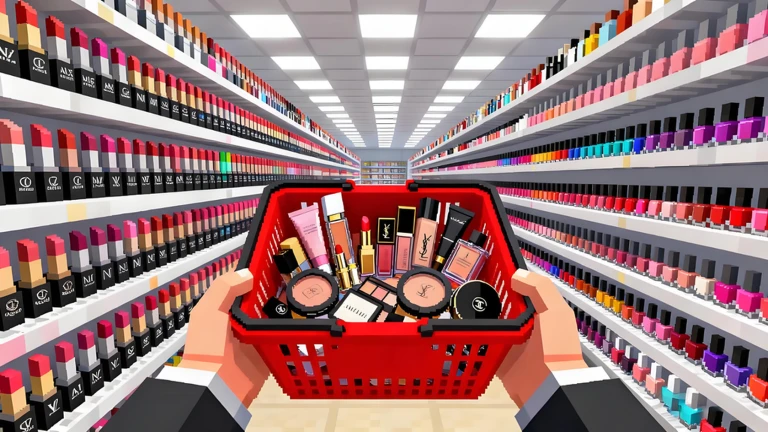
What is on this page
Contents
First steps when you load in
Step
The store is ready to go as soon as you join. Your first move should be grabbing a code reward, because the coins or items carry you through those early purchases. After that, the loop is simple: buy cheap cosmetics, put them on the shelf, and collect what customers pay you.
- Redeem a code open the code screen and enter it to collect your bonus coins or items straight away.
- Buy affordable cosmetics pick products you can actually afford with your starting funds.
- Stock the shelves place the items so customers can browse and buy them.
- Sell and collect wait for customers to purchase, then pocket the coins.
- Reinvest put those coins straight back into the next round of stock.
How codes work
CheckThe game has a dedicated code entry screen where you type in a code and receive the reward instantly. A new code drops once the game hits 80,000 likes, and updates to the game are also a common moment for fresh codes to appear.
- Each code works only once per account, so double-check your spelling before you hit confirm.
- Codes can expire, so use one as soon as you spot it.
- A new code releases when the game reaches 80,000 likes.
 BRUSH2025
$1,400 Cash
SKINCARE
BEAUTY2025
LIPSTICK2025
BRUSH2025
$1,400 Cash
SKINCARE
BEAUTY2025
LIPSTICK2025
When your sales stop growing
Check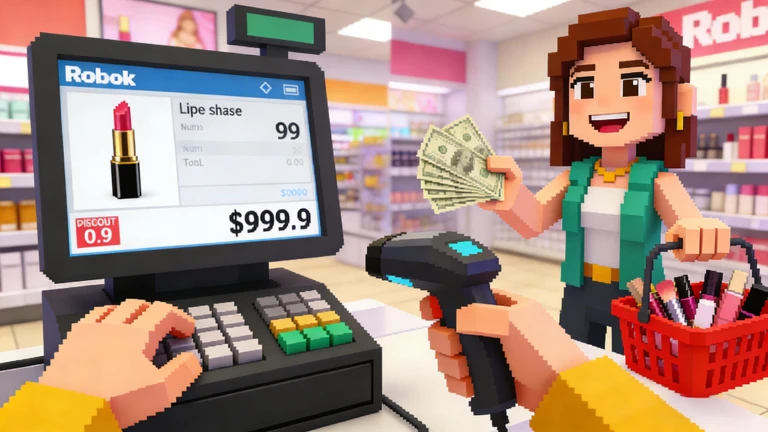
If coins are coming in slowly, run through this list before assuming something is broken.
- Check your product range selling only one type of cosmetic limits how many customers you can satisfy.
- Look for empty floor space unused areas are missed selling opportunities, so consider expanding.
- Hunt for overlooked upgrades new facilities or features sometimes get added and are easy to miss.
Free-to-play friendliness
Summary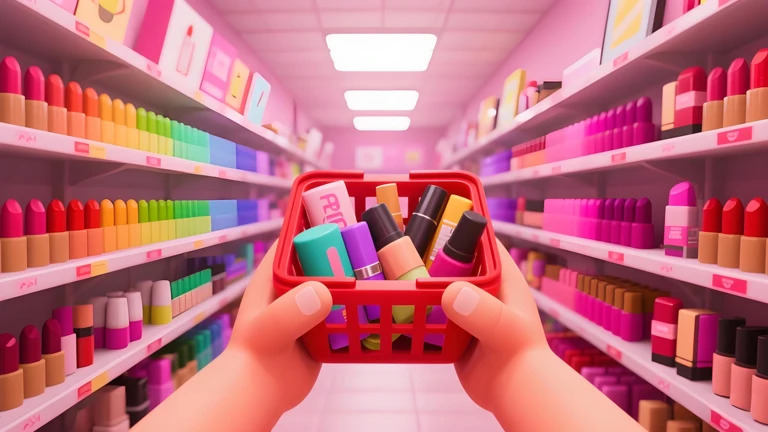
Every part of running the store — buying stock, expanding the shop, unlocking new areas — works without spending real money.
- Core loop fully playable without spending real money.
- Code rewards free bonus coins available to everyone who enters a code.
Glossary
Glossary- Tycoon
- A game genre where you build and manage a business, making investment decisions to grow it over time.
- Coins
- The in-game currency you earn from sales and spend on stock and store expansions.
- Restocking
- Spending coins to buy a new batch of cosmetics and place them on your shelves for customers to buy.
- Expansion
- Unlocking additional floor space in your store so you can display more products at once.
Common questions
FAQWhat should I do the very first time I play?
Enter a code as soon as you load in to grab your bonus coins. Then buy the cheapest cosmetics you can afford, stock your shelves, and sell to customers. Keep recycling those earnings into more stock and your store will grow from there.
Do I need to spend real money to make progress?
No — the full gameplay loop runs on coins you earn in-game.
How do I get new codes?
A new code drops once the game reaches 80,000 likes, and updates to the game are another moment when codes appear.
Game updates can change what is on this page. If you spot something, get in touch and let us know.
