
Strawberry Fields Tower — Getting started
About
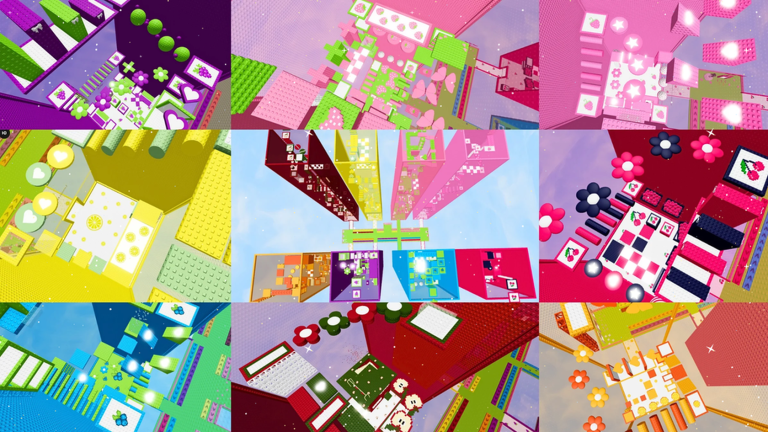
OverviewStrawberry Fields Tower is a fruit-themed obby on Roblox where you climb through seven colorful towers, from Strawberry all the way to Apple. This guide covers how to start out, how to handle each difficulty tier, and what to do when you get stuck.
What is on this page
Contents
Getting started
Step
When you load in, you land in the main Strawberry Fields area and can see the tower entrances around you. Approaching an entrance starts that tower's stage.
- Look around find where the seven tower entrances are before picking one
- Move around get comfortable with WASD on PC or the joystick on mobile before you climb
- Pick a tower walk up to the entrance for the one you want to try
Tower difficulty tiers
Table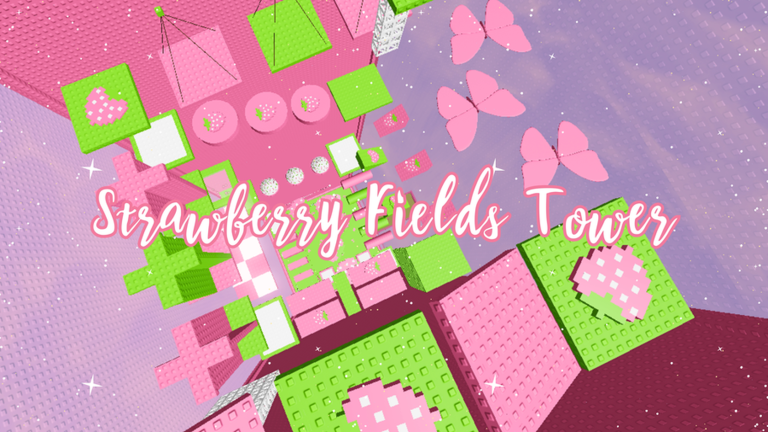
No official difficulty order is posted in the game, but the towers break into clear groups based on how much precision they demand.
| Beginner (Strawberry, Raspberry, Blueberry) | wider platforms and forgiving jump distances, good for learning the basics |
| Intermediate (Lemon, Cherry) | jump timing starts to matter, and mistimed leaps will cost you |
| Advanced (Grape, Orange, Apple) | complex platform layouts and fast reactions required throughout |
Camera and control tips
TipsThe game supports both PC mouse-look and mobile touch controls, and each has a best practice.
- On mobile, turn on Shift Lock so the camera stays fixed and your inputs feel more predictable
- On PC, swing the mouse to check your landing spot before you leave the platform
- Adjust your zoom distance until you can see both your character and the next platform at the same time
- During a fall, keep moving the camera so you can line up the landing before you hit
Earning all fourteen badges
Summary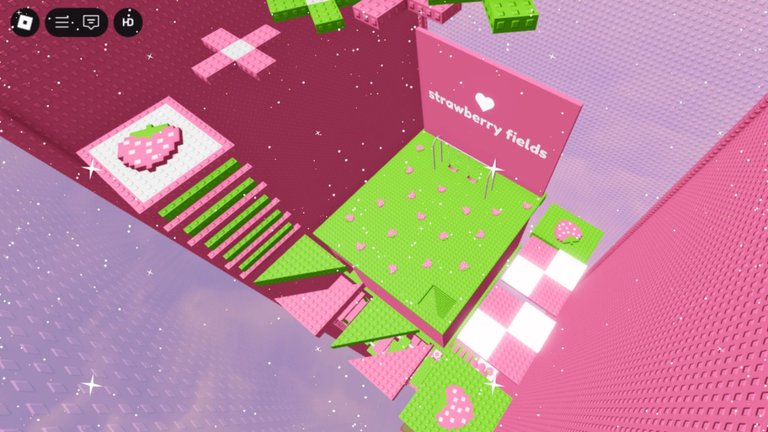
Badges are saved to your Roblox profile automatically. There is nothing extra to collect or buy; just reach the end of each tower.
- Raspberry Fields Tower Welcome badge for entering, Finished badge for completing
- Blueberry Fields Tower Welcome badge for entering, Finished badge for completing
- Lemon Fields Tower Welcome badge for entering, Finished badge for completing
- Cherry Fields Tower Welcome badge for entering, Finished badge for completing
- Grape Fields Tower Welcome badge for entering, Finished badge for completing
- Orange Fields Tower Welcome badge for entering, Finished badge for completing
- Apple Fields Tower Welcome badge for entering, Finished badge for completing
What to check when you are stuck
Check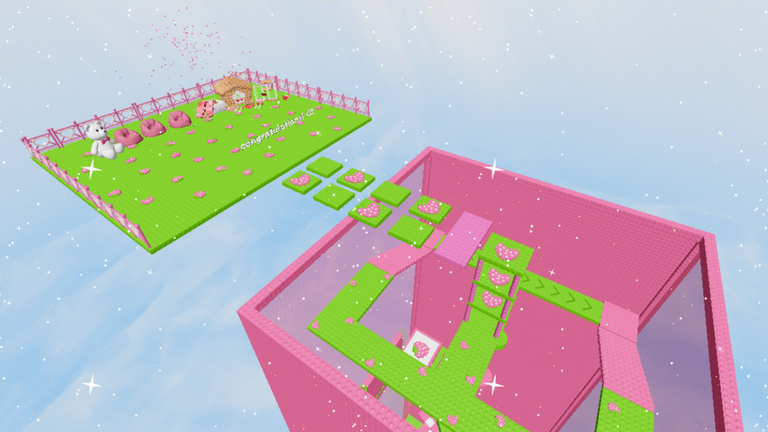
If you keep hitting the same spot, run through these before trying again.
- Is your camera showing the landing zone? Reposition it so you can see where you are going
- Are you jumping too early or too late? Try adjusting when you press the button by half a step
- Is your device registering inputs? Check that your keyboard or touchscreen is responding in-game
- Have you tried a different tower? Grinding a different stage builds the same skills with less frustration
- Have you taken a break? Stepping away and coming back fresh clears the tension that makes mistakes pile up
Free play and paid options
TipsYou do not need to spend anything to reach the end of any tower or to collect all fourteen badges. The paid features listed in the game are purely optional add-ons.
- All seven towers are free to enter and complete with no purchase required
- Private Servers let you play with friends only, but the standard public servers work fine for solo runs
- The /korblox and /headless commands change your character's appearance and have no effect on how hard the stages are
Glossary
Glossary- Obby
- Short for obstacle course — a Roblox game genre where you jump from platform to platform to reach the end.
- Shift Lock
- A mobile control mode that locks the camera to a fixed angle so your movement inputs feel more stable.
- Badge
- A permanent achievement saved to your Roblox profile when you reach a milestone, such as entering or finishing a tower.
- Private Server
- A paid server option that lets you play with only the friends you invite, separate from the public game.
- Command
- A slash-based input like /korblox or /headless that changes how your character looks without affecting gameplay.
Common questions
FAQDo I have to climb the towers in a specific order?
No set order is required, and you can start with any tower you like.
How do I play more comfortably on mobile?
Turn on Shift Lock to keep the camera from drifting while you move. Also experiment with your zoom level until both your character and the next platform are clearly visible at once.
Can I play with friends?
Public servers have other players in them, but each person climbs on their own. If you want a server with only your friends, you can rent a Private Server from the game's page.
Which tower is the hardest?
Grape, Orange, and Apple are positioned at the far end of the roster and demand the most precise jumps.
Game updates can change what is on this page. If you spot something, get in touch and let us know.
