
 Live now
–
Live now
–
Game guide
Catch a Monster Guide: First things to do when you start
Is this game fun?
No votes yet. Cast the first one.
About
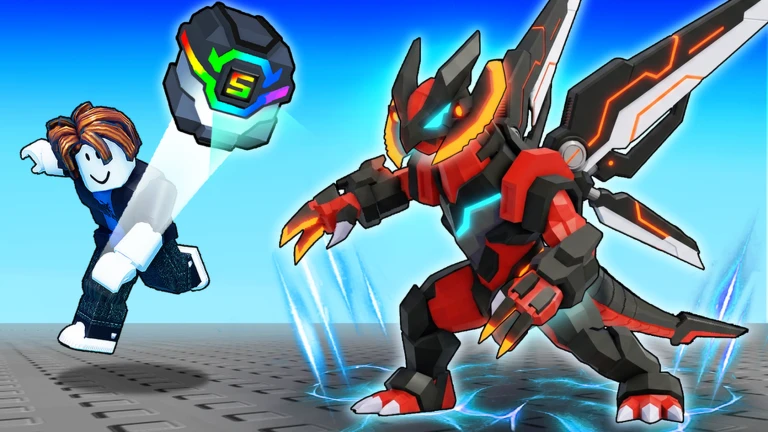
OverviewCatch a Monster is a Roblox collection game where you battle wild monsters, capture them with capture balls, hatch eggs, and build a team of three. This guide covers everything from your first few captures to building a strong squad, handling rare variants, and pushing through tough areas without spending Robux.
What is on this page
Contents
01
First things to do when you start
Step
02
Earning coins and building your squad early on
Check
03
Live and upcoming events
Events
04
Capturing wild monsters
Tips
05
Building a squad that covers all situations
Table
06
Ranks, synthesis, and what to keep
Warn
07
Working codes
Codes
08
Mutant variants and egg management
Tips
09
What to check when you are stuck
Check
10
Playing without spending Robux
Warn
11
Glossary
Words
12
Common questions
FAQ
01
First things to do when you start
Step
In short
Following the main quests while grabbing nearby monsters is the fastest way to learn the basics and unlock new features.
Before you run off exploring, focus on the main quests shown on your screen — they walk you through every core mechanic in order. Grab a few of the weak monsters nearby so you get comfortable with both fighting and capturing at the same time. Check the hub area early on to find the heal station, synthesis facility, capture ball shop, and incubator, so you are never searching for them mid-session. The big early targets are levels 5 and 7, where useful features unlock one after another.
- Follow the main quest it teaches the controls and game flow without you having to figure things out alone.
- Catch a few nearby monsters you practice capturing and battling at the same time.
- Put your strongest monsters in your squad prioritise the ones with the highest rank and best stats.
- Set any eggs you find into the incubator idle time becomes progress while you keep playing.
- Locate the hub facilities know where to heal, synthesise, buy balls, and hatch before you need them urgently.
- Push toward level 7 that is when notifications for auto-battle and other conveniences start arriving.
02
Earning coins and building your squad early on
CheckIn short
Repeat battles in an area you can win consistently, and move on only once your main three are all C-rank or above.
Early on, the two priorities are earning coins and strengthening your core three monsters. Find an area where you win reliably and grind it repeatedly rather than rushing into harder zones. Monsters you defeat can drop eggs or new captures, so always check what falls after a fight. Once coins build up, spend them on capture balls and upgrades for your main squad rather than spreading resources thin.
- Find a winnable area and repeat it a stable coin source beats chasing harder content too soon.
- Raise three monsters evenly a balanced trio is more reliable than one very strong and two weak.
- Keep the incubator full eggs hatch while you battle, giving you more options without extra effort.
- Back off when you cannot win return to a safer area and keep building before trying again.
- Aim for C-rank across all three before moving to the next zone that is a practical readiness check.
Stuck? Try a video
ROBLOX GIANT MONSTERS!
ROBLOX SEA MONSTERS!
Spending $928,458,589 To Catch The BIGGEST FISH In Roblox..
03 Live and upcoming events
Events
Events running now or coming soon. They have fixed dates, so check them first.
Live now
–
04
Capturing wild monsters
Tips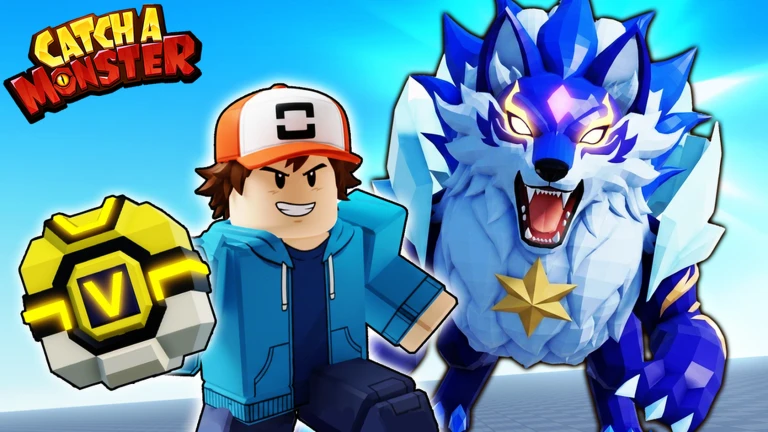
In short
Stay close to your target after defeating it and upgrade your capture balls when failures keep piling up.
Defeating a monster opens a capture prompt, but it is time-limited, so position yourself near the target before it goes down. On PC the key is E; on phones and tablets tap the capture button that appears on screen. Stronger monsters resist capture more often, and better-grade balls improve your odds significantly. If you use auto-battle, check the target settings first, because it can attack monsters you were not aiming for.
Tips worth knowing
- Stay near your target as it falls so you do not miss the timed capture prompt.
- On PC press E; on mobile tap the on-screen capture button the moment it appears.
- When captures keep failing, switch to a higher-grade capture ball rather than wasting lower ones.
- Save your best balls for strong or rare monsters — do not burn them on common ones.
- Review auto-battle target settings before turning it on so it does not attack the wrong monsters.
05
Building a squad that covers all situations
Table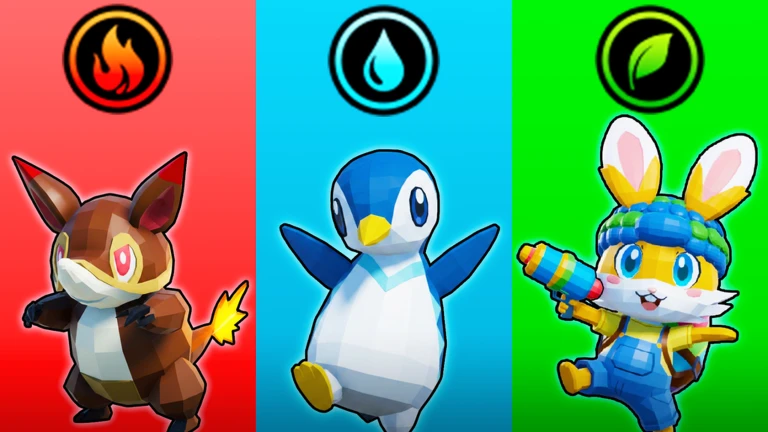
In short
One attacker, one tank, and one coverage pick across different types gives you an answer to almost any enemy.
Your squad holds three monsters at a time. There are six types — Normal, Grass, Water, Fire, Ice, and Ground — and type matchups affect how much damage you deal and take. Stacking all three slots with the same type leaves you vulnerable when you hit enemies that resist it. Even a high-rank monster can underperform if its attack range is narrow or its cooldown is long, so test each pick in real fights before committing.
| Attack specialist | value: hits hard and clears weak enemies fast, best for early areas. |
| Durable tank | value: high HP, holds up in long fights and boss encounters. |
| Coverage pick | value: a different type or wide-range attacks that patch the squad's weaknesses. |
| Mixed types | value: broader matchup coverage means fewer situations where all three feel useless. |
06
Ranks, synthesis, and what to keep
WarnIn short
Lock anything valuable the moment you get it, and confirm every synthesis screen carefully before you confirm — there is no undo.
Ranks run from E at the bottom up through D, C, B, A, S, and SS. Higher rank means more HP and attack for the same monster at the same level. Synthesis at facilities like the Pet Center lets you combine multiple monsters of the same rank or species into one of a higher rank. The goal early on is not chasing S or SS but getting all three squad slots to C-rank first, then pushing toward B.
Worth watching out for
Lock rare, high-rank, boss, event, and mutant monsters immediately
auto-sell and synthesis can remove them otherwise.
Check the synthesis preview screen before confirming
the operation cannot be reversed.
Do not sell duplicate low-rank monsters yet
they become synthesis materials you will need.
Reach C-rank across your main three before aiming higher.
07 Working codes
Codes
 Lumen
NEWRIFT
ANUBAEL
rainimp
1 Spritesprout Egg
Lumen
NEWRIFT
ANUBAEL
rainimp
1 Spritesprout Egg
1 Spritesprout Egg
08
Mutant variants and egg management
Tips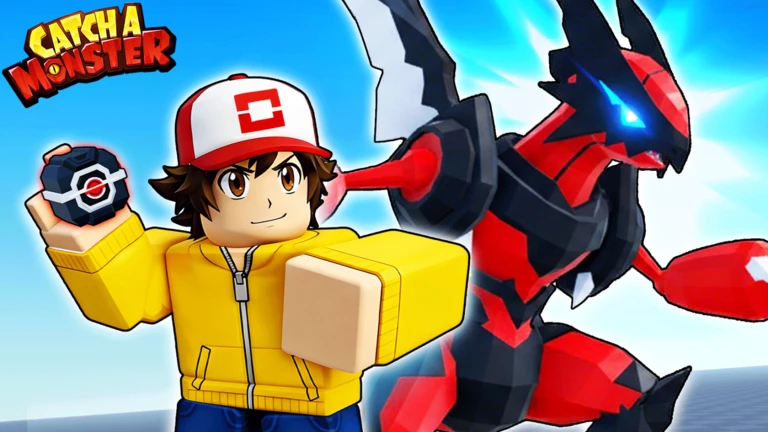
In short
Lock mutant monsters the second you get them, and never leave your incubator sitting empty.
Some monsters appear as Shiny, Huge, Bloodlit, or other mutant forms that look or behave differently from the standard version. Even at a low rank these variants are worth more than a standard version of the same monster. Eggs come from map exploration, boss drops, and events, but they do nothing until you place them in the incubator.
Tips worth knowing
- Lock every mutant the moment it lands in your collection — that single habit prevents accidental losses.
- Before using auto-sell, double-check which ranks it targets — a changed setting can delete monsters you wanted.
- Keep the incubator full at all times — an empty slot is progress you are throwing away.
- After a monster hatches, check its rank, type, and whether it is a mutant before sorting or selling it.
- Do not sell the first copy of any species you have never seen before — view its detail screen first.
09
What to check when you are stuck
Check
In short
Checking rank, type balance, and incubator status in order will usually show you exactly what needs fixing before you attempt a tough area again.
Hitting a wall in a harder area is normal. Instead of forcing repeated losses, step back and run through the list below. You can always grind coins in an easier area while your incubator runs. Boss encounters become more manageable when other players on the same server join in.
- Squad rank and level check whether any of the three can be evolved or synthesised right now.
- Type spread confirm you are not running the same type twice against enemies that resist it.
- Capture ball stock restock before pushing forward so you are not caught short mid-area.
- Incubator slots any empty slot is a passive upgrade you are not using.
- Boss approach if solo attempts keep failing, wait for other players on the server to join the fight.
10
Playing without spending Robux
WarnIn short
Every core feature — capturing, hatching, synthesising, and exploring — is free, so the only real cost is time.
Game passes and optional purchases exist, but capturing, hatching, synthesising, and exploring all work without them. Limited-time events and code rewards can give free eggs and coins, so check back during events. Sharing account details or using cheat tools risks losing your account entirely.
Worth watching out for
Check event rewards during the event window
free eggs and coins are sometimes available at no cost.
Never share your account or password with anyone
account theft and scams are real risks.
Do not use cheat tools or modified clients
your account can be banned.
Discuss any game pass purchase with a parent or guardian before buying
refunds are difficult.
Glossary
Glossary- Capture ball
- The item you use to catch a defeated wild monster; higher grades succeed more often against tougher targets.
- Rank
- A monster's power tier, running from E at the bottom up through D, C, B, A, S, and SS.
- Synthesis
- A facility feature that combines multiple monsters of the same rank or species into one of a higher rank.
- Type
- One of six categories — Normal, Grass, Water, Fire, Ice, and Ground — that determines matchup advantages in battle.
- Incubator
- The hub station where you slot eggs so they hatch into monsters over time.
- Mutant
- An unusual individual like a Shiny, Huge, or Bloodlit that looks different from the standard version and tends to be more valuable.
- Squad
- Your active team of three monsters that fight together in battle.
- Auto-battle
- A feature that attacks nearby monsters automatically; check target settings before enabling it.
- Hub
- The central area containing the heal station, synthesiser, incubator, and capture ball shop.
- Lock
- A protection setting that stops a monster from being sold, auto-sold, or used as synthesis material.
Common questions
FAQCan you finish the game without spending Robux?
Capturing, hatching, synthesising, and exploring all work completely free. Coin grinding takes time, but you can aim for the strongest team without spending. If you are considering a game pass, check the details with a parent or guardian first since refunds are hard to get.
Why does the capture button not appear?
You need to be close to the monster right after defeating it, because the prompt is timed. On PC press E, and on mobile tap the button that appears on screen. Get into the habit of standing near your target as the fight ends so you never miss the window.
Is it worth keeping several copies of the same monster?
Yes, because duplicates become synthesis materials for pushing a monster to a higher rank. Wait until you have checked the synthesis screen for the required count before selling any copies. C-rank and above copies are especially useful to hold onto.
Should you keep a low-rank Shiny or Huge?
Keeping it is the safer choice, since mutant variants are rare. Lock it as soon as you get it to protect it from accidental sale or synthesis.
Why is auto-battle not working?
In the early game the feature may not be unlocked yet. Progress through the main quests and watch for the unlock notification that appears around level 7, then check that auto-battle is turned on in your settings.
Can you take on bosses alone?
You can, but bosses have high staying power, so bring a fully levelled squad with good type coverage. If solo attempts are failing, waiting for other players on the same server to join the fight makes the encounter much easier.
Updated Sep 6, 2026
Game updates can change what is on this page. If you spot something, get in touch and let us know.
Game updates can change what is on this page. If you spot something, get in touch and let us know.
