
Grow A Forest Guide: Your first steps in the game
About
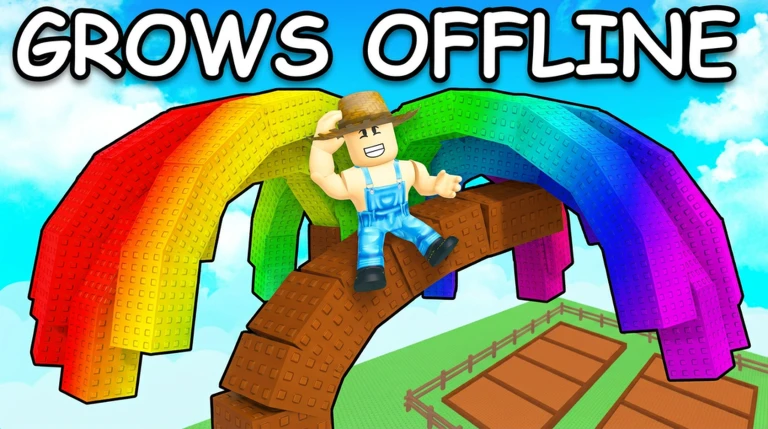
OverviewGrow A Forest is a Roblox simulation game where you plant tree seeds, wait for them to grow, and harvest the fruits. Your forest keeps growing even when you are offline, so you can check in at your own pace.
What is on this page
Contents
Your first steps in the game
Step
When you first load in, head straight to the shop and buy a tree seed. Once you have it, equip the seed from your inventory before you do anything else — you cannot plant without equipping first. Then walk to your farm and click one of the brown plots to plant it. After that, you just wait.
- Open the shop browse the available tree seeds and buy one.
- Equip the seed select it in your inventory so it is ready to use.
- Click a brown plot find a free spot on your farm and click it to plant.
- Wait for growth the tree will grow on its own over time.
MetaNew Player Survey
The next survey is being prepared.
Harvesting fruit from grown trees
Tips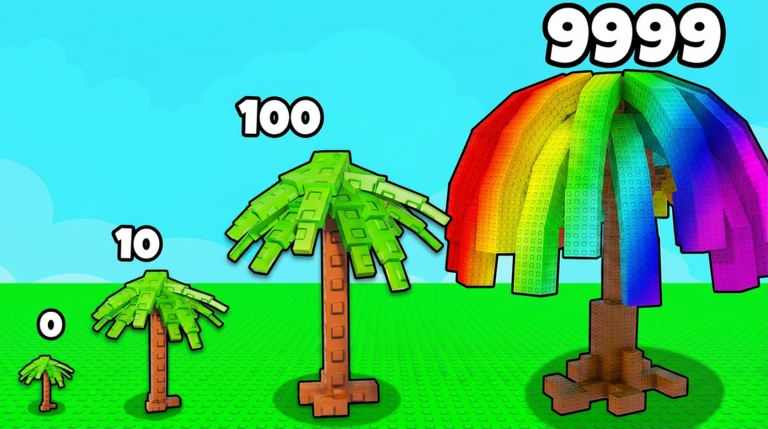
Once a tree has finished growing, it is ready to harvest. Click the grown tree to collect the fruit it has produced. That fruit can be spent on new seeds or other purchases in the shop.
- Click the grown tree to collect the fruit it holds.
- Fruit from harvests can be used to buy more seeds in the shop.
Offline growth — why it matters
Summary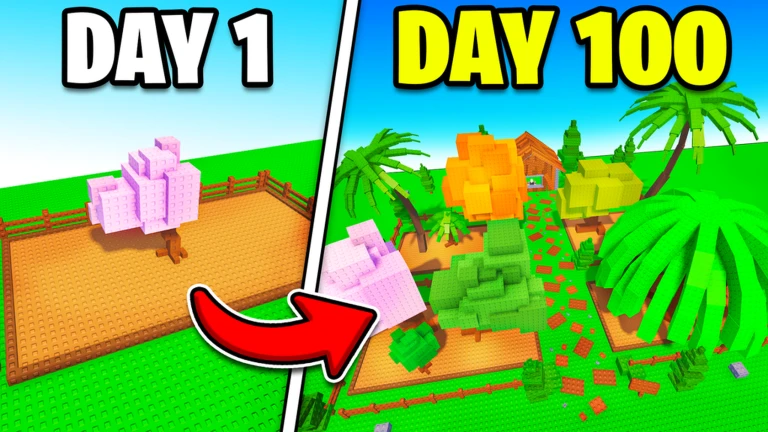
Your trees do not stop growing when you close Roblox. Plant before you go to school or bed, and the trees will be ready to harvest when you return.
- Offline progress trees grow whether you are in the game or not.
- Daily habit logging in once a day is enough to harvest and replant.
Expanding your farm with more plots
Check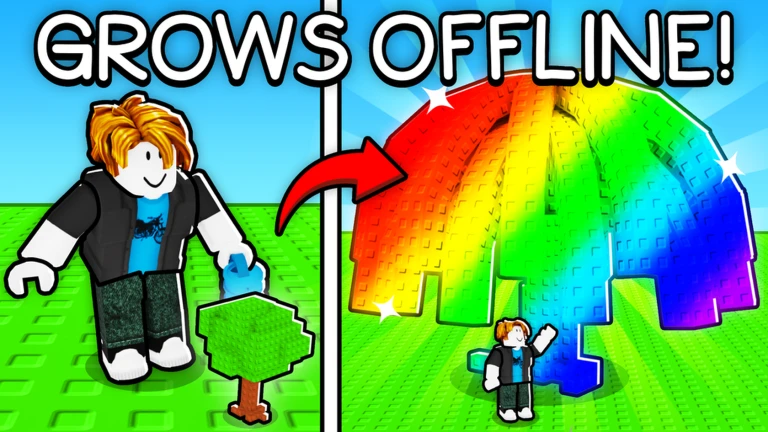
Use the fruit you have collected to add more plots to your farm.
- Purchase extra plots using collected fruit.
- Fill the new plots with seeds so they start growing.
Playing without spending Robux
Tips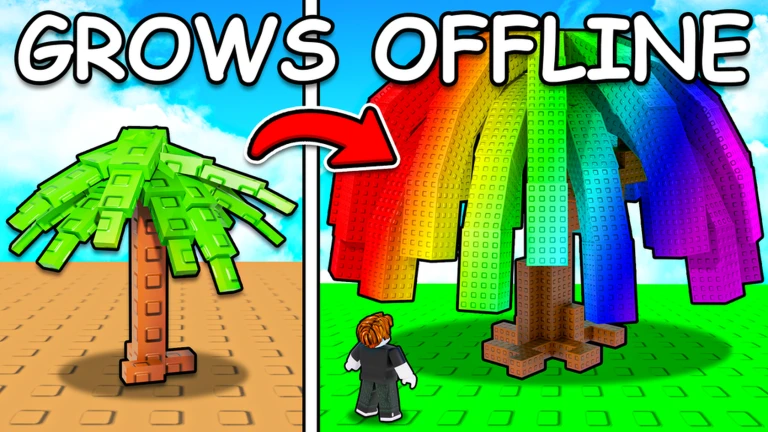
The game is built so that fruit you harvest covers everything you need — new seeds and additional plots included.
- Reinvest harvested fruit into new seeds to keep your cycle going.
- Expand your plot count with fruit whenever you run out of planting space.
- Revisit the shop when seeds restock, since not every seed is available all the time.
Glossary
Glossary- Seed
- An item you buy from the shop, equip, and then plant on a brown plot to start growing a tree.
- Fruit
- The resource you collect from fully grown trees, used to buy seeds and expand your farm.
- Plot
- A plantable space on your farm where one tree can grow; you can unlock more plots using fruit.
- Brown plot
- The visible planting spots on your farm that you click to place an equipped seed.
Common questions
FAQWhat do I do if I run out of planting space?
Use the fruit you have collected to expand your farm by unlocking more plots.
Do my trees grow when the game is closed?
Yes — your forest grows while you are offline. Plant your seeds before you log out, and they will be ready to harvest the next time you open the game.
When can I buy seeds from the shop?
Seeds are available to purchase when they are in stock in the shop. The shop restocks over time.
Game updates can change what is on this page. If you spot something, get in touch and let us know.
