
Tower of Zombies Guide: The core loop from floor to floor
About
OverviewTower of Zombies is a survival shooter where you climb a randomly generated tower, fight endless waves of zombies, and take down five powerful bosses. This guide covers how the core loop works, how to spend your money wisely, how to handle boss fights, and when to step up to the harder difficulty modes.
What is on this page
Contents
The core loop from floor to floor
Step
Each floor throws waves of zombies at you, and you have to wipe them all out before the game lets you move up. Killing zombies drops money, and that money is the fuel for everything else in the game. The tower layout is randomly generated every run, so the enemy placement and floor order will never be exactly the same twice.
- Start the run you begin with a starting weapon.
- Clear each wave shoot every zombie on the floor.
- Collect the money enemies drop cash when they die.
- Buy or upgrade spend your money on new weapons or improve the ones you have.
- Climb to the next floor once the floor is clear, head up and repeat.
- Reach the bosses five powerful bosses wait for you further up the tower.
MetaNew Player Survey
The next survey is being prepared.
Smart early-game spending
Check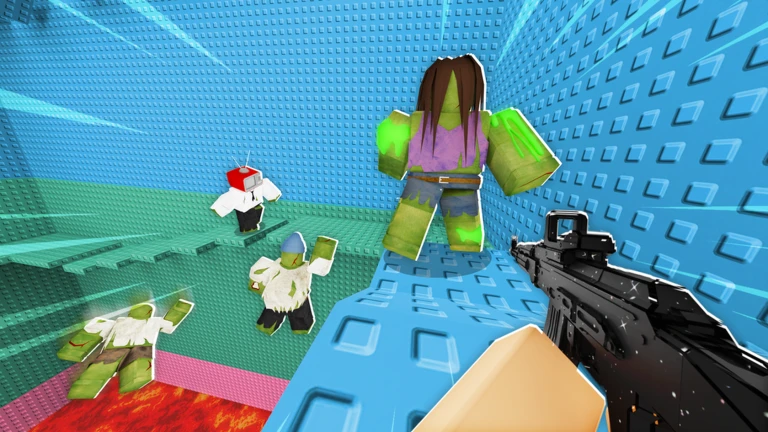
When you first start out, stick with your starting weapon long enough to understand enemy patterns on the lower floors. Once money starts stacking up, think about whether a new weapon suits your playstyle before committing.
- Have you looked at what the next weapon up would offer before spending.
- Have you checked what conditions unlock camos, so you can work toward them naturally.
Weapons, upgrades, and attachments
Table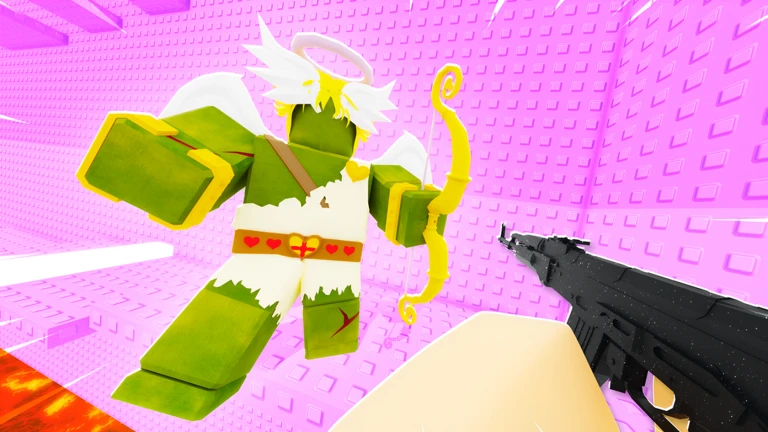
The game gives you several weapon types, each with different values for power, fire rate, and magazine size. Attachments let you customize individual weapons further, adjusting their performance to suit specific situations.
| High single-shot damage | strong when you need burst power against bosses. |
| High fire rate | clears groups of regular zombies quickly. |
| Balanced stats | handles the variety of enemies the random tower can produce. |
| Special-effect weapons | useful against specific zombie types. |
| Attachments | add-ons that fine-tune a weapon's performance beyond its base stats. |
Surviving boss fights
Tips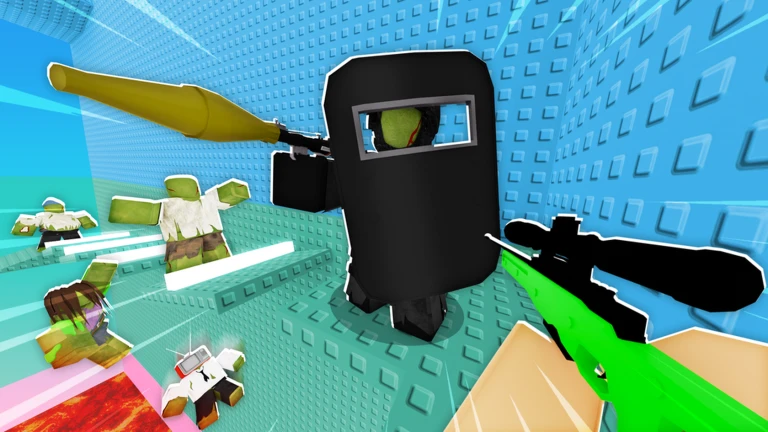
Each of the five bosses has its own attack style, so what works on one will not automatically work on the next. Going into a boss fight with underleveled weapons is the most common reason players lose.
- Upgrade your weapons fully with any money you have left before the boss fight.
- Spend the first few seconds of the fight watching the boss move before you commit to attacking.
- Balance dodging and shooting.
- If you lose, practice that same boss on Normal mode until the pattern sticks.
- Only move to Hard or Extreme after you can beat all five bosses on Normal consistently.
Hard and Extreme mode readiness
Warn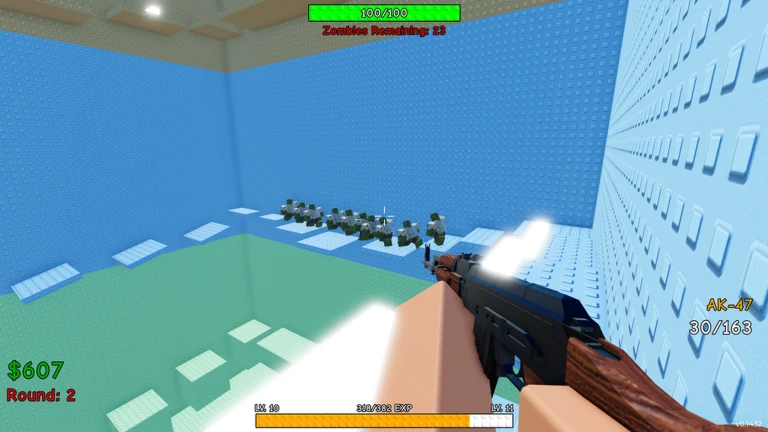
Hard and Extreme modes are where the game tests everything you have learned. Multiplayer changes the challenge too — more players means tougher enemies, so know your team size before you start.
Community strategy ideas
CommunityThese ideas and tips come from people playing the game. Share your discoveries too!
No strategy ideas yet. Share a tip you discovered.
Share a strategy idea
Tower of Zombies 🧟
Glossary
Glossary- Tower
- The vertically stacked stage you climb, made up of zombie-filled floors that are randomly arranged at the start of each run.
- Boss
- One of five especially powerful enemies waiting in the upper floors, each with a unique attack pattern.
- Upgrade
- Spending in-game money to raise a weapon's damage, fire rate, or magazine size.
- Attachment
- A customization piece you add to a weapon to adjust its performance or add a special effect.
- Camo
- A cosmetic skin for your character that changes your appearance without affecting gameplay.
- Extreme mode
- The highest difficulty setting, with much stronger and more numerous enemies than Normal or Hard.
Common questions
FAQWhich difficulty should a new player start on?
Start on Normal. Move to Hard or Extreme only after you can clear all five bosses on Normal.
Will I ever get the exact same tower twice?
No — the tower is randomly generated at the start of every run, so the floor layout and enemy placement will always be different.
Does playing with friends make the game harder?
Yes, the enemy difficulty scales with the number of players in the session.
What should I do if I keep losing to the same boss?
Use any remaining money to upgrade your weapons before you try again. Then focus your next attempt on watching the boss's attack timing rather than just shooting.
Game updates can change what is on this page. If you spot something, get in touch and let us know.
