
Aviation Airfield Guide: Choosing a plane
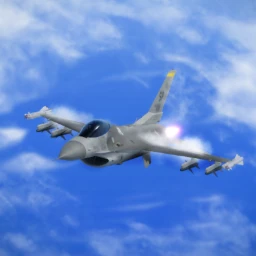
About
OverviewAviation Airfield lets you fly everything from small prop planes to giant jets, explore multiple airports and aircraft carriers, and take on other players in dogfights. This guide covers getting airborne, finding your way around the map, unlocking planes and chat tags through badges, and playing with friends.
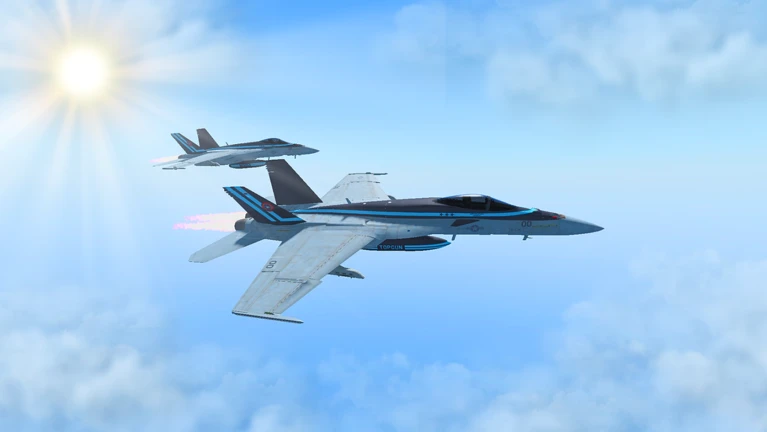
What is on this page
Contents
Choosing a plane
Tips
The hangar runs from small propeller aircraft all the way up to giant jets. Special and event planes sit in a separate area called SPECIAL/EVENTS and are not available by default.
- Standard planes are available from the moment you join.
- Certain badges unlock planes in the SPECIAL/EVENTS area, such as the JAS-39, which is awarded for specific goals.
- The Giant F-14 becomes available in the gamepass planes section once you earn its badge by being in a session with the developer Easton_exe.
- The Blue Angel can appear through an airdrop event — check the GAMEPASS PLANES section after you receive that badge.
MetaNew Player Survey
The next survey is being prepared.
Exploring the map
CheckA lot of Aviation Airfield's content is spread across the map for you to discover on your own. Many hidden spots are tied directly to badges, so exploration has a real payoff.
- Fly to each airport more than one airfield is scattered across the map.
- Find the aircraft carrier it counts as one of the bases you can fly to and land on.
- Search the islands hidden objects and locations are tucked away, and finding them earns badges.
- Look for the Boss he has been in the game since launch and rewards you with a badge when you find him.
- Keep an eye out for the Lockheed Hat, the Weird House, the tree, and the grass patch each is a discoverable secret with its own badge.
- Watch for Fallen Crates stumbling across one adds another badge to your collection.
Flying with friends
Tips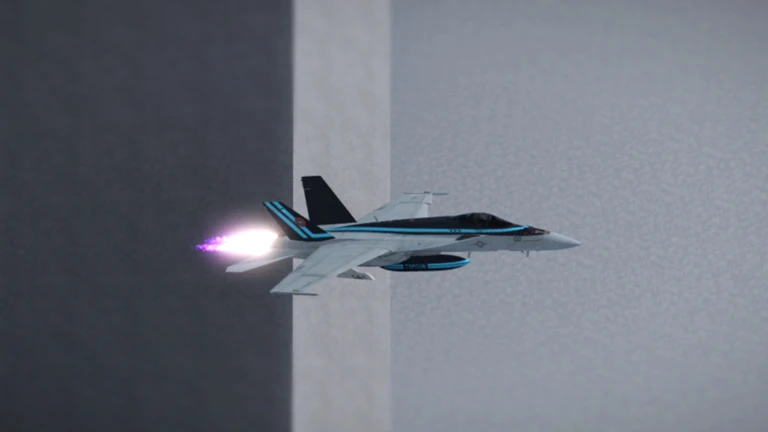
All of the multiplayer activities are available without any extra purchase.
- Multiplayer dogfights let you test your flying skills directly against other players.
- Aerial refuelling — topping up one plane from another while both are in flight — is available.
- Drones are also available to fly.
- Organising a flyover or airshow with several players is one of the things the game is built for.
Free play versus the ATC gamepass
Table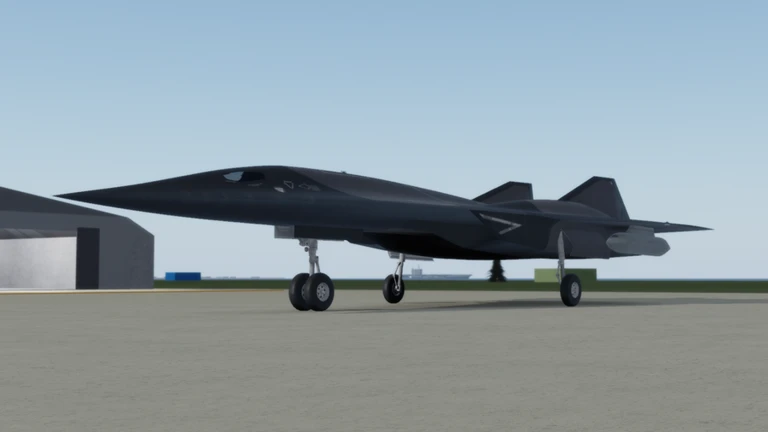
You do not need to spend anything to access the core game. The one paid option adds a distinct role rather than replacing anything you already have.
| Free | flying any standard aircraft from takeoff to landing |
| Free | exploring airports, the aircraft carrier, and the islands |
| Free | multiplayer dogfights, formation flying, aerial refuelling, and drone piloting |
| Free | earning badges and unlocking chat tags or special planes through them |
| ATC gamepass | guides incoming planes and controls the airport as an air traffic controller |
Glossary
Glossary- Dogfight
- An aerial battle between two or more players flying against each other.
- ATC (Air Traffic Control)
- A gamepass role that lets you direct other players' planes and manage the airport instead of flying yourself.
- Aerial refuelling
- Transferring fuel from one aircraft to another while both are in flight.
- Formation flying
- Multiple players flying their planes in a coordinated group.
- SPECIAL/EVENTS
- A separate section of the plane selection screen where badge-unlocked and event planes are stored.
- Chat tag
- A label that appears next to your name in chat, earned through badges and switched on in SETTINGS.
Common questions
FAQHow do I use a chat tag after earning a badge?
Earning the badge alone does not turn the tag on. Go into SETTINGS and enable it there, and it will appear next to your name in chat from that point on.
Can I play everything without spending Robux?
Yes — flying, exploring, dogfighting, aerial refuelling, and badge hunting are all free. The only paid item is the ATC gamepass, which adds the air traffic controller role and is entirely optional.
How do I unlock the Giant F-14?
You need to be in an active session at the same time as the developer Easton_exe, which earns you the Giant F-14 badge. Once you have the badge, the plane becomes available in the gamepass planes section.
Game updates can change what is on this page. If you spot something, get in touch and let us know.
