
Flat the Mountain Guide: Getting through the tutorial

About
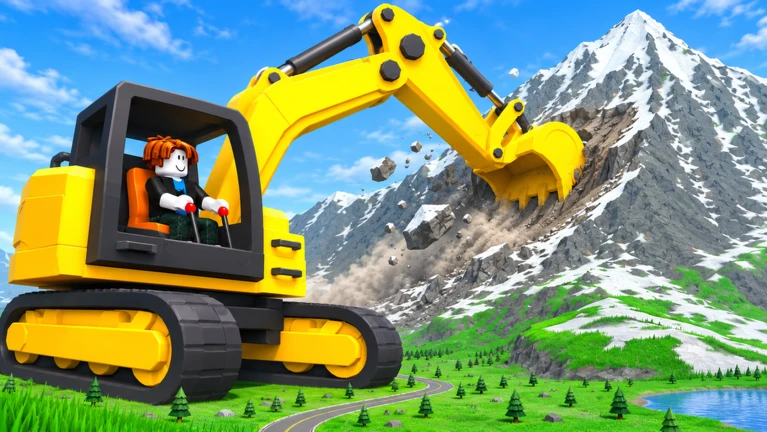
OverviewFlat the Mountain is a Roblox mining game where you break rocks off a mountain, collect coins, and buy tools until the whole mountain is levelled. This guide covers how to get started, how the tool and class system works, and how to make your coins go further.
What is on this page
Contents
Player notes and tips
Found a useful trick? Share it with everyone! Notes with screenshots are welcome!
Write a guide note
Flat the Mountain
Getting through the tutorial
Step
When you first load in, the game walks you through the basics before letting you loose. Follow each on-screen prompt and you will be mining freely.
- Tap a rock
your pickaxe swings and breaks it.
- Pick up the coins
watch the coin counter at the bottom of the screen go up.
- Move to the next rock
tap a different spot to keep the tutorial moving.
- Complete the last prompt
the full game interface becomes available.
MetaNew Player Survey

The next survey is being prepared.
The coin loop: breaking rocks and spending on tools
Tips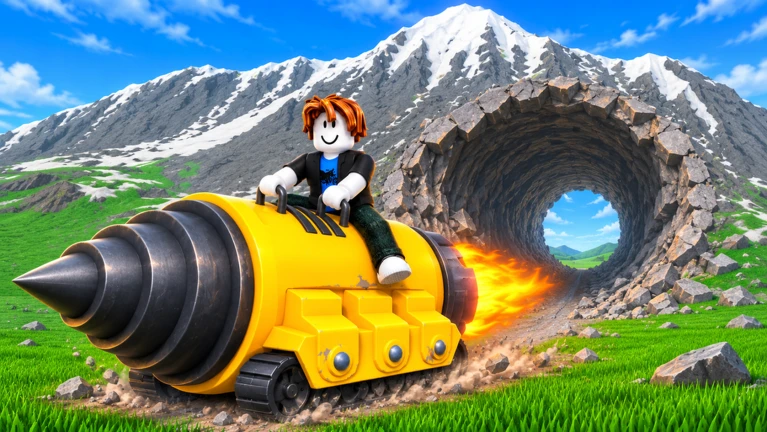
Every rock you break drops coins. Those coins go straight to your total, and you spend them in the shop to buy or upgrade tools. Faster tools mean more rocks per minute, which means more coins.
- Open the shop from the menu and buy the next available tool when you can afford it.
- Alternate between buying new tools and levelling up the ones you already own.
- Coins you earn are yours alone, even when playing with friends, so plan your own spending independently.
Tools and classes
Table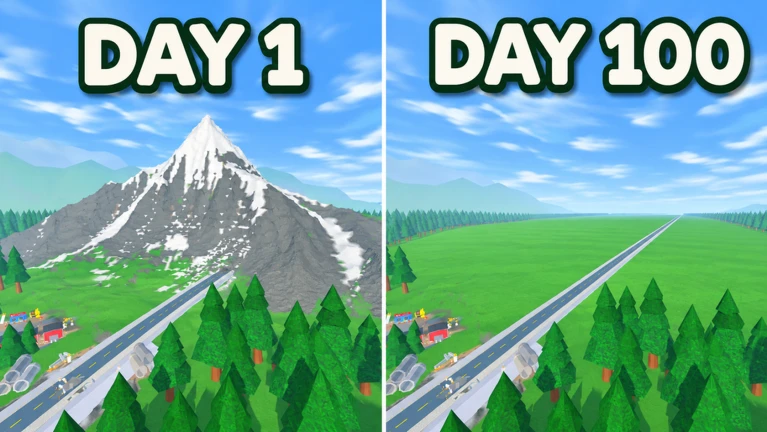
The shop lines tools up from left to right. You start with the pickaxe, then spend coins to unlock others including bombs and a laser. Bombs can break several rocks at once; the laser reaches further across the mountain. Your class — shown on your profile screen — rises automatically as you buy more tools, and a higher class reveals new high-performance options in the shop.
| Pickaxe | the starting tool, breaks one rock per swing |
| Bomb | breaks multiple rocks in a single use |
| Laser | reaches further across the mountain face |
| Class | rises automatically with each tool purchase, unlocking better shop stock |
Levelling up individual tools
Check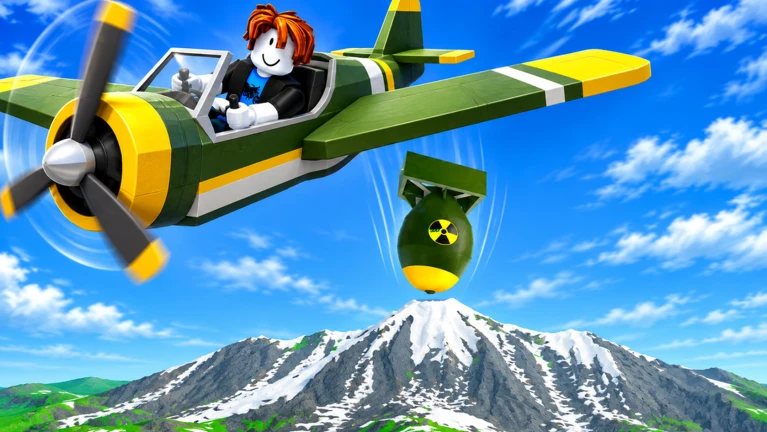
Each tool has its own level separate from your class. Buy the same tool again and its level climbs. The shop shows the current level next to the tool's name so you always know where you stand.
- Check the level displayed beside the tool name in the shop before spending.
- Buy the same tool again to raise that level no separate upgrade button required.
- Confirm the speed increase by breaking a rock right after upgrading.
Playing with friends
Summary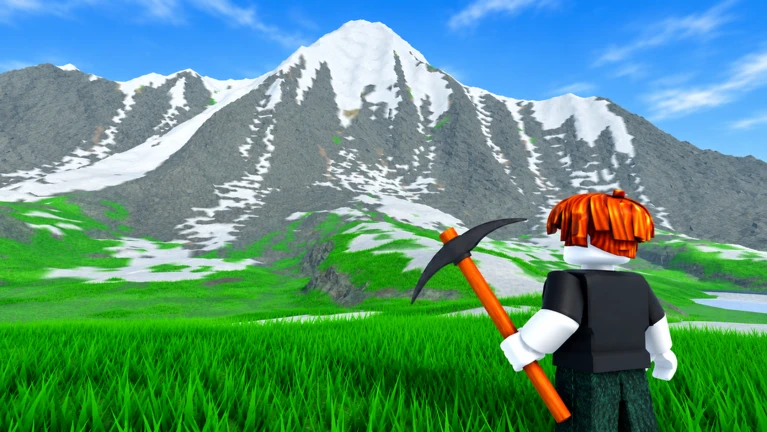
You can invite friends when creating a room. Everyone mines the same mountain at the same time, so it disappears much faster with more people. Because coins are not shared, every player buys and upgrades their own tools independently.
- Room limit
15 players
- Coin ownership
yours come only from rocks you break
- Mountain progress
shared; everyone's hits count toward levelling it
- Tool upgrades
each player manages their own shop separately
Glossary
Glossary- Tool
- Any item used to break rocks, including the pickaxe, bomb, and laser, each bought from the shop with coins.
- Class
- Your overall rank, which rises automatically as you buy tools and unlocks stronger items in the shop.
- Level
- A single tool's individual strength rating, raised by buying that same tool again, which increases mining speed and coin rewards.
Common questions
FAQDo friends and I share coins when we mine together?
No. Coins go to whoever breaks the rock, so your earnings and your friends' earnings stay separate. Each player buys and upgrades their own tools using their own coins.
Do I need tools beyond the pickaxe?
The pickaxe alone can flatten the mountain, but other tools break rocks much faster. Buying and levelling them up makes the whole run significantly quicker and more rewarding.
What does raising my class actually do?
Each class unlock adds more powerful tools to the shop. Getting those tools lets you mine faster and earn coins at a higher rate.
Game updates can change what is on this page. If you spot something, get in touch and let us know.
