
Titan Battlefronts — Aiming on PC and mobile
About
OverviewTitan Battlefronts drops up to 20 players into fast-paced large-scale battles where the goal is to fight, survive, and control the battlefield. This guide covers aiming, shift lock, ability use, and what to expect while the game is still in testing.
What is on this page
Contents
Aiming on PC and mobile
Table
Aiming works differently depending on whether you are on a computer or a phone or tablet.
| PC | move your mouse toward the enemy to aim |
| Mobile | move the camera to point in the direction you want to aim |
When to use shift lock
Tips
Shift lock fixes the camera behind your character so the character turns as you look around. Whether it helps or hurts you depends entirely on what kind of fight you are in.
- Turn shift lock on when you are fighting enemies at close range in melee.
- Turn shift lock off when you are using shooting abilities so you can line up your shots more easily.
How held abilities work
Step
Not every ability fires the moment you press its button. A number of them require you to hold the input and release it at the right time.
- Press and hold press your bind key or the on-screen skill button and keep it held down to charge the ability.
- Release to activate let go of the key or button and the ability fires at that moment.
- Releasing early if you let go before you are ready, the ability stops.
Testing phase and bug reports
Warn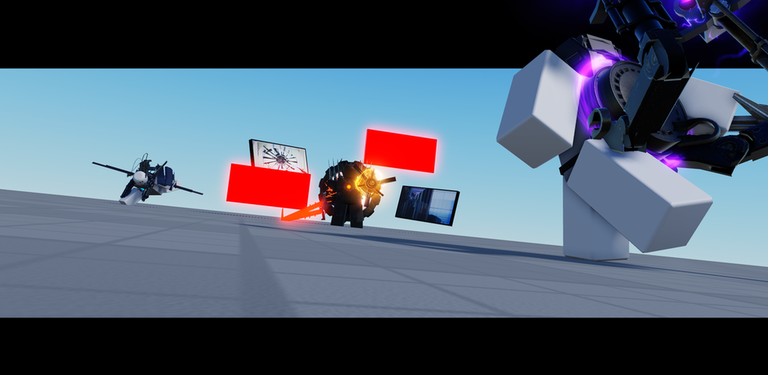
Titan Battlefronts is currently a work in progress. Bugs and unfinished features are present.
Glossary
Glossary- Shift lock
- A mode that locks the camera behind your character so the character turns to face whatever direction you are looking.
- Bind key
- A keyboard key assigned to a specific ability or action.
- Skill button
- An on-screen button that triggers one of your character's abilities.
Common questions
FAQHow many players can be in one match?
A single match supports up to 20 players at once.
Can I play on mobile?
Yes, the game supports mobile play. The main difference is that you aim by moving the camera instead of moving a mouse.
Why does my ability stop before it does anything?
Some abilities need you to hold the bind key or skill button down and only activate when you release it. If you let go too early, the ability cancels.
Game updates can change what is on this page. If you spot something, get in touch and let us know.
