
Tower Hello Kitty My Friend Guide: How to get started climbing the tower
About
OverviewTower Hello Kitty My Friend is a Hello Kitty-themed tower-climbing game on Roblox where you work your way up while collecting badges. This guide covers how to climb, how to set up a private server, how to play comfortably on mobile, and how to grab free character items with chat commands.
What is on this page
Contents
Player notes and tips
Found a useful trick? Share it with everyone! Notes with screenshots are welcome!
Write a guide note
Tower Hello Kitty My Friend
How to get started climbing the tower
Step
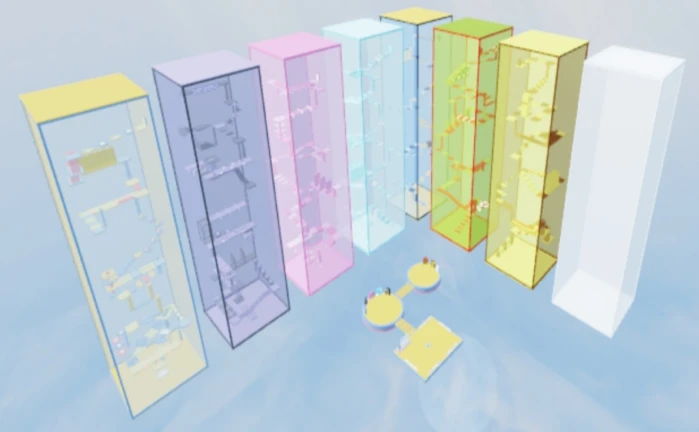
The game is built around reaching the top of a tower. As you climb, you earn badges that mark your progress. You can tackle the tower alone at your own pace or team up with others, since a server holds up to 25 players at once.
- Join a server
you can play with up to 25 players or go solo.
-
Climb the tower, making your way upward through its sections.
- Collect badges
each one you earn shows how far you have made it.
MetaNew Player Survey

The next survey is being prepared.
Mobile controls and the Shift Lock setting
Tips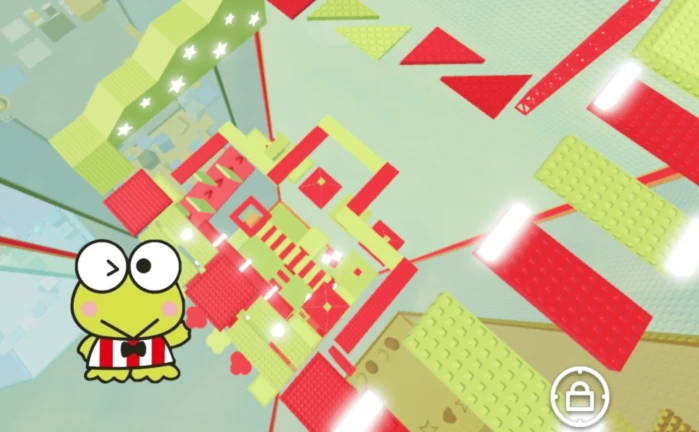
The game supports Shift Lock Mobile, a setting that locks your camera angle while you play on a phone or tablet. With the camera fixed, it is easier to move precisely through narrow or steep parts of the tower.
- Shift Lock Mobile locks the camera, making movement through difficult tower sections easier.
- A locked camera means you are not fighting the view while also trying to navigate a difficult section.
Free private servers
Check
Private servers in this game are completely free. That means you can create one any time and invite a specific group of friends without sharing the space with strangers.
- Private servers are free no Robux required.
- Only the friends you invite can join your private server.
Free items from chat commands
Step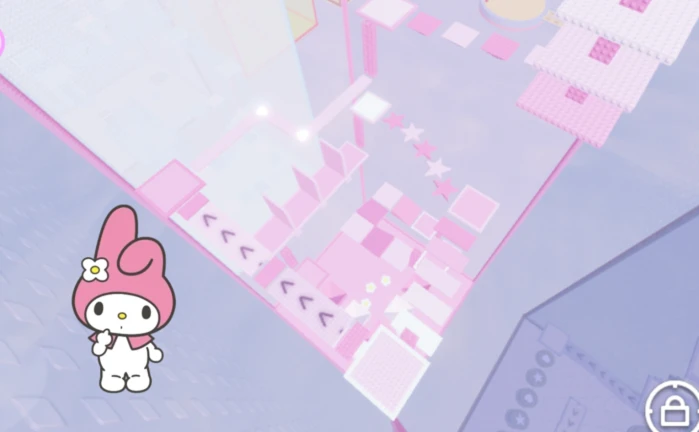
The game includes chat commands that add free items to your character. These are typed directly into the in-game chat, letting you customise your look to fit the Hello Kitty theme without spending anything.
-
Type /korblox in chat to receive that free item on your character.
-
Type /headless in chat to receive the headless item.
Glossary
Glossary- Badge
- An in-game reward you earn by reaching certain points in the tower, used to track your overall progress.
- Shift Lock Mobile
- A setting that fixes the camera angle on phones and tablets, making it easier to move precisely through the tower.
- Private Server
- A free, invite-only version of the game where only the players you choose can join.
- Command
- A word you type into the in-game chat that gives your character a free cosmetic item.
Common questions
FAQHow many players can be in one server?
A single server holds up to 25 players.
Do private servers cost Robux?
No, private servers are free.
Can I play on a phone?
Yes, the game supports mobile play. The game includes Shift Lock Mobile to make the camera easier to control.
What do the chat commands /korblox and /headless do?
Typing either command in the in-game chat adds a free cosmetic item to your character.
Game updates can change what is on this page. If you spot something, get in touch and let us know.
