
SNACK Defense — Getting your team ready before the match

About
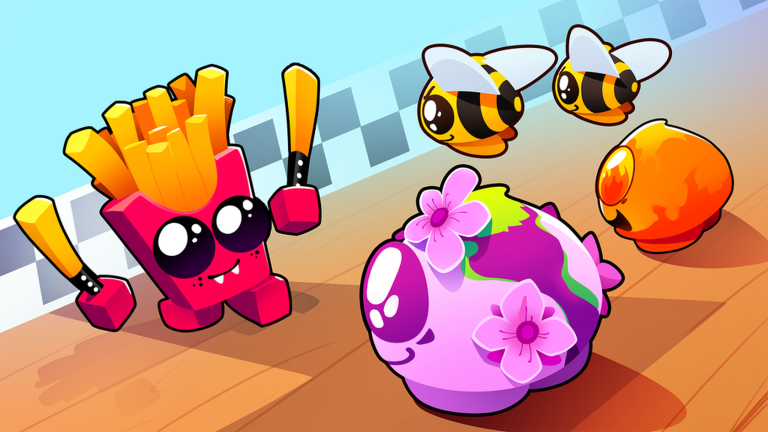
OverviewSNACK Defense! is a tower defense game on Roblox where you place cute snack characters along enemy paths to stop waves of Gummy Bears, Dumplings, Mushrooms, and more. Maps include Candyland, the Kitchen, and the Forest, and up to 25 players can share a room. This guide walks you through setting up your team, placing your snacks well, and handling tougher enemies as the waves get harder.
What is on this page
Contents
Getting your team ready before the match
Step
This is the step most new players miss. If a snack you summoned is not showing up in matches, head back to the inventory screen and place it into one of your team slots. Once your slots are filled, check that you have at least one ground attacker and one unit that can hit flying enemies.
- Follow the tutorial summon a snack from the lobby, then open the inventory screen and drag that snack into a team slot.
- Check your slots before starting a match, confirm every slot you can use is actually filled.
- Start with Candy Defense level 1 it is the easiest entry point and a good place to learn the basics.
- Bring a ground attacker and an anti-air unit going in with only ground attackers leaves you open to flying enemies immediately.
- Save gems for roles you are missing gems are for lobby summons, not for spending inside a match.
Where to place your snacks
Tips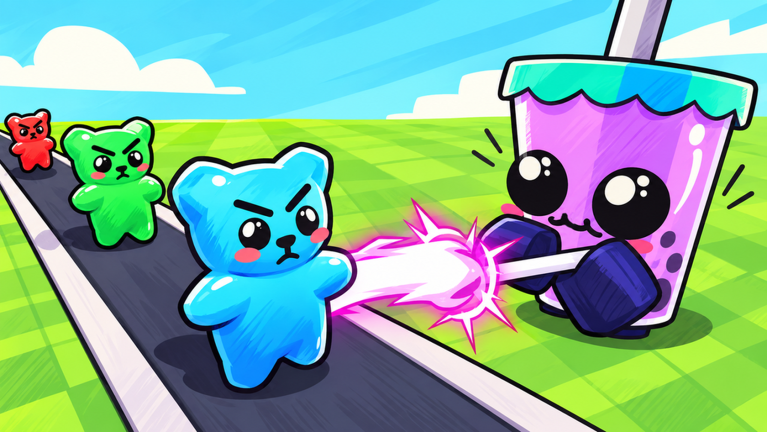
Before you place any snack, look at the range circle the game shows you. The goal is to make that circle cover as much of the enemy path as possible, not just to be near the center of the map. Corners and bends in the path are especially valuable because a snack there stays in attack range longer.
- Check the range circle first — if the enemy path does not pass through it, pick a different tile.
- Target bends in the path — a snack at a corner attacks enemies as they approach and again as they turn.
- Cover the full path length — long-range snacks can hit multiple stretches of road from one spot; short-range snacks need to sit right beside where enemies actually walk.
- Build a back line — place a second row of snacks to catch anything that slips past your front defenders.
- Watch the placement cap — if you have money but cannot place anything, you have hit the limit; spend that money on upgrading existing snacks instead.
When to add more snacks versus when to upgrade
TableAdding snacks and upgrading snacks solve different problems. Figure out which problem you actually have before spending your in-match money.
| Enemies walking through untouched | add snacks or reposition; upgrading damage on a snack that cannot reach them changes nothing. |
| Snacks are hitting enemies but enemies survive | upgrade your busiest attacker rather than adding a new one. |
| Money available but placement cap reached | upgrade existing snacks or add a different type you have not placed yet. |
| Flying enemies getting through | add or reposition an anti-air unit; boosting ground attackers will not stop flyers. |
Handling tougher enemy types
Warn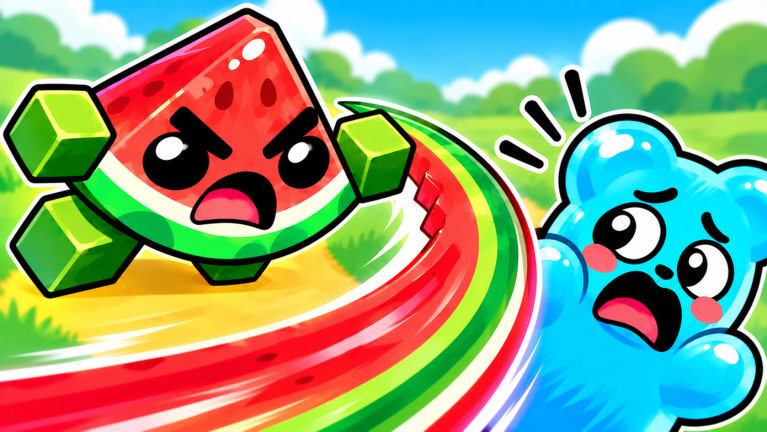
Flying enemies, splitting enemies, and bosses each need a different response. Reacting to the right enemy type is faster than trial and error.
Using Milk and Coffee support units
TipsMilk raises the damage of nearby snacks and Coffee raises their attack speed. Stacking the same type of support on one spot does not multiply the effect — only the strongest instance counts. Get your attackers and anti-air units placed first, then add support once you have snacks worth boosting.
- Position support units so their circle overlaps your strongest attacker, not just the enemy path.
- Do not double up on the same support type in one spot — a second Milk where one already reaches does nothing extra.
- Prioritize attackers first — a lineup of only support units cannot kill anything.
Speed controls and wave timing
Check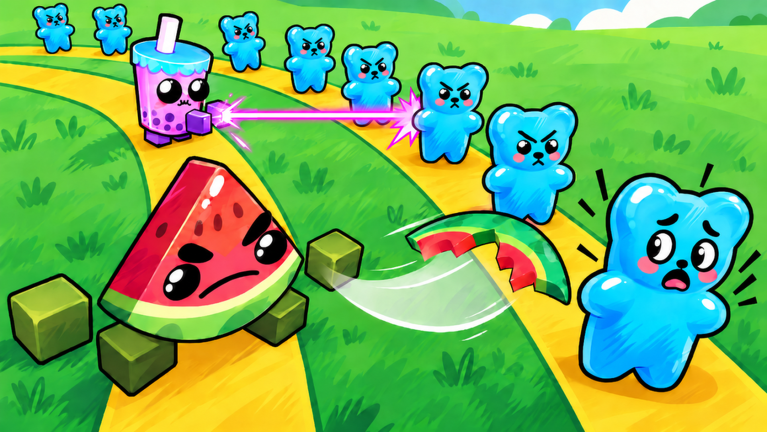
The game offers speed-up and auto-skip options to move through waves faster. On a stage you know well they save time, but on a new stage they shrink the window you have to place and upgrade snacks.
- Play a new stage at normal speed at least once before using fast-forward.
- If enemies start slipping through more than usual, reduce speed and turn off auto-skip to buy thinking time.
- Set a small goal for each session clearing one new level is a clear stopping point.
Earning more gems and rewards after a match
StepReplaying the same stage you have already beaten is comfortable but leaves rewards on the table. After each session, take a minute to check these sources.
- Check first-clear bonuses look at the stage select screen for levels you have never beaten; the first win on each one gives a bonus reward.
- Open the snack index whenever you add a new type of snack to your collection, open the index and collect the reward for reaching that milestone.
- Review daily and weekly missions before starting knowing the conditions in advance lets you complete them during the same match you were planning anyway.
- Use gems to fill role gaps before summoning, check whether you are short on ground attackers, anti-air units, or area attackers, then aim for that role.
Glossary
Glossary- Wave
- One group of enemies that arrives together; you defend through multiple waves to clear a stage.
- Anti-air
- A snack that can attack flying enemies, as opposed to ground-only attackers.
- Area attack
- An attack that hits several enemies at once rather than targeting a single one.
- Buff
- An effect that raises a snack's damage or attack speed, such as the Milk or Coffee support units.
- GUMBALL Machine
- A lobby location where you can unlock rare snack characters.
- Standard Summon / Gourmet Summon
- Two lobby summon options that spend different amounts of gems and offer different snack pools.
- Placement cap
- A limit on how many snacks you can place on the map at once, separate from how much money you have.
Common questions
FAQWhy can't I use a snack I just summoned in a match?
Summoning only adds the snack to your collection. You also need to open the inventory screen in the lobby and equip that snack into one of your team slots. Once it is in a slot, it will be available to place during matches.
How do I deal with flying enemies?
Units like Melon and Boba can target flying enemies. Place them so their range circle covers the route flying enemies take. Upgrading your ground attackers will not help against flyers at all, so make sure anti-air units are in your team slots before the match starts.
What maps are in the game?
Candyland, the Kitchen, and the Forest are among the available maps. Each map has a different layout, so check your range circles and adjust your snack positions to fit the specific path on that map.
What is the hidden ??? badge?
The badge exists in the game and carries the description "Shh?" but no unlock condition is stated. It is something to discover through play rather than follow a guide for.
How many players can join one room?
Up to 25 players can join a single room.
Game updates can change what is on this page. If you spot something, get in touch and let us know.
