
Pop For Free Guide: Your first ten minutes
About
OverviewPop For Free is a Roblox obstacle course game where you run through obbies to collect Pops, spin a prize wheel for Credits, and use those Credits to upgrade your character or work toward Robux rewards. This guide covers how to get started, how to pick the right course for your skill level, how to spend Credits wisely, and how to stay safe when dealing with the Robux payout system.
What is on this page
Contents
Your first ten minutes
Step
When you load in, find five things before you do anything else: your Pop count, your Credit count, the Shop, the prize wheel, and the obby entrance. If the game shows a free spin or a login reward, collect those first. Then pick Easy, run it once with your starting stats, and pay attention to how checkpoints feel when you hit them.
- Locate everything find the Pop counter, Credit counter, Shop, wheel, and course entrance before moving on.
- Grab free rewards claim any login bonus or free spin shown on screen right away.
- Run Easy once complete it with default stats so you learn the jump distance and camera controls.
- Check each checkpoint watch for the confirmation that it saved before you continue forward.
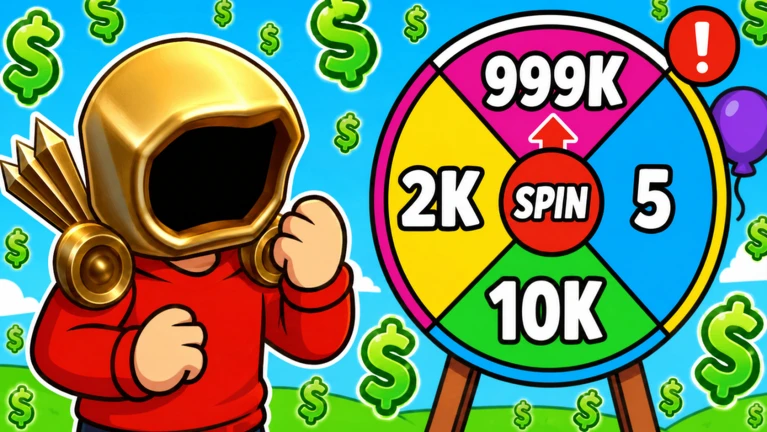
- Look at the wheel see how many Pops a spin costs and what prizes are on offer before you commit.
- Hold your Credits do not spend anything yet; decide on a goal first.
MetaNew Player Survey

The next survey is being prepared.
How Pops, Credits, and Robux differ
Table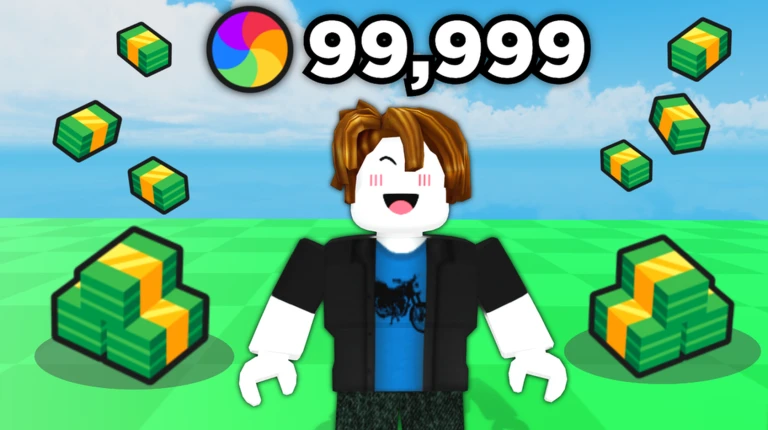
These three things are not interchangeable. Understanding what each one does stops you from making a mistake you cannot undo.
| Pops | collected in obbies; spent mainly to spin the prize wheel. |
| Credits | earned from the prize wheel; spent on upgrades, items, and meeting payout requirements. |
| Robux | the official Roblox currency; only counts as received once it appears in your Roblox balance or transaction history. |
| Key rule | holding Credits does not mean you have received Robux; the payout must complete first. |
Picking the right difficulty for grinding
TipsA harder course looks like better value until failed attempts eat into your time. Run any candidate course for five minutes, note your Pop total at the start and end, then compare. After you upgrade a stat, run the same test again to see whether the difficulty now pays off.
- Easy is best for learning the controls and building a steady Pop income with minimal restarts.
- Move to Medium only after you can clear Easy reliably every run.
- Hard gives you practice with precise jumps and suits players who rarely fall on Medium.
- Save Expert for when your completion rate is high enough that you rarely need to restart.
- Time yourself over five minutes on each difficulty rather than guessing which is faster.
- After any upgrade, re-test your chosen course because the balance can shift.
Staying on the course — obby technique
Check
Most falls come from committing to a jump before the camera is ready or from not watching a moving platform for a full cycle. Fixing those two habits alone makes a big difference. Bulky avatar accessories that hide your feet also cause more misses than players expect.
- Center the next platform in your screen before you leave the ground.
- On narrow ledges, release movement input after landing and let your character settle before jumping again.
- Watch a moving platform complete one full back-and-forth before you step on it.
- On corners, rotate the camera first so you can see the landing zone before you jump.
- Remove large avatar accessories that block your view of your feet.
- Confirm the checkpoint notification appeared before you run forward.
Spending Credits without regret
StepWalk speed, jump power, and Credit multiplier are the three things you can strengthen. Each one has a catch: too much walk speed makes narrow platforms harder to stop on, and a big jump power change throws off the muscle memory you have built for landing spots. Upgrade one level at a time and test on Easy before committing more Credits.
- Set your limit decide how many Credits to keep in reserve for your payout goal before spending anything.
- Fix a real problem only buy walk speed if long travel times are slowing your runs down.
- Raise jump power carefully go one level, then re-learn your landing spots on Easy before going further.
- Save cosmetics for last appearance items do not affect your Pop income, so buy them only after your other goals are met.
 FORESTDONATIONS
3RDSEASON
BYEBYE
AAFINISHED
Using the Robux payout feature safely
Warn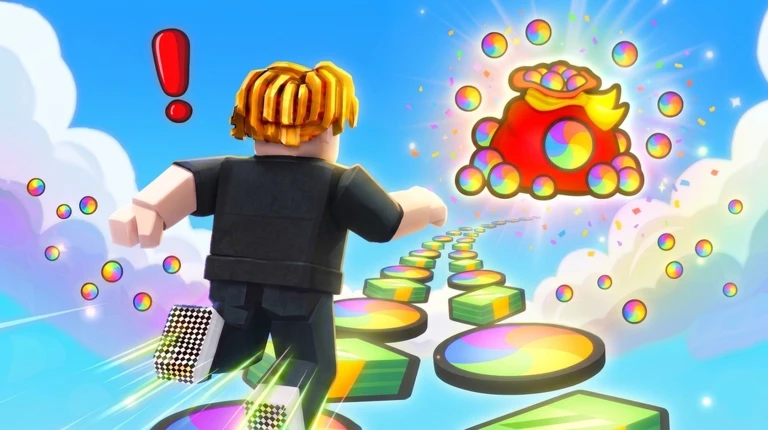
The game uses Roblox's community payout system to send Robux to players who meet the requirements. The exact conditions are shown inside the game and can change after updates, so always read the current screen rather than following a video that may be out of date. Credits sitting in your account are not Robux until the payout completes and shows in your Roblox records.
Rules and account safety
WarnThe game explicitly states that exploiting, using macros, or using alt accounts results in a permanent ban. If you are a younger player spending Robux, talk to a parent or guardian first and agree on a spending limit.
Community strategy ideas
CommunityThese ideas and tips come from people playing the game. Share your discoveries too!
No strategy ideas yet. Share a tip you discovered.
Share a strategy idea
[🤑EARN] Pop For Free
Glossary
Glossary- Obby
- An obstacle course made of platforms and jumps that you navigate to reach the goal.
- Pop
- The resource you collect in obbies, used mainly to spin the prize wheel.
- Prize wheel
- A wheel you spin by spending Pops that pays out Credits and other rewards at random.
- Credits
- The in-game currency earned from the prize wheel, used for upgrades, items, and meeting payout requirements.
- Walk speed
- How fast your character moves on the ground; raising it too high makes narrow platforms harder to stop on.
- Jump power
- The stat that controls how high you jump; changing it shifts where you land and can break habits you have built.
- Credit multiplier
- An upgrade that increases how many Credits you earn.
- Checkpoint
- A point in a course that saves your position so a fall sends you back there instead of to the start.
- Community payout
- Roblox's official system that lets a game's community send Robux directly to qualifying players.
- Macro
- Software that repeats inputs automatically; using one in this game is grounds for a permanent ban.
Common questions
FAQCan I play without spending any money?
Yes. Every core part of the game — running obbies, collecting Pops, and spinning the wheel — is free to play. Paid items like Pop doublers or Credit doublers speed things up but are not required to progress.
Why can't I collect my Robux even though I have enough Credits?
The payout system has multiple conditions beyond just a Credit total, and those conditions can change after game updates. Open the payout screen inside the game and read which requirement is still unmet, then follow the current instructions rather than an older guide.
My upgrades made the course harder — what happened?
Higher walk speed increases the distance you slide after releasing a key, which makes stopping on narrow ledges trickier. A bigger jump power changes where you land even with the same run-up. After any upgrade, go back to Easy and adjust your timing before returning to harder courses.
Is it okay to use a second account to earn more rewards?
No. Using alternate accounts to boost your rewards is against the rules and can result in a permanent ban on all accounts involved. Play on one account only.
Game updates can change what is on this page. If you spot something, get in touch and let us know.
