
Drive To Impress Guide: Getting started with the tutorial
About
OverviewDrive To Impress is a Roblox game where you build a car from the ground up, tuning everything from the engine and body to the interior, then drive it around and show it off.
What is on this page
Contents
Player notes and tips
Found a useful trick? Share it with everyone! Notes with screenshots are welcome!
Write a guide note
Drive To Impress
Getting started with the tutorial
Step
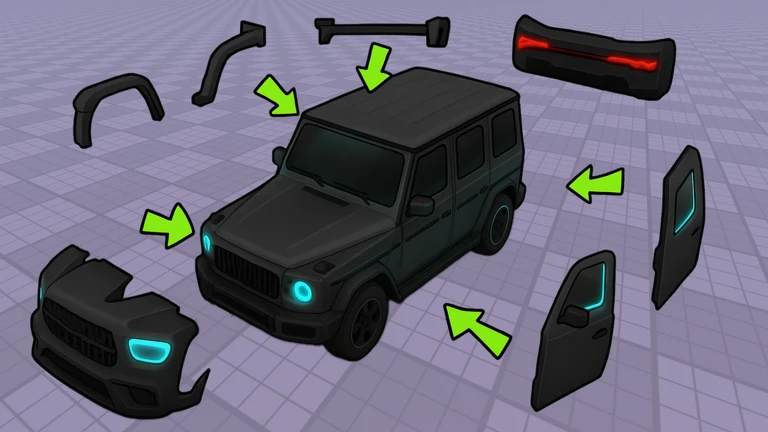
When you load into the game, on-screen prompts walk you through the customization interface. It shows you which parts can be changed and what resources each change requires. Once you have the basics down, you are free to build however you like.
- Follow the prompts work through each tutorial step so you understand the layout before you start making choices.
- Open the customization screen check what parts are available and how the menus are organized.
- Finish your first car start with simple changes rather than trying to do everything at once.
MetaNew Player Survey

The next survey is being prepared.
Making the most of customization
Tips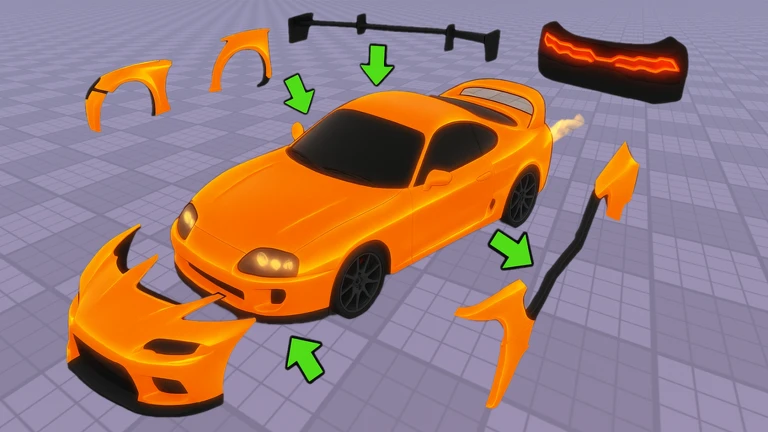
The game lets you adjust color, shape, and performance, and you can return to edit any car after you have finished it.
- Try several color combinations before settling on one, since a different palette can completely change how a car looks.
- Experiment with part placement, because the same components arranged differently produce a noticeably different result.
- You can reopen the customization screen and adjust anything at any time.
Redeem codes and their rewards
CheckThe game periodically releases codes that give you in-game bonuses when you enter them. Each code works only once per account, so there is no point saving one to use again later.
- Redeem codes as soon as you get them they can expire, and waiting risks losing the reward.
- Check that the bonus has appeared in your account immediately after you enter a code.
- Keep an eye on the game's official community page for new code announcements.
Free-to-play versus Premium
TableThe game's premium membership gives a cash multiplier, but the core loop — building and driving — costs nothing extra.
| Customization | available without Premium, with a wide range of options at no extra cost. |
| Driving | no purchase required to take your finished car out on the road. |
| Cash rate | Premium members earn 1.5 times the normal cash amount. |
Glossary
Glossary- Customization
- The process of changing a car's color, body shape, performance parts, and interior to match what you want.
- Part
- Any individual component that makes up a car, such as the engine, wheels, or body panels.
- Code
- A short string you enter in the game to claim a limited-time reward.
- Premium
- A paid membership that increases the cash you earn to 1.5 times the standard rate.
Common questions
FAQWhat can I do after I finish building a car?
You can drive the car around straight away to show it off. You can also head back into the customization screen at any time to change parts, repaint it, or rebuild it from scratch.
Can I use the same code more than once?
No — each code can only be redeemed once on a single account. Once you have used it, entering it again will not give you another reward.
Game updates can change what is on this page. If you spot something, get in touch and let us know.
