
Build Voxels With Friends Guide: Getting started in the build tool
About
OverviewBuild Voxels With Friends is a Roblox building game where you place blocks to create anything you can imagine, either on your own or with up to seven other players. This guide walks you through getting started, building smarter, earning every badge, and playing with friends.
What is on this page
Contents
Getting started in the build tool
Step
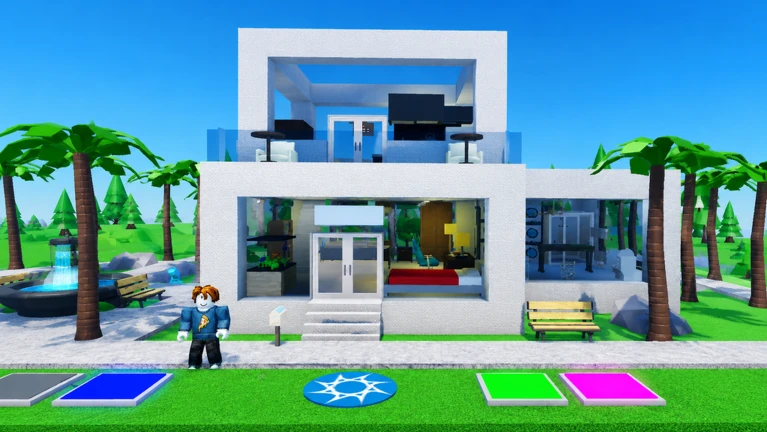
When you load in, the build tool icon is right there on your screen waiting for you. Clicking it opens up everything you need — your block selection and all the building controls. You have hundreds of unique blocks to choose from. Once you pick a block type, you can begin placing it anywhere in the flat open world.
- Click the build tool icon it shows you all building options and available block types.
- Browse the block list hundreds of unique blocks are available.
- Pick a starting spot your land or a private server are both good choices because your work saves automatically there.
MetaNew Player Survey
The next survey is being prepared.
Building smarter, not just bigger
Tips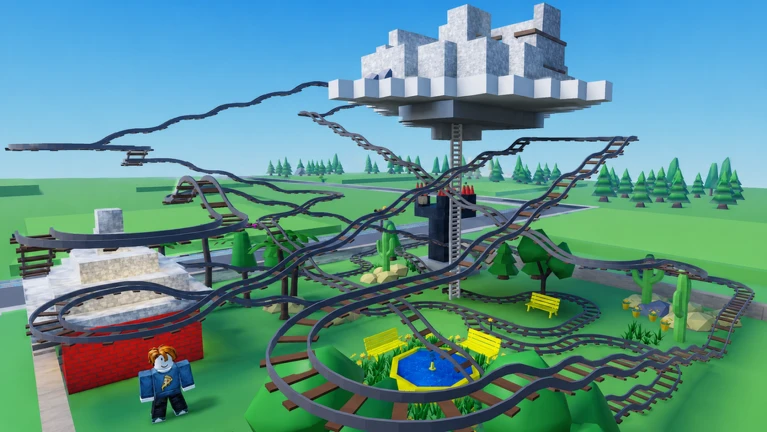
A little planning goes a long way. Large structures are much easier to control when you lay a solid foundation first. Anything complicated becomes manageable if you build each part separately and combine them. Mixing different colors and materials also makes your finished work look much richer.
- Start large builds from the base up so the whole structure stays balanced.
- Split complicated shapes into smaller sections and combine them once each part is done.
- Mix block colors and materials to add variety and detail to your creation.
The three placement badges
TableThe game awards badges at three milestones based on how many items you have placed in total. The count adds up across everything you build, so there is no trick to it — you just keep building.
| 100 items placed | the first badge. |
| 500 items placed | the second badge. |
| 1000 items placed | the third badge. |
Playing with friends
Check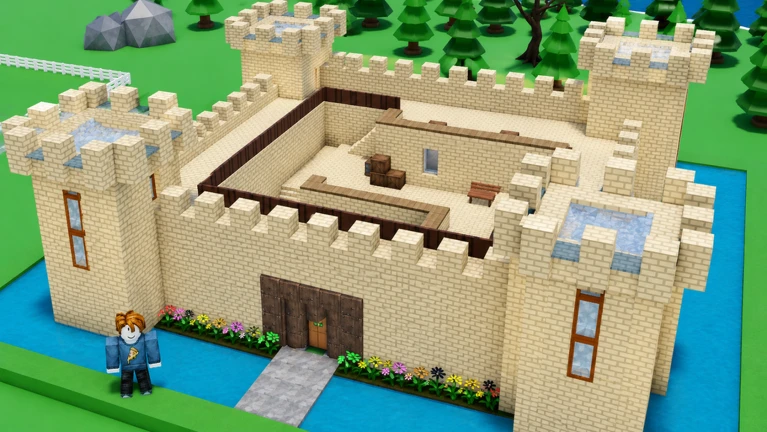
The game supports up to eight people in one session. You can invite friends to a private server so only your group has access, or build together in a shared world. Some groups build one giant project together, while others each make their own thing in the same space and then compare results.
- Invite friends to a private server so only your group has access.
- Build one large project together or each build your own thing in the same space and show each other the results.
Auto-save and solo play
SummaryYou do not need to do anything special to save your work. As long as you are building on your land or inside a private server, the game handles saving for you. This makes solo play just as rewarding as group play — you can work on a big project across multiple sessions without losing progress.
- Auto-save coverage your land and private servers both save automatically.
- Solo suitability the game is fully playable alone at your own pace.
- Private server benefit a private server keeps your world to yourself or invited friends only.
Community strategy ideas
CommunityThese ideas and tips come from people playing the game. Share your discoveries too!
No strategy ideas yet. Share a tip you discovered.
Share a strategy idea
Build Voxels With Friends
Glossary
Glossary- Voxel
- A cube-shaped block — the basic unit of everything you build in this game.
- Build tool
- The in-game tool you open by clicking its icon; it gives you access to block selection, placement, and other building controls.
- Private server
- A separate game session only you and players you invite can enter, where your builds are saved automatically.
- Land
- Your personal plot in the game world where builds also save automatically.
Common questions
FAQWill my build disappear when I leave the game?
No — anything you build on your land or inside a private server is saved automatically when you leave. Next time you log in, your creation will be right where you left it.
How many blocks can I choose from?
The game gives you hundreds of unique blocks. You can browse the full list by opening the build tool.
How do I earn the placement badges?
Every item you place counts toward the total. The milestones are 100, 500, and 1000 items placed, and your count carries over between sessions, so just keep building and you will hit them naturally.
Can I play alone, or do I need friends?
You can play solo — building your own voxel world at your own pace is a completely valid way to enjoy the game.
Game updates can change what is on this page. If you spot something, get in touch and let us know.
