
Bloxodachi Life Guide: Getting started on your island
About
OverviewBloxodachi Life is a cozy god-view life sim where you create your own characters, drop them on an island, and watch friendships, rivalries, romances, weddings, and babies unfold. You are the director — pick characters up, place them together, and see what happens.
What is on this page
Contents
Getting started on your island
Step
Before anything happens on the island, you need at least one character. You can build your own original character using the full Roblox catalog, or adopt an existing one. Once a character is on the island, the life sim begins and they start interacting with their surroundings.
- Design your character open the Roblox catalog and pick whatever look you want for your original character.
- Adopt instead if you would rather not build from scratch, adopt an existing character and place them on the island.
- Adopt a pet pets can also join the island.
- Set up a home customize your character's house as part of the island.
- Release and watch once your character is on the island, step back and let the interactions begin.
MetaNew Player Survey
The next survey is being prepared.
Picking up and placing characters
Tips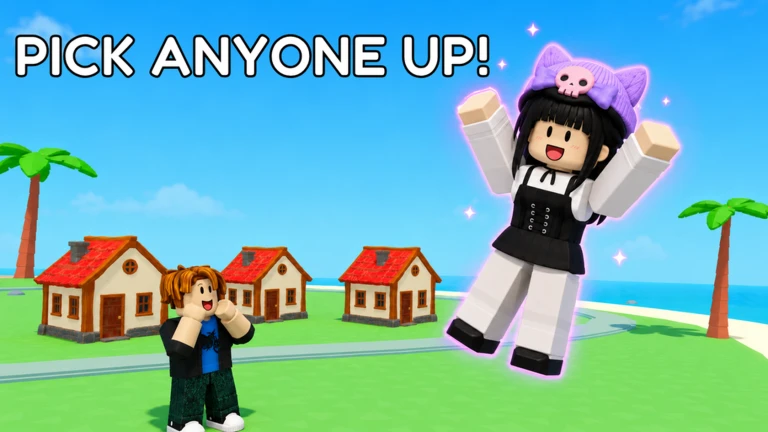
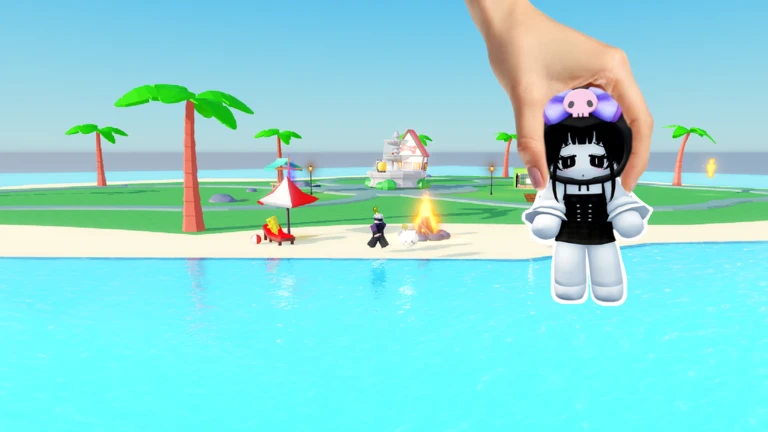
Everything in Bloxodachi Life starts with the grab. You use your mouse to pick up any character, move them wherever you like, and drop them. Where you drop them — and who is nearby — shapes what happens next. Characters then move on their own and begin forming bonds.
- Grab any character with your mouse and drag them to a new spot on the island.
- Drop two characters near each other to encourage them to interact.
- Once dropped, characters move by themselves — you do not control them directly.
- The interactions that follow can lead to friendships, crushes, rivalries, or even weddings and babies.
- Characters have moods that shift over time, so the same placement can produce different results on different occasions.
- Cutscenes and events play out automatically when something significant happens in a relationship.
Reading the Bonds tab
CheckTap Bonds on any character to pull up every relationship they currently have. Each one shows a progress ring so you can see at a glance how close — or how tense — things are getting.
- Tap Bonds on any character to see their friendships, feuds, and family ties.
- Look at each progress ring to judge how developed a relationship is.
- Revisit Bonds after placing characters together to see whether the ring has moved.
Decorating your island
Summary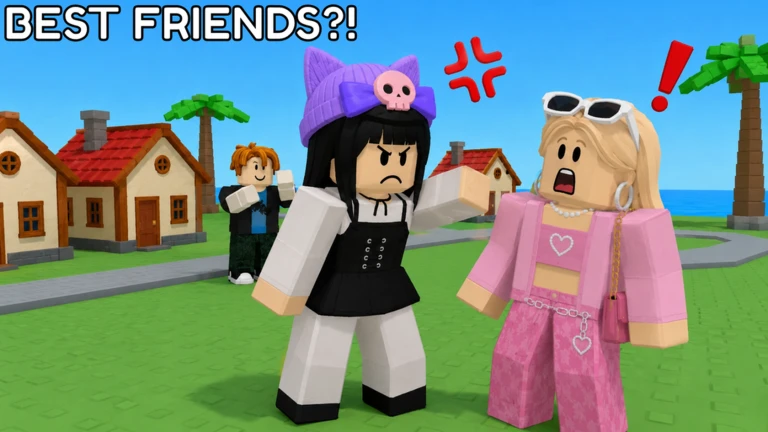
The placement cap is 500 items. Fourteen new decorations have been added in the latest update.
- Placement cap 500 items total across the whole island.
- New decorations 14 new pieces added in the latest update.
- Homes each character's house can be customized individually.
Using the tray to manage many characters
TipsThe tray lists every islander in one place. Tap a name and the camera moves straight to that character.
- Open the tray to see a list of every character currently living on your island.
- Tap any name in the tray to jump directly to that character's location.
Redeem codes
WarnThe developers release codes that give in-game rewards when you enter them. Each code works only once, and codes have expiry dates.
 FRESHBREW
1 Picky Potion and 1 Platonic Tonic
FRESHBREW
1 Picky Potion and 1 Platonic Tonic
Glossary
Glossary- OC
- Short for Original Character — a character you design yourself using the Roblox catalog.
- Bonds
- The in-game tab that shows every relationship a character has — friendships, feuds, and family — each with a progress ring indicating how far along it is.
- Tray
- A panel listing all the characters on your island so you can jump to any one of them with a single tap.
- Mood
- A character's current emotional state, which shifts over time and changes how they behave and react to other characters.
Common questions
FAQWhat happens when a baby is born?
The baby is added to the island as a new character.
Can I use the Roblox catalog freely when making a character?
Yes — the full Roblox catalog is available when you design an original character, so you can pick any look you want. You can also skip the design step entirely and adopt an existing character instead.
Game updates can change what is on this page. If you spot something, get in touch and let us know.
