
+1 Forge Blade Loot Guide: The core loop every new player needs to know
About
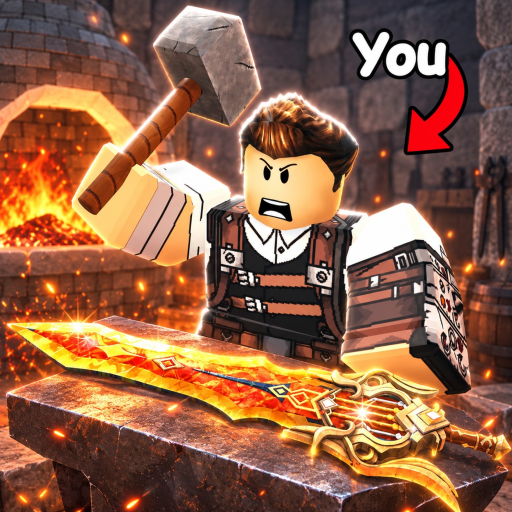
OverviewForge Blade Loot is a Roblox game where you train by clicking, gather materials from monsters, and forge swords to grow stronger. This guide walks you through the core loop — training, looting, forging — and gives you the tips you need to keep moving forward.
What is on this page
Contents
The core loop every new player needs to know
Step
Everything in this game comes back to three actions repeated in sequence. Start with the training dummy near the spawn point, then take your power into the dungeon, and finally turn what you collect into a sword at the forge in the lobby.
- Click the training dummy find the dummy near your spawn point and click or tap it repeatedly to build up your Power stat.
- Head to the dungeon once your Power feels solid, go fight monsters and pick up the materials they drop.
- Check your bag before leaving any stage, confirm that your material count actually went up.
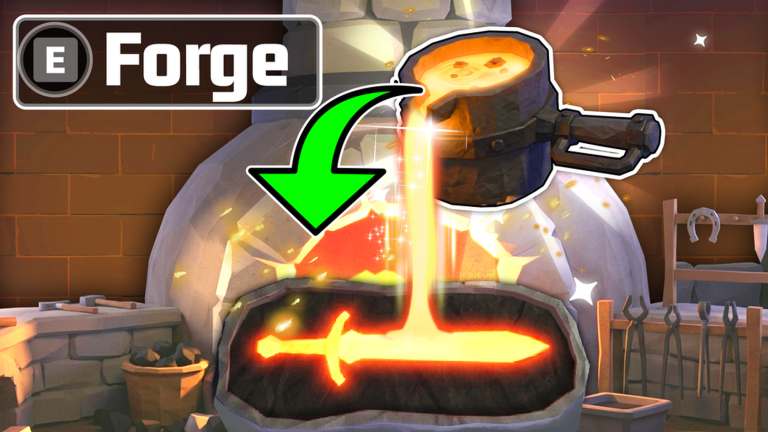
- Visit the forge return to the lobby forge when you have at least three materials and turn them into a sword.
- Equip and repeat put the new sword on, test it in training and combat, then start the loop again.
Getting materials without wasting runs
TipsMaterials only enter your inventory if you walk up and collect them after a monster drops them — they do not go in automatically. A full bag means anything new just sits on the ground, so manage your space before it becomes a problem.
- After each kill, sweep the area and grab every drop before moving on.
- When your bag is full, head back to the lobby and use what you have at the forge instead of grinding further.
- Progressing through the ore Index can expand your bag capacity, so check which entries you still need to complete.
- Each room holds up to eight players.
How the forge works
Step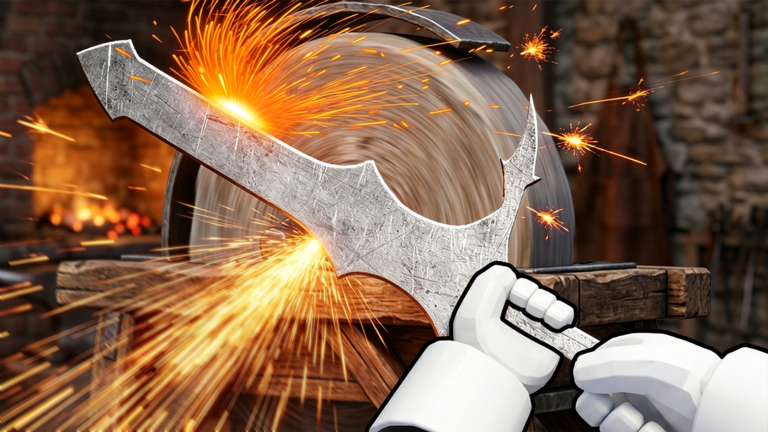
The forging screen shows you the multiplier for your current material combination and the odds of getting each sword type. You need at least three materials selected before you can start. Add materials one at a time and check how the numbers shift before locking anything in.
- Select three materials the display will show the combined multiplier and sword probabilities.
- Evaluate each addition add one more material at a time and check whether the multiplier and target sword probability improve or drop before confirming.
- Trace the shape follow the on-screen outline slowly and complete every step of the guiding prompt.
- Read the result check the finished sword's stats and skills before deciding whether to equip it.
Skills and traits from monster drops
CheckDefeating monsters can unlock new skills and traits in addition to dropping crafting materials. The skills available to you depend on whichever sword you have equipped, and each sword can have a different set. Check the description panel so you know what you are working with.
- Before entering a fight, open the description panel for your equipped sword and read what each skill does.
- Note the cooldown time listed for each skill so you know when you can use it again.
- After a monster run, check whether any new skills or traits have been unlocked.
- Experiment with different trait combinations they can shift the way you approach fights.
What to do when you cannot beat a monster
Warn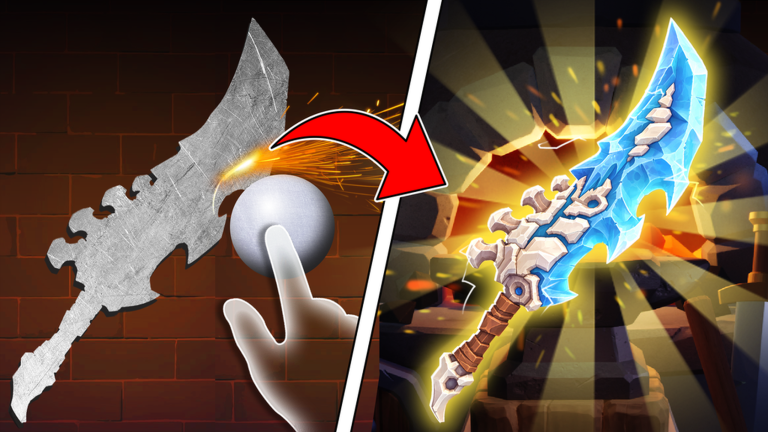
If your health is dropping fast, staying in place and hitting back is the worst thing you can do. Move to a spot outside the enemy's attack range, watch its pattern, and strike right after its attack finishes.
Managing swords and selling extras
TipsEvery time you finish a new sword, open the weapon list and compare it against whatever you currently have equipped. Look at Power, damage, and skills together.
- Open the weapon list after each forge and compare the new sword's stats and skills against your current one.
- Test any new equipment in training so you can judge how Power grows with it.
- Take spare swords to the sell location to convert them into in-game coins.
- Before selling anything, check your inventory to make sure you are not offloading materials you still need for forging.
- Put the coins from selling toward training upgrades to push your Power higher.
Long-term goal: the ultimate sword
SummaryThere is no shortcut to the ultimate sword — it comes from stacking many cycles of the core loop.
- Training click the dummy consistently to keep your Power stat climbing.
- Forging study multipliers and probabilities each session so your material choices improve over time.
- Skills and traits unlock and activate everything available to you for every fight.
Glossary
Glossary- Power
- A stat you build by clicking the training dummy; it feeds into your sword's performance in combat.
- Forge
- The lobby station where you combine three or more materials to create a sword, following on-screen shape prompts.
- Multiplier
- A number shown in the forging screen that reflects how your chosen material combination amplifies the outcome; it changes with every material you add.
- Drop
- An item a defeated monster leaves on the ground that you must manually collect before leaving the area.
- Skill
- A special ability tied to your equipped sword, with its own cooldown timer between uses.
- Trait
- A property added to a sword or character that changes how you can fight; different combinations open different strategies.
- Cooldown
- The waiting period after using a skill before you can use it again.
- Index
- An ore catalogue that tracks which materials you have collected; completing entries can expand your bag capacity.
Common questions
FAQHow many players can be in one room?
A single room holds up to eight players.
Why should I keep clicking the training dummy?
Clicking the dummy builds your Power stat, which is one of the core numbers behind your character's strength.
Can I carry more materials than I start with?
Progressing through the ore Index can unlock extra bag capacity. Open the Index and look at which ores and conditions you have not fulfilled yet.
What do I do if the forge will not start?
You need at least three materials selected inside the forging screen, not just in your bag. Even if your inventory is full, the forge will not begin until you have chosen the materials within the forge interface itself.
Is it worth selling old swords?
Selling swords you no longer use converts them into in-game coins you can spend on training upgrades. Check your inventory first to make sure you are not accidentally selling materials you still need.
Game updates can change what is on this page. If you spot something, get in touch and let us know.
