
Brainrot VS Mecha — How to start a battle

About
OverviewBrainrot VS Mecha is a sandbox battle game where you pick units from across the Multi-Universe, place them on a battlefield, and watch two armies fight it out.
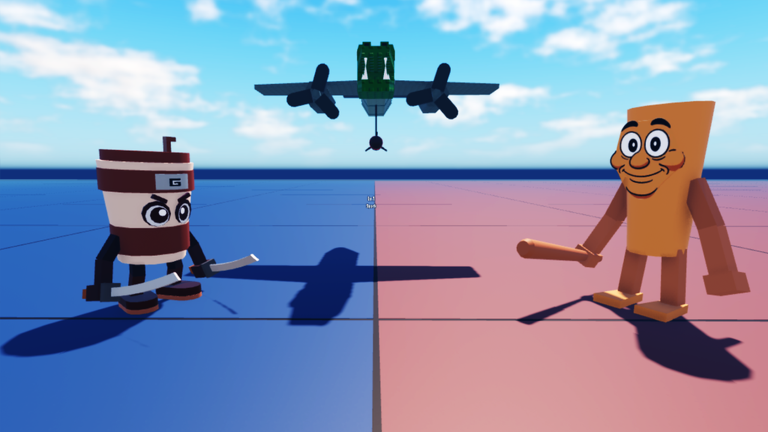
What is on this page
Contents
How to start a battle
Step
Everything in the game flows from this loop: place units, choose their side, then hit play.
- Open the unit menu tap any unit icon to select the unit you want to place.
- Pick a side tap a blue tile to add that unit to the blue army, or a red tile for the red army.
- Start the fight click the play icon and watch the two armies battle automatically.
Unit placement tactics
Tips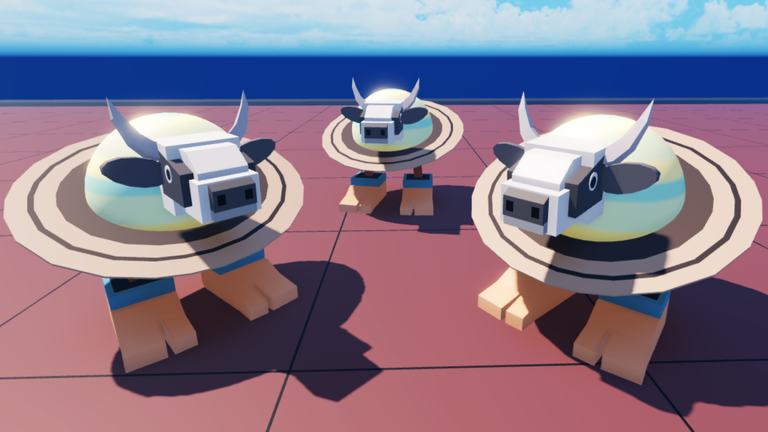
You have complete freedom over which units go where. Try different combinations and see how the fight plays out.
- Stack several copies of the same unit on one side to test the power of numbers.
- Characters from across the Multi-Universe are available, so try ones you haven't used before.
Gear and auras
Tips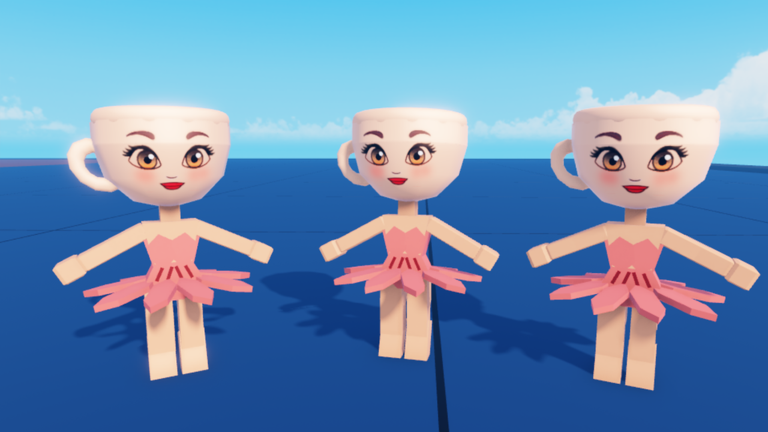
Gear is the category of items you attach to units to strengthen them or give them special effects. Auras are a dedicated gear category, and three more auras were added in Update 34 alongside three new weapons and two new cloth items.
- Gear — items that boost or modify a unit's performance in battle.
- Auras — a dedicated gear category that equips directly onto units.
- Weapons — three new ones arrived in Update 34.
- Cloth — two new cloth items were added in Update 34.
- Swapping gear on the same unit lineup can produce a different result.
Keeping up with updates
Check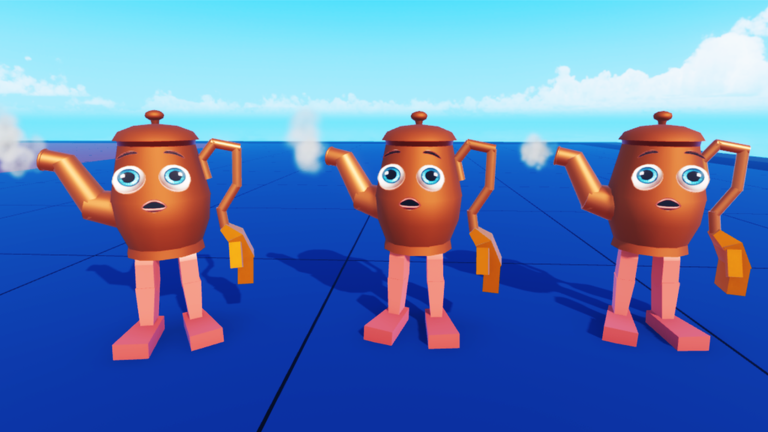
Update 35 introduced Event Mode. Update 34 added three new auras, three new weapons, and two new cloth items.
- Check whether a new mode is available Update 35 added Event Mode.
- Look for new auras in the gear menu after each update.
- Test any new weapons on both armies to see how they shift the fight.
- Try new cloth items on your units to see their effect.
What to do when something goes wrong
Warn
If your battle doesn't start or the armies don't move, run through these checks.
Glossary
Glossary- Unit
- A character or robot you place on the battlefield to fight for the blue or red army.
- Aura
- A type of gear you equip on a unit, introduced as its own category in Update 33.
- Gear
- The broad category of items — including auras and weapons — that you attach to units to change how they perform.
- Multi-Universe
- The collection of worlds and characters that the game draws its units from.
- Cloth
- A type of item added in Update 34.
- Event Mode
- A new play mode added in Update 35, separate from the standard sandbox battle setup.
Common questions
FAQDo buildings change who wins the battle?
No — buildings are visual and don't affect combat results.
Can I put the same unit on the battlefield more than once?
Yes. Placing multiple copies of the same unit on one side is possible.
What is Event Mode?
Event Mode is a new mode introduced in Update 35.
Game updates can change what is on this page. If you spot something, get in touch and let us know.
