
Deltarune: Connected Guide: What you are actually getting into
About
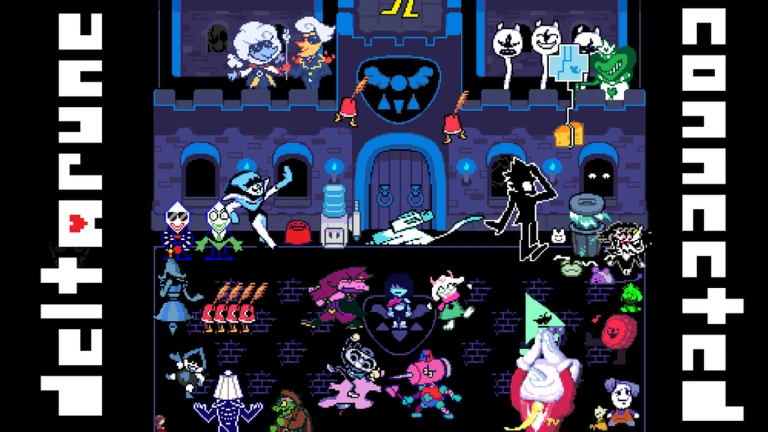
OverviewDeltarune: Connected is an unofficial fan-made recreation of Deltarune's world, built as a 2D showcase on Roblox. It is not a complete game — think of it as an interactive display where you pick a character, explore areas, and use emotes and unique actions with up to 100 players in the same room.
What is on this page
Contents
Player notes and tips
Found a useful trick? Share it with everyone! Notes with screenshots are welcome!
Write a guide note
Deltarune: Connected
What you are actually getting into
Summary
Deltarune: Connected recreates the engine and world of Toby Fox's Deltarune inside Roblox, but it is not a full playthrough of that game. The developers describe it as a showcase, and its current state is not what the final product will look like. Because there is no main quest or progression system, you decide what to do — explore, roleplay with others, try every emote, or just take in the environments.
- Fan-made
an unofficial project, not affiliated with Toby Fox
- Showcase state
the game is still in active development
- No fixed objectives
exploration and roleplay are the main activities
- Up to 100 players
you share the room with everyone in your server
MetaNew Player Survey

The next survey is being prepared.
Five menu words worth knowing
Tips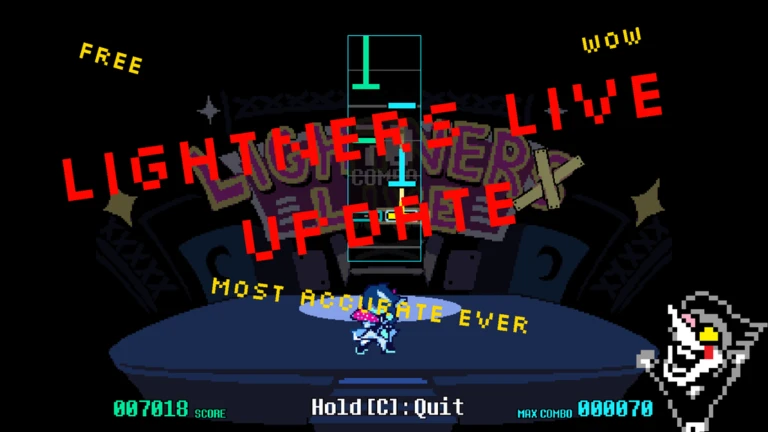
You do not need to understand every word on screen — these five cover almost everything you will tap.
- Morph or Character
switches which character you are playing as
- Spawn or Teleport
moves you to a different location on the map
- Action or Emote
triggers a movement, sound, or visual effect
- Active
the number of players currently in that area
- Back
returns you to the previous screen
Getting more out of your morph
TipsSwitching character does more than change your appearance. Expressions, movement sounds, music-related actions, and special on-screen effects are all tied to the morph you have chosen.
- Start with a character whose name you recognise
- If a video you found online shows different characters from what you see in the game, check the video's upload date
the roster changes with updates
- Never use third-party scripts or modification tools
Picking the right area
Table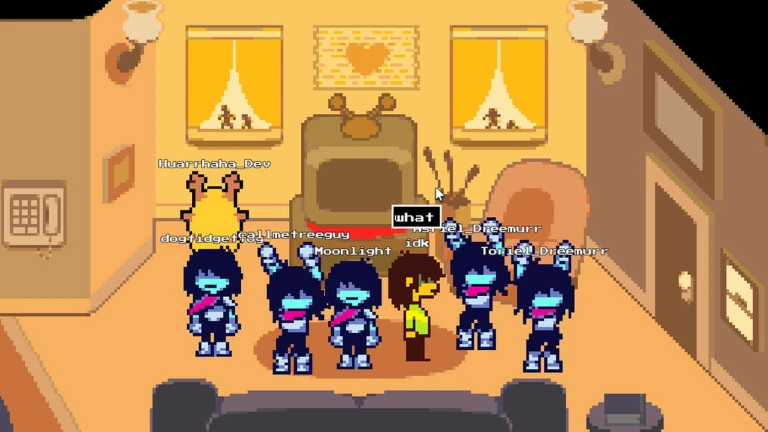
The map has several named areas you can teleport between. The Active number shown next to each location tells you how many players are there right now, which makes it easy to pick the right environment for what you want to do.
| Tutorial area | a starting point for learning the controls |
| Town Center | a central hub |
| Castle interior | a space for exploration |
| Café | available area on the map |
| Party Dojo | available area on the map |
| Any low-Active area | fewer players present |
Lightners' Live minigame basics
CheckInside the map there is a rhythm-style minigame called Lightners' Live, which is a separate experience from open exploration.
- Find the exit command before you start on PC the screen shows that holding C exits the minigame
- If your inputs are not registering, click or tap the screen once to give it focus, then try again
Playing with friends — common join problems
Check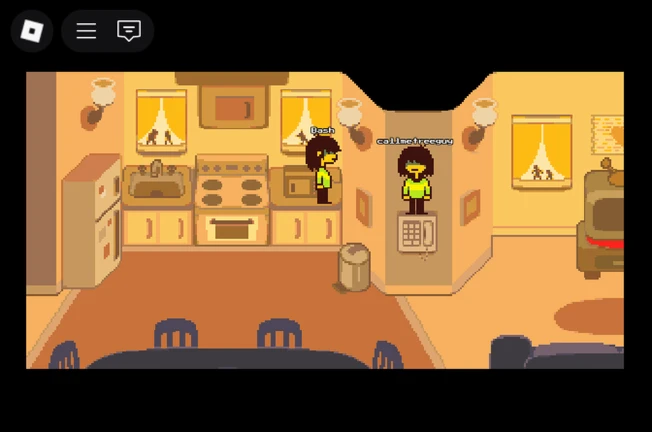
When joining a friend does not work, one of the following is almost always the reason.
- Check that your friend's join setting allows others in
- Confirm neither account has age-based or parental restrictions blocking the join
- If the server is full at 100 players, wait a few minutes and try again, or find a less-crowded server to meet in
Safety basics
WarnInteraction in this game is limited to text chat — there is no voice chat or camera.
Glossary
Glossary- Morph
- A feature that replaces your character's appearance and available actions with those of a specific Deltarune character.
- Emote
- An action — such as a bow, dance, or pose — that your character can perform to express something without using chat.
- Unique action
- A movement, sound, instrument performance, or screen effect available only to a specific character, separate from general emotes.
- Spawn
- The point where your character appears when you enter the game or teleport to a new area.
- Active
- The count of players currently present in a given area, shown in the teleport menu.
- Showcase
- A project that demonstrates a game's world or mechanics in an early or partial form rather than as a finished, fully playable experience.
- Roleplay
- A style of play where you act out a character or improvise scenes with other players.
- Lightners' Live
- A rhythm-style minigame inside the map where you match inputs to on-screen cues to build a score and combo.
- Deltarune
- The original game by Toby Fox that this Roblox project is based on.
Common questions
FAQIs this a complete version of Deltarune?
No. The game is a fan-made showcase built around Deltarune's engine, not a full playthrough of the original story. The developers have said the current state is not what the finished product will look like.
Can I play without using text chat?
Yes. Solo exploration, testing every morph's actions, and responding to other players with emotes are all things you can do without typing a single message.
Why can't I join my friend's server?
The most common reasons are that your friend's join permissions are closed, one account has parental restrictions active, or the server has reached its 100-player limit. Check the join setting first, and if the server is full, try again after a few minutes or find a quieter server to meet in.
Game updates can change what is on this page. If you spot something, get in touch and let us know.
