
My Movie Guide: How the game is split
About
OverviewMy Movie is a Roblox game where you shoot and publish your own short films, then watch a never-ending stream of videos made by other players — think YouTube, but inside Roblox.
What is on this page
Contents
How the game is split
Table
My Movie has two distinct sides. In filming mode you act as the director, building scenes from characters, backgrounds, and props, then recording the result and publishing it for everyone to see. In viewing mode you sit back and let a continuous stream of other players' films play one after another.
| Filming | you build scenes, record, and publish your own movies |
| Viewing | you watch a non-stop stream of films made by the community |
| Publishing | finished movies go live so any player can find them |
| Stream | videos play automatically, one after the next, without you doing anything |
MetaNew Player Survey
The next survey is being prepared.
Making your first movie
Step
The core filmmaking loop is straightforward. You pick your cast and setting, set up the action, record, and then release it to the public. All of these steps are free to use.
- Open filming mode this is where every movie starts
- Choose characters and a background these form the building blocks of your scene
- Set up actions and movement this is what gives the scene drama or comedy
- Record the scene save what you have staged
- Publish make the finished film visible to other players
Finding and watching other players' films
Step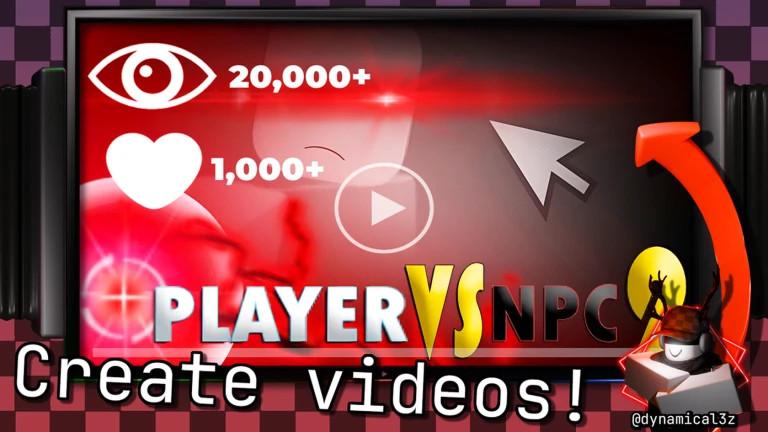
The viewing side of the game works like a streaming service. You open the Videos menu and films start playing automatically. If something catches your attention, you can rate it or follow that creator to keep up with what they make next.
- Open the Videos menu this takes you to the viewing area
- Let the stream run videos play back to back without any input needed
- Rate a video you enjoy
- Follow a creator you will see their new films as they publish them
Reporting videos that break the rules
Warn
My Movie is a free creative space, but Roblox's community guidelines still apply to every video published here. When you spot something that breaks those rules, report it through the in-game tool.
Community strategy ideas
CommunityThese ideas and tips come from people playing the game. Share your discoveries too!
No strategy ideas yet. Share a tip you discovered.
Share a strategy idea
🎥My Movie
Glossary
Glossary- Filming mode
- The dedicated screen where you place characters, pick a background, set up actions, and record your movie.
- Stream
- The continuous auto-playing feed of community-made videos, similar to a YouTube playlist that never ends.
- Scene
- A single filmed moment built from a combination of characters, a background, and props.
- Flag icon
- The in-game button used to report a video that breaks Roblox's community guidelines.
- Follow
- A way to subscribe to a creator so their new films appear for you when published.
- Publish
- The step that makes your finished movie visible to every other player browsing the stream.
Common questions
FAQWill other players actually see the movie I publish?
Yes. Once you publish, your film enters the community stream and other players can find it.
Can I enjoy the game without making any movies?
Absolutely. The stream gives you a continuous feed of other creators' films to watch. You never have to direct a single scene if you prefer just watching.
How do I report a video that seems inappropriate?
Open the Videos menu, go to My Videos, and click the flag icon on the offending video. Only report content that actually breaks Roblox rules, not videos you simply do not enjoy.
Game updates can change what is on this page. If you spot something, get in touch and let us know.
