
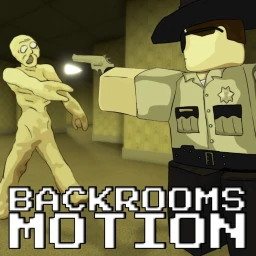
Backrooms Motion
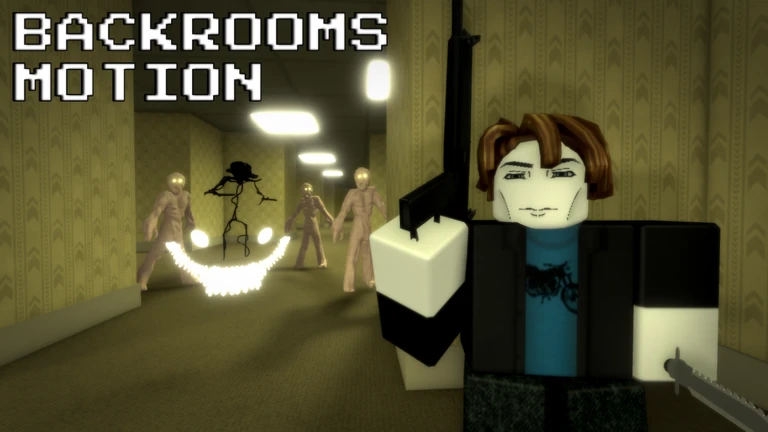
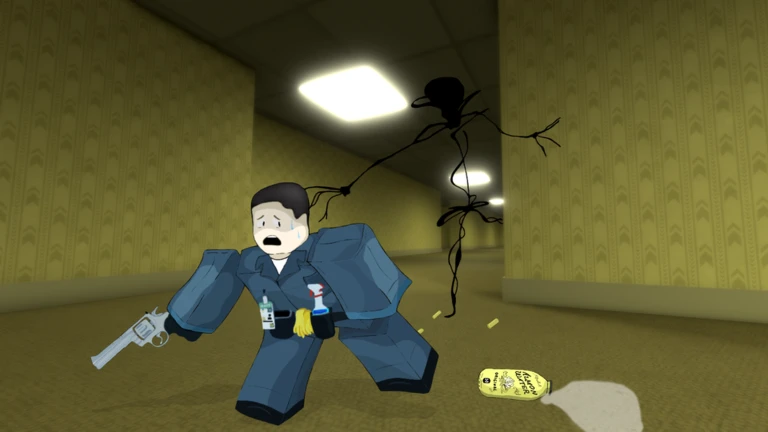
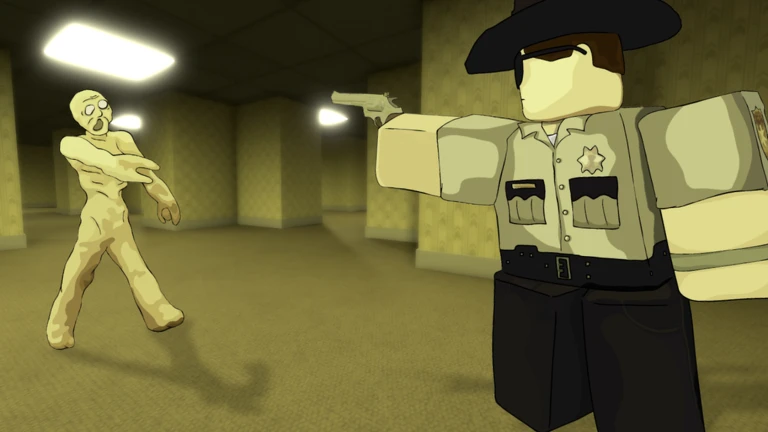
Explore the depths of the Backrooms across multiple levels, each with unique environments and hidden dangers.
Search lockers for supplies that can help you survive.
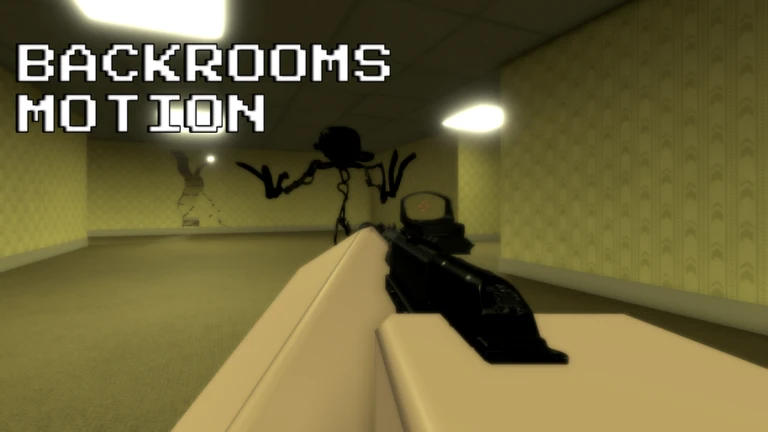
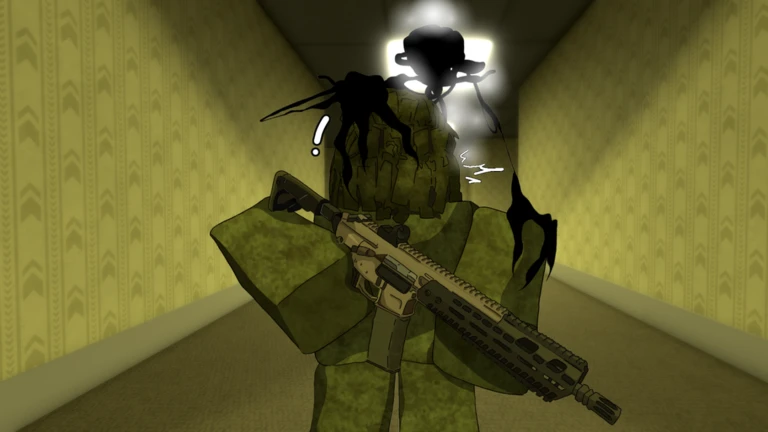
Fight off entities, take on other players, or team up to stay alive.
Controls:
Shift - Sprint
E - Interact
C - Crouch
B - Open Inventory
J - Open Journal
Backspace - Drop Items
P - Open Settings
T - Toggle PVP
M - Open menu
⚠️ This game is still in development. Expect updates, changes and occasional bugs.
💡 Flashing lights and visual effects may affect sensitive viewers.
🚫 Exploiting will result in a permanent ban.
🌟Premium users automatically receive a Golden Beretta when they join and every time they respawn.
Developed by:
@Tommygun_1912I
@isycheesy_Fan000
@DragoonMaster_HD
Your log
Your logMetaNew Player Survey
The next survey is being prepared.
Is this game for you?
At a glanceDifficulty, whether it works on your own, whether it works in Japanese, how it plays on a phone, and how far you get without paying. All five come from people who have actually played it.
Nobody has rated this game yet.
Where beginners should start
Guide- 01 Controls to learn before you start Knowing every key before you enter a level saves you from dying while you hunt through the settings.
- 02 First things to do when you spawn Looting lockers immediately gives you a fighting chance before the first entity shows up.
- 03 Dealing with entities Distance and a clear escape route matter more than any weapon when an entity finds you.
- 04 PvP versus co-op Neither mode locks you out of any level, so choose based on how you want to play.
Guide
Backrooms Motion Guide
Read the guide →
Similar games
Similar (🌴Summer Event) Desolation
Rating75%
Playing50
(🌴Summer Event) Desolation
Rating75%
Playing50
 [SKINS] Left 4 Blox
Rating81%
Playing183
[SKINS] Left 4 Blox
Rating81%
Playing183
 Forsaken
Rating84%
Playing34K
Forsaken
Rating84%
Playing34K
 [UPD]BreakDoor
Rating89%
Playing1.7K
[UPD]BreakDoor
Rating89%
Playing1.7K
 Nova saken
Rating70%
Playing300
Nova saken
Rating70%
Playing300
 Sonic.EXE: Corrupted Memories
Rating64%
Playing131
Sonic.EXE: Corrupted Memories
Rating64%
Playing131
 Swapsaken : Continued [ALPHA]
Rating57%
Playing108
Swapsaken : Continued [ALPHA]
Rating57%
Playing108
 [LEGACY] STOCK UP 📦
Rating94%
Playing11
[LEGACY] STOCK UP 📦
Rating94%
Playing11
You can manage your lists from My Games.
Rate this game
First, a couple of quick questions
Answers are only counted as totals. Names and individual answers are never shown.
