
Backrooms Motion Guide: Controls to learn before you start
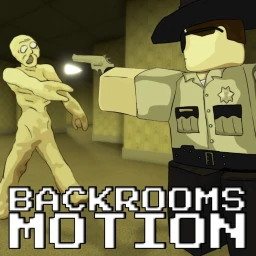
About
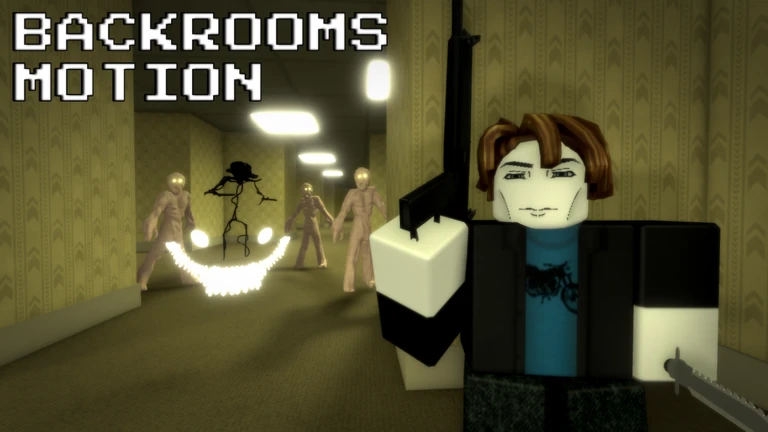
OverviewBackrooms Motion is a horror survival game where you explore strange, shifting levels of the Backrooms, scavenge supplies from lockers, and deal with both dangerous entities and other players. This guide covers the controls, survival basics, hidden secrets, and the choice between fighting and cooperating so you can get as far as possible.
What is on this page
Contents
Controls to learn before you start
Check
The game lists all of these controls. Crouch and sprint together are especially important when entities close in.
- Shift sprint to cover ground quickly or escape danger
- E interact with lockers, doors, and any item in the world
- C crouch to hide or squeeze through tight spaces
- B open your inventory to check and manage what you are carrying
- J open the journal to read information about your current level
- Backspace drop an item you no longer want
- T toggle PvP on or off
- P open settings
- M open menu
MetaNew Player Survey
The next survey is being prepared.
First things to do when you spawn
Step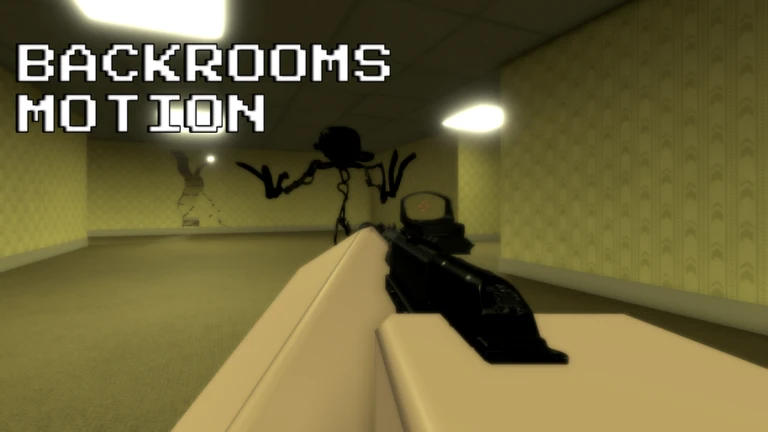
You start with nothing, so your first moments should be spent gathering supplies rather than pushing deeper into the level. Use your journal early if you feel lost — it tells you about your surroundings.
- Check your area look for lockers as soon as you spawn and open every one nearby with E
- Read the journal press J to get information about the level you are in
- Decide on PvP press T to turn PvP on or off before you run into another player
- Sort your bag open inventory with B and drop anything useless with Backspace to stay light
Dealing with entities
Tips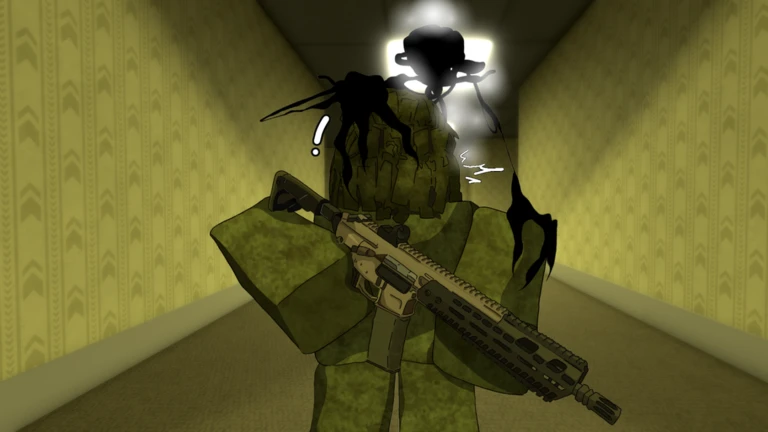
Every level hides different threats, and the right response depends on what you are carrying.
- When you spot an entity, create distance immediately — running away is always an option
- If you have no weapon, sprint and crouch into a hiding spot rather than standing and fighting
PvP versus co-op
TablePress T at any time to switch between the two. Your choice shapes every encounter with another player.
| PvP on | other players can fight you, which adds danger but also competition |
| PvP off | you and others can focus purely on entities and exploration together |
Hidden secrets worth hunting
Tips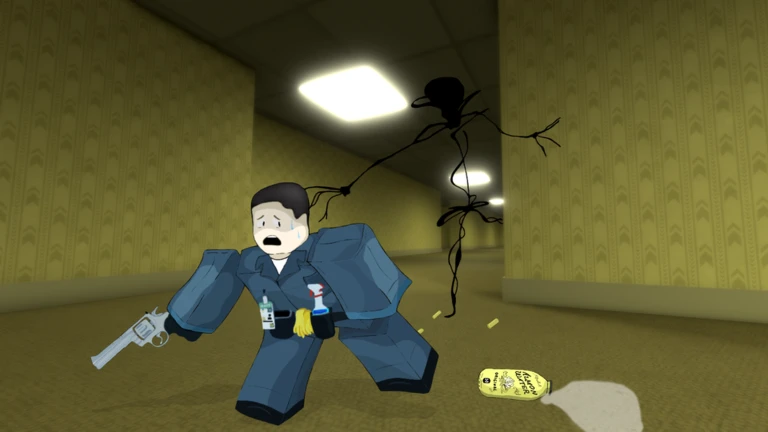
The badges reveal that at least three hidden items exist across the levels. None of them are handed to you.
- The Poolrooms level contains a hidden knife called the Soulfang Knife — it heals you with every kill
- The Matrix level hides a secret blade for anyone willing to search for it
- The Pitfalls level contains a house; inside that house is the Golden AK47
- A rare firearm called the AK47 RGB also exists somewhere in the game — finding it earns a badge
- There is also a Golden Rubber Duck hidden somewhere — keep your eyes open even in areas that look empty
Levels and what to expect
Tips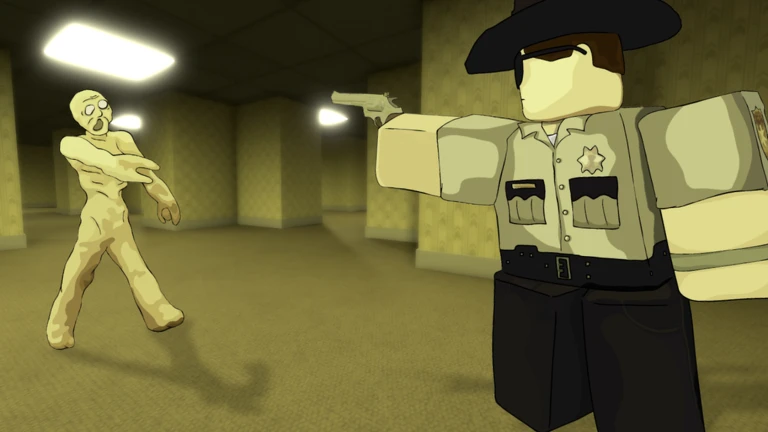
The game sends you through a series of distinct environments as you progress. Knowing what to expect from each one stops you being caught off guard.
- The Poolrooms is an environment — explore its shadows carefully
- The Pitfalls level contains a house that hides the Golden AK47
- The Matrix level has its own secret blade waiting for thorough explorers
- Level 94 and Level 188 are deeper stops on the route through the Backrooms
- Level ! ends with an escape — getting out earns you a badge
- A King boss exists somewhere in the game; defeating it is one of the harder achievements
Premium perk and free-to-play approach
TableThe single difference between Premium and free accounts is the starting weapon.
| Premium | receive a Golden Beretta automatically on joining and again each time you respawn |
| Free | start unarmed, but lockers can contain weapons if you search enough of them |
Glossary
Glossary- Backrooms
- The setting of the game — an endless maze of strange levels, each with its own environment and hazards.
- Entity
- A dangerous creature that inhabits the Backrooms levels and will attack players on sight.
- Locker
- An interactable object found throughout levels that can hold supplies and sometimes weapons.
- Journal
- An in-game log opened with J that gives you information about the level you are currently in.
- PvP
- Player-versus-player combat mode, toggled with T, which allows or prevents other players from harming you.
- Soulfang Knife
- A cursed hidden weapon found in the Poolrooms that restores your health each time you kill with it.
- Golden Beretta
- A firearm given automatically to Premium players each time they join or respawn.
Common questions
FAQWhere do I find the Soulfang Knife?
It is hidden somewhere inside the Poolrooms level. The badge description says it is deep within the shadows of that area, so search corners and out-of-the-way spots thoroughly.
Can I finish the whole game without spending anything?
Yes — every level is open to free players. You start without a weapon, but lockers can provide them if you put the work into searching.
What happens if the game crashes or bugs out?
Reopen the game and rejoin. If a problem keeps happening, the game page notes it is still in development and bugs are expected.
Game updates can change what is on this page. If you spot something, get in touch and let us know.
