Obby Creator lets you build your own obstacle courses and play through millions made by other players. This guide covers how to get started, how to build a course worth playing, how to earn likes, and how to get unstuck when a course beats you.
In shortFinish a simple course first, then layer in obstacles one at a time so you stay in control of the difficulty.
Your first course does not need moving parts or traps. A straight path with basic jumps is enough to get comfortable with the tools. Once that feels easy, add one new obstacle — a rotating platform, a ladder, a pit — and test it before adding the next. Playing popular courses made by other players is one of the best ways to pick up ideas for obstacles and layouts.
Tips worth knowing
Make the start and finish obvious so players know where to go.
Ramp up difficulty gradually — keep the opening easy and save the harder jumps for later.
Test your own course repeatedly to catch spots where players can get stuck or fall through.
Adjust block size and color to make the course look clean, not just functional.
Study courses you enjoy playing to borrow ideas for obstacles and pacing.
Players can like your course after they play it. Those likes determine your position on the leaderboard, which puts your course in front of more players. Your title and description are the first things a potential player reads, so make them interesting.
Fix every bug before publishinga course that traps or breaks for players will not earn likes.
Aim for moderate difficultyaccessible to beginners but with enough challenge to feel rewarding.
Check the lengtha course that ends too quickly or drags on too long both hurt your rating.
Write a clear, engaging descriptiontell players what makes your course worth their time.
Use color and block arrangement to make the course visually appealing, not just playable.
In shortBefore you blame the course, check whether the problem is your timing or your camera angle.
Most failed runs come down to jump timing or a camera angle that hides the platform you are aiming for. If you keep dying at the same spot, pause and watch the obstacle move through a full cycle before you try again. If a friend has already cleared it, watching their run can show you the line you missed.
Worth watching out for
A bad camera angle makes a perfectly fair jump look impossiblerotate before you leap.
Moving obstacles like rotating platforms have a rhythmwait and learn it instead of rushing.
05
Building with friends
Tips
In shortSplitting jobs and having teammates test your sections finds problems faster than building alone.
You can build a course with other players, and splitting responsibilities — one person places blocks, another handles decoration, a third runs tests — moves things along faster than everyone doing the same job. Having a friend play your section right after you build it catches bugs you stopped noticing because you built around them. When someone gives feedback, try the suggestion in the game rather than arguing about it.
Tips worth knowing
Divide the work by role so no one duplicates effort.
Ask a teammate to test each section as soon as it is placed.
Treat disagreements as experiments — build both versions and play them.
Play the finished course together once it is done to spot anything that slipped through.
06
What costs nothing and what to know about likes
Table
In shortEvery core feature in Obby Creator is free, and likes can only be earned through good building, not purchased.
The full building toolset, course browsing, leaderboard access, and co-op building are all available without spending anything. Likes are given by players who enjoy your course — no payment speeds that up. The leaderboard ranks courses by likes alone, so the path to the top is making something people want to finish and recommend.
Building tools
fully free, no restrictions
Playing other courses
free access to millions of user-made courses
Leaderboard ranking
determined entirely by likes, not purchases
Co-op building
free for multiple players simultaneously
Likes
earned only through player enjoyment, cannot be bought
Glossary
Glossary
Obby
Short for obstacle course — a Roblox game type built around jumping, climbing, and avoiding hazards.
Like
A vote players can give your course after playing it; likes determine your leaderboard position.
Leaderboard
A ranking of courses ordered by how many likes they have received.
Obstacle / Gimmick
A trap or moving element in a course, such as a rotating platform, a moving block, or a pit.
Spawn
The point where a player appears at the start of a course or after they die.
Common questions
FAQ
Do I need to spend Robux to get likes or reach the leaderboard?
No. Likes are given by players who enjoy your course, and spending money does not change that. Every leaderboard feature is free.
What can I build besides a regular obby?
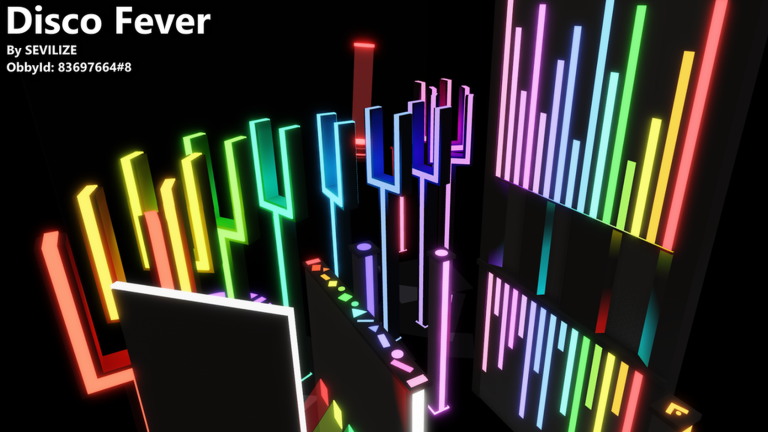
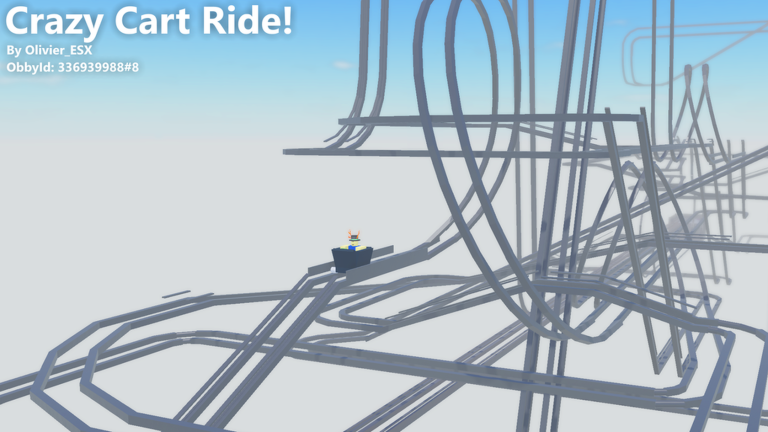
The game supports obbies, showcases, and cart rides.
Updated Sep 14, 2026
Game updates can change what is on this page. If you spot something, get in touch and let us know.