
Criminal Simulator Guide: Starting your first job
About
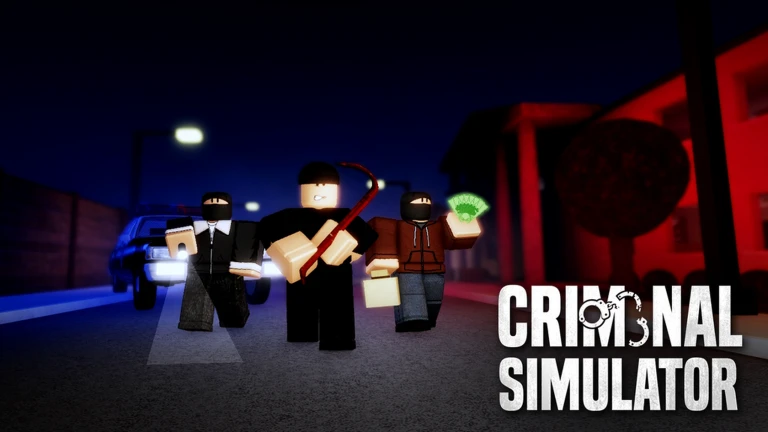
OverviewCriminal Simulator is a Roblox heist game where you rob the city at night, haul stolen goods back to your base in a truck, and sell everything before the deadline to pay off your debt. This guide walks you through your first job, the full sell loop, the tool shop, and what to do when things go wrong.
What is on this page
Contents
Player notes and tips
Found a useful trick? Share it with everyone! Notes with screenshots are welcome!
Write a guide note
Criminal Simulator 💰 [ALPHA]
Starting your first job
Step
From the lobby, hit Play and head inside the truck to find the job planning screen. Pick your mode and difficulty before you do anything else. If you want to play with friends only, set the lobby to friends-only before launching so everyone ends up in the same run.
- Open the planning screen find the computer inside the truck and launch it.
- Set the team size anywhere from one to four players.
- Lock the lobby switch to friends-only if you do not want strangers joining.
- Choose the mode select Classic and set the difficulty to Normal for your first run.
- Head out press the button to open the door and begin the job.
MetaNew Player Survey

The next survey is being prepared.
What to steal and what to skip
Tips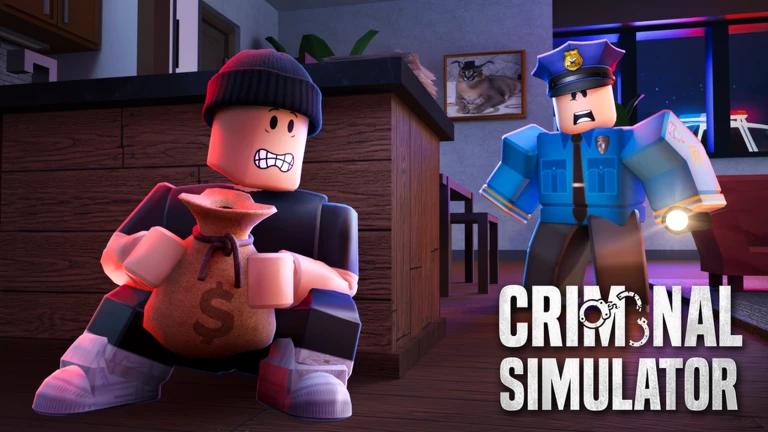
Each item on the map has a visible price. Your job is to weigh that price against how hard the item is to carry and how much time you have left.
- Check the quota display on screen before you start collecting so you know your target.
- Go for small, portable items first — they let you move at full speed.
- Compare the displayed price against the carrying difficulty before you pick something up.
- Leave large furniture alone until you have a Lifter from the shop.
- Keep an eye on the clock and always leave yourself enough time to get back to the truck.
The full sell loop
Step
A lot of new players load up the truck and wonder why their cash total does not change. The truck carries your loot; it does not sell it. Selling is a separate action you do after you return to base.
- Return to base drive or ride the truck back after collecting.
- Take items out pull each item out of the truck bed.
- Drop them in the SELL crate place every item inside the wooden crate labelled SELL.
- Hit the red button press the red button next to the crate to complete the sale.
- Check your totals look at your cash balance and quota progress on screen to confirm it went through.
Avoiding detection
Warn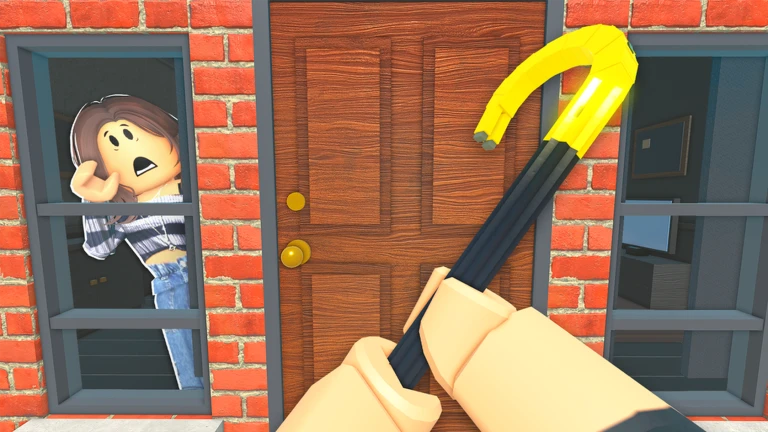
Residents react to both sight and sound. On PC you can hold C to crouch, which cuts the noise your footsteps make. Crouching does not make you invisible, so you still need to track where residents are and keep an exit in mind. Once someone has spotted you and started calling for help, staying inside to grab more items is a high-risk move.
Tools worth knowing
TableTools are bought from the laptop on the desk inside the truck. Some tools only appear once you have reached the required level, so you may not see the full catalogue on your first day. Match each tool to the situation that is actually blocking you.
| Lockpick | opens locked doors you cannot otherwise enter. |
| Glass Cutter | quiets the noise when you climb through a window. |
| Lifter | lets you pick up heavy items that would otherwise be too much to carry. |
 CITY
POLICE
1.5k cash
Modes and long-term goals
Summary
The game tracks your progress through difficulty tiers and also through a level system that runs parallel to them.
- Classic pay off the debt in full to win; this is the main story loop.
- Hard Mode same goal, higher pressure.
- Pro Mode the toughest tier; finishing it is rare enough to earn its own badge.
- Endless Mode no finish line; the target is to survive as many consecutive quotas as possible (badges exist for reaching quota 10 and quota 25).
- Level milestones the game tracks your level separately; milestones at 10, 25, 50, 100, and 200 each unlock a badge.
Special jobs worth trying
TipsOnce you are comfortable with the basic steal-and-sell loop, the map has harder targets that come with their own badges.
- The Starry Night Painting is worth $7,500 and earns the Art Thief badge when you steal it.
- Armored trucks can be robbed; your first successful armored truck robbery earns the Armored Robbery badge.
- Safes can be cracked with a blowtorch, earning the Safe Breaker badge.
- Stolen cars can be sold at the chop shop for the Chop Shop badge.
- The desert area is a separate zone — entering it for the first time earns the Into the Desert badge.
- The police station can itself be broken into, which the game marks with the Inside the Station badge.
Glossary
Glossary- Quota
- The cash amount you must earn through sales within a set time limit; your current progress is shown on screen.
- Classic Mode
- The main game mode where you win by paying off your debt in full before the deadline.
- Endless Mode
- A mode with no finish line where you try to complete as many consecutive quotas as possible.
- SELL Crate
- The wooden crate at base where you drop stolen items before hitting the red button to complete a sale.
- Lockpick
- A tool that lets you open locked doors you would otherwise be blocked by.
- Glass Cutter
- A tool that reduces the noise made when you enter through a window.
- Lifter
- A tool that lets you carry heavy items that would be too much to pick up without it.
- Alpha
- The game's current development stage, meaning screens and rules can change with any update.
Common questions
FAQI loaded the truck but my money did not go up — why?
The truck bed is for transport, not for selling. Once you are back at base, take the items out of the truck, put them inside the SELL crate, and press the red button next to it. The sale only registers after that last step.
What happens if I miss the debt deadline in Classic mode?
If you do not pay off the debt in time, a sniper comes after you. Keep checking your quota progress on screen and prioritise completing sales so you stay ahead of the deadline.
Do I need to spend Robux to play?
The game is free to join and play. If the store screen shows Robux items, you do not have to decide on the spot — take your time and check prices and contents with a parent or guardian before buying anything.
Game updates can change what is on this page. If you spot something, get in touch and let us know.
