
Apeirophobia — How the game is structured
About
OverviewApeirophobia drops you into an endless series of unsettling rooms inspired by the Backrooms, where your only goals are to solve puzzles, avoid terrifying entities, and push deeper toward escape. This guide walks you through how to survive each level, how to handle the entities you will face, and what secrets are worth hunting down.
What is on this page
Contents
How the game is structured
Summary
Chapter 1 runs from Level 0 through Level 16, taking you through places like The Lobby, The Poolrooms, an Abandoned Office, The Sewers, and a Cave System, among others. Chapter 2 picks up at Level 17 and continues through Level 24, covering locations such as a Mall, a Neighborhood, a Graveyard, a Hospital, and a Train Station. Every level has its own layout, atmosphere, and objective you need to complete before the next level unlocks. Puzzles and environmental challenges are the main way you make progress.
- Chapter 1 Levels 0 through 16, starting in The Lobby
- Chapter 2 Levels 17 through 24, starting with Left Scarred
- Objective varies by level, but always involves exploration and puzzle-solving
- Entities each level has its own set of enemies that can end your run
- Difficulty Nightmare Mode speeds up enemies and can make navigation harder
Surviving your first level
Step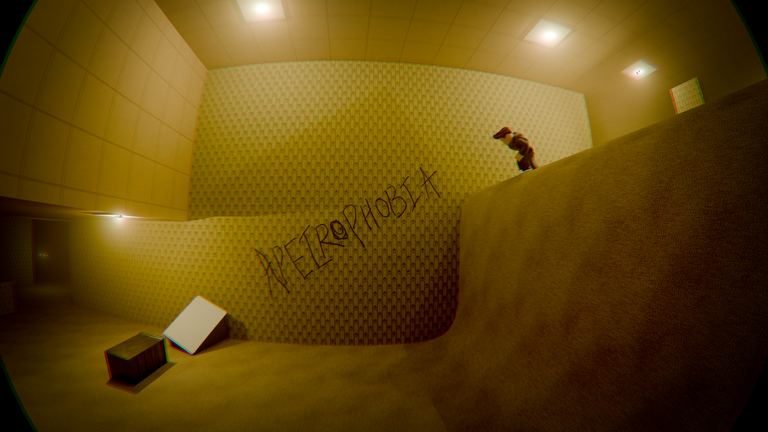
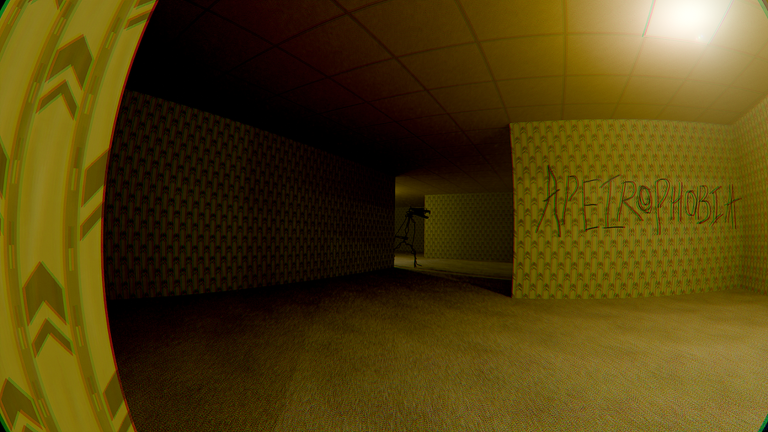
When you load in, you are standing in a maze of yellow walls and dark carpet lit by buzzing fluorescent lights. There is no combat — if an entity catches you, you die, so every decision you make should be about staying hidden or staying ahead. A note somewhere in the level shows you what to look for: a player running toward a ladder with an entity behind them. That ladder is your goal.
- Explore the maze move through the corridors and look for arrows scratched into the walls, but note that on harder difficulties some arrows are fake
- Watch for the Howler it roams freely and will chase you on sight
- Avoid the Cameraman if it sees you it shrieks and blurs your screen, and that shriek calls the Howler to your location
- Ignore the Phantom Smiler it will startle you but cannot actually kill you, so keep moving
- Find the ladder climb it to reach a vent in the wall, and crawling through that vent completes the level
Secrets and badges worth chasing
Tips
Badges in Apeirophobia are tied to specific actions and discoveries, many of which are tucked out of plain sight. Collecting all Simulation Cores across the game earns the Reality badge. In Level 0 alone there are two cores: one sitting behind a red chair known as Ben's Chair, and one at the end of a very long hallway. The Lost Soul badge requires you to find a thin crack in a wall near the exit of Level 0 and squeeze through it. The Atomic Expert badge is earned by defusing a bomb. The Lux Æterna badge comes from finding a hidden room. Completing the game on Nightmare Mode earns the Daymare badge.
- Look behind Ben's Chair in Level 0 for one of the Simulation Cores
- Follow the longest hallway in Level 0 to find the second core there
- Find the thin wall crack near the Level 0 exit and slide through it to get The Lost Soul badge
- Hunt for a hidden room somewhere in the game to unlock Lux Æterna
- Gifting another player a gamepass earns the Generous Gifter badge
- Finishing on Nightmare Mode unlocks Daymare
Settings to adjust before you start
Check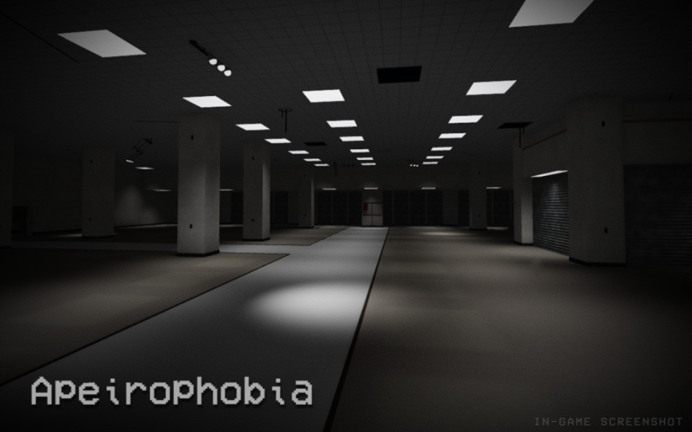
Apeirophobia contains sudden jumpscares, flashing lights, and loud noises. The developers recommend turning graphics to maximum and using headphones for the best experience. The game runs on PC, mobile, and Xbox, so the exact settings screen will differ by platform.
- Set Roblox graphics to maximum
- Use headphones
- Join the official group before playing it gives you in-game perks
Glossary
Glossary- Entity
- A hostile creature that roams a level and kills you on contact — they cannot be fought, only avoided.
- Simulation Core
- A collectible hidden across the game's levels; gathering all of them earns the Reality badge.
- Nightmare Mode
- A harder difficulty that boosts enemy speed and can make navigation tools like arrow hints unreliable.
- Jumpscare
- A sudden on-screen scare paired with a loud sound, used by entities when they catch the player.
- Howler
- A roaming Level 0 entity that chases and kills players on sight, and is drawn to noise made by the Cameraman.
- Cameraman
- A Level 0 entity whose shriek blurs your vision and calls the Howler directly to your position.
- Phantom Smiler
- A Level 0 entity that stalks you and can trigger a jumpscare, but it cannot actually kill you.
- Backrooms
- The internet horror concept that inspired Apeirophobia — an endless series of eerie, liminal rooms.
Common questions
FAQWhat do I do when an entity spots me?
Different entities have different behaviours — the Phantom Smiler will startle you but cannot kill you, while the Howler will chase you down if it catches sight of you. The Cameraman's shriek calls the Howler to your location.
Is Nightmare Mode very different from the normal game?
Yes. At minimum, entity speed is increased, making chases harder to survive. In Level 0, the arrow hints scratched on the walls can also be fake on harder difficulties, so navigation becomes less reliable.
Game updates can change what is on this page. If you spot something, get in touch and let us know.
