
Midnight Racing: Tokyo Guide: First steps in the game
About
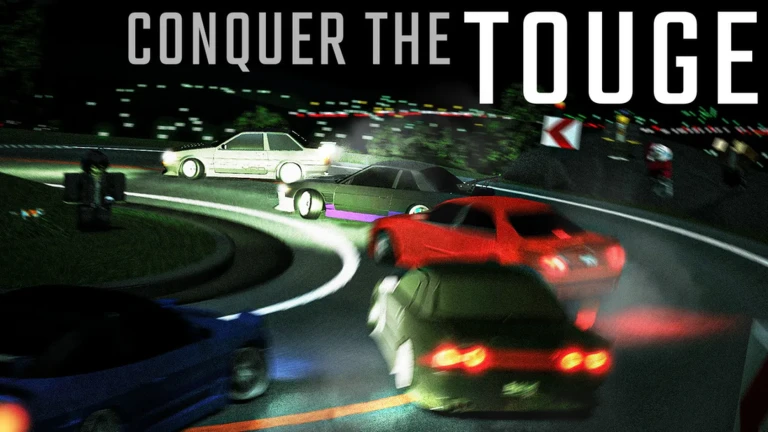
OverviewMidnight Racing: Tokyo is a racing sim-cade set in a virtual version of Tokyo, with large highways and winding mountain passes to drive across. You can choose from over 180 unique cars, tune their performance, customize their looks, and compete against other players across seven different maps. This guide covers everything from your first few minutes in the game through tuning, racing, and climbing the rank ladder.
What is on this page
Contents
First steps in the game
Step
When you load in, you land in a hub where you choose a map. Tokyo City is the best starting point — it is easy to navigate, speeds are manageable, and the shops and dealership are straightforward to find. Keep the transmission on automatic until you have the basics down, then try a short race. You do not need to win; finishing and hitting every checkpoint in order is the goal.
- Choose your car pick whatever looks good, since tuning can reshape performance later
- Head to Tokyo City select it from the hub as your first map
- Set transmission to A/T press M to cycle to automatic so the car shifts for you
- Find a safe stretch of road practise accelerating, braking, and turning away from traffic
- Enter a short race focus on completing it and passing every checkpoint, not on your finishing position
- Check daily goals, milestones, and login rewards these are reliable early sources of money and experience
MetaNew Player Survey

The next survey is being prepared.
Basic controls on PC
Check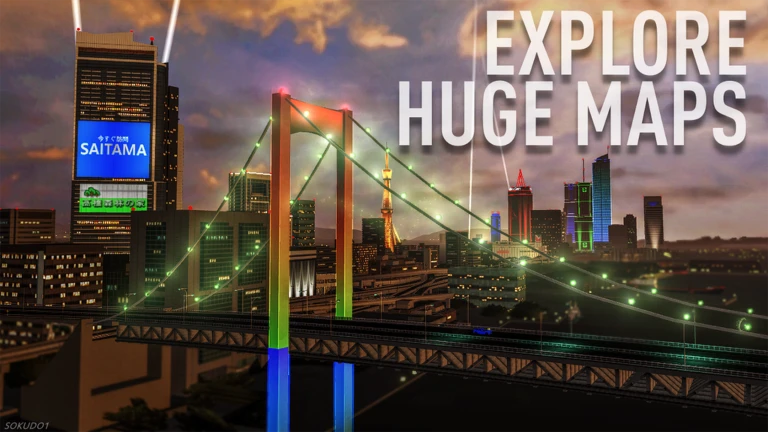
The controls are straightforward once you know them, but three things quietly stop new players cold: the engine can be off, the transmission can be in neutral, and the handbrake can be on. On keyboard, steering and throttle inputs jump to maximum instantly, so tapping W, A, and D in short bursts gives you finer control than holding them down.
- Is the engine running press J to start or stop it
- Is the transmission in a drive gear press M to switch between A/T, S/T, and M/T
- Is the handbrake off press P to toggle it
- Are you using traction control press T to turn it on or off
- Do you need to shift manually use Q and E for down and up in S/T and M/T; left Shift is the clutch in M/T
Cornering and braking technique
TipsThe single most common cause of spinning out or running wide is applying throttle or brakes while the steering is fully turned. Pick a fixed landmark — a sign, a tree, a barrier — as your braking marker for each corner, and use it every lap so your timing becomes consistent.
- Finish braking before you turn in, not during the corner
- Ease off the throttle while the car is still turning
- Wait until the car is pointing toward the exit before accelerating again
- Use a roadside landmark as a consistent braking reference for each corner
- On keyboard, tap W, A, and D in short bursts rather than holding them to avoid maximum-input snaps
- Leave the handbrake alone in normal cornering — it is not a substitute for slowing down early
Earning money and experience
Tips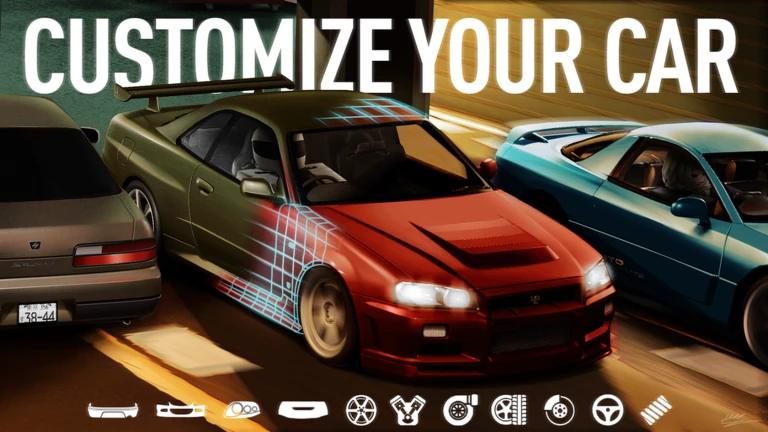
Every completed race pays out money and experience points. Rewards vary by field size, car tier, reward multiplier, and your finishing position, so glance at the race screen before you enter. Short races like Dockyard Dash in Tokyo City are ideal for grinding early on; once you are comfortable, longer races in Tokyo Bay Area and Ichikawa offer bigger payouts.
- Check the race details screen before entering — it shows distance, format, and expected reward
- Stay with one car early on rather than splitting funds across several
- Prioritise completing races over winning — you earn money and experience either way
- If you go off course, return to the last checkpoint you passed correctly rather than cutting back
- Collect daily goals, milestone rewards, and login bonuses every session
- Stick to one manufacturer to build up that maker's experience faster and reduce tuning costs
Three currencies and what they do
TableThe game tracks three separate pools of progress. Mixing them up leads to spending the wrong one at the wrong time, so it is worth understanding each one clearly before you start buying parts.
| Money (Yen) | spent on cars, body parts, wheels, and performance tuning |
| Player experience | accumulates from races and drives, raises your overall player level |
| Manufacturer experience | tied to each carmaker separately, unlocks and reduces the cost of tuning options for that maker's cars |
 ???
SH1R4K4W4 Code Unlock
r/midnightracingtokyo
1,000,000 Yen
TOUCHGRASS50K
2,000,000 Yen
EASTERBUNNY
2,000,000 Yen
Player level milestones
Table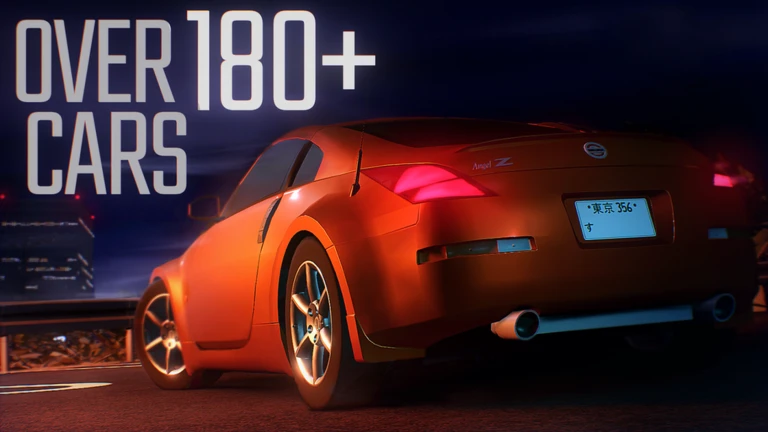
These are the key levels to aim for as you race. Each badge milestone also marks a point where the game's difficulty and rewards shift.
| Level | What unlocks |
|---|---|
| 25 | Novice Racer rank badge |
| 40 | Tier 4 cars become available to buy |
| 50 | Experienced Racer rank badge |
| 100 | Professional Racer rank badge |
| 125 | Expert Racer rank badge |
| 150 | Legend Racer rank badge |
Tuning without breaking your car
StepStart with the stock setup, identify the one thing that is holding you back, and change only that. Save a separate build before any big adjustment so you can roll back if it goes wrong — changes save automatically.
- Drive stock first run the same race two or three times to learn how the car behaves before touching anything
- Identify the problem hard to stop means brakes, hard to turn means suspension, wrong rev range on straights means gearing
- Fix brakes and stability before adding power a faster car that spins out loses to a slower car that stays on the road
- Go easy on power with rear-wheel-drive cars big engine upgrades before suspension work cause oversteer on corner exits
- Save a new build before each change that way you always have a working version to return to
- Test on the same course after every change so you can compare directly
Hidden locations and exploration badges
Tips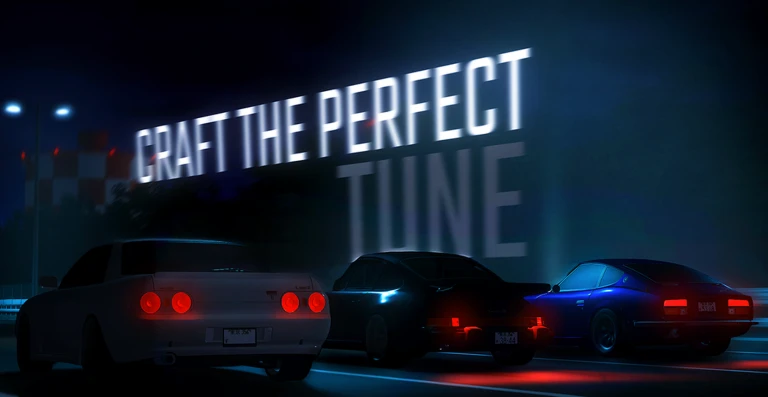
Not everything in the game is about racing. Several badges reward players for simply finding specific locations. The campground and shrine on Mt. Otsuki are worth seeking out when you want a break from competitive racing, and the forests of the Ichikawa region hide a wrecked Supreme from 1997. There is also a time machine somewhere in the game that takes you back to 2018.
- Visit the campground on Mt. Otsuki for a relaxed break from racing
- Climb to the top of Mt. Otsuki to find the shrine
- Search the Ichikawa forest for the abandoned Supreme that crashed on the Keikokudoro in 1997
- Find the time machine to travel back to 2018 and see where the game's story began
Fixing common problems
CheckBecause the game is still in Alpha v.1.1, glitches happen. Before assuming something is permanently broken, work through the quick fixes below. Never repeat a purchase or tuning action multiple times trying to force it through — if your data looks wrong, check the developer announcements first.
- Car will not move check engine (J), transmission (M), and handbrake (P) before anything else
- Tuning changes not showing exit the tuning shop, put the car away, then bring it back out
- Problem persists try a different map or a different server
- Game running slowly lower Roblox graphics quality manually and close other applications
- Data or purchase looks wrong do not repeat the action; check the latest developer announcement instead
Community strategy ideas
CommunityThese ideas and tips come from people playing the game. Share your discoveries too!
No strategy ideas yet. Share a tip you discovered.
Share a strategy idea
[UPDATE!] Midnight Racing: Tokyo
Glossary
Glossary- Tuning
- Upgrades to mechanical parts like the engine, brakes, and suspension that directly change how fast and controllable your car is.
- Customization
- Changes to the car's appearance — paint, wheels, stickers — that have no effect on racing performance.
- Racing line
- The path through a corner that lets you carry the most speed.
- Checkpoint
- A marked point on the course that must be passed in the correct order; skipping one invalidates your run.
- Rank
- Your competitive standing in the game, which rises as you win matches and complete races.
- Alpha
- An early stage of development where bugs and unfinished features are normal and updates can change things significantly.
- A/T
- Automatic transmission — the car shifts gears for you, making it the easiest setting for beginners.
- S/T
- Semi-automatic transmission — you control when to shift up or down using Q and E, but there is no clutch.
- M/T
- Manual transmission — you operate both the gear changes and the clutch, giving the most control at the highest difficulty.
- Manufacturer experience
- A separate experience pool tied to each carmaker that unlocks tuning options and reduces their cost for that maker's cars.
- Tier
- A vehicle rank grouping that gates which cars you can buy; Tier 4 cars become available at player level 40.
- Build
- A saved combination of tuning and appearance settings for a single car that you can switch between or roll back to.
- Traction control
- A driver aid that limits wheel spin under hard acceleration, toggled on or off with the T key.
- Oversteer
- A handling condition where the rear wheels slide outward, causing the car to rotate more than intended.
- Understeer
- A handling condition where the front of the car pushes wide through a corner instead of following the steering input.
Common questions
FAQCan you enjoy this game without spending real money?
Yes — paid options are limited to cosmetic customization, so spending money does not improve your car's racing performance.
What should you do if you keep losing races?
Run the same race several times until you know every braking point and corner — consistent track knowledge cuts more time than almost any upgrade. Then check your tuning: brakes and stability should come before raw power.
Is it worth buying multiple cars early on?
Splitting your money across several cars leaves each one underpowered. Pouring resources into a single car gives you a stronger position in races. Sticking with one manufacturer also builds up that maker's experience faster, which reduces the cost of unlocking tuning options.
How do redeem codes work?
Enter a code in the in-game code input field to claim its reward. Codes have usage limits and expiry dates, so use one as soon as you have it.
How do you race with a friend?
Join the same map and server as your friend first, then both of you move to the waiting area for the same race before it starts. If the race has already begun or the lobby is full, wait for the next round or move to a less populated server together.
Do you get tuning costs back when you sell a car?
The full purchase and tuning cost does not necessarily come back when you sell. Before selling a heavily modified car, make sure you genuinely will not need it — and always keep at least one car you can reliably finish races with.
There are bugs in the game — is that normal?
Yes, the game is in Alpha v.1.1 and bugs are expected. Most issues clear up by putting your car away and bringing it back out, or by switching to a different server. If a purchase or data value looks wrong, check the developer announcements and do not repeat the action.
Game updates can change what is on this page. If you spot something, get in touch and let us know.
