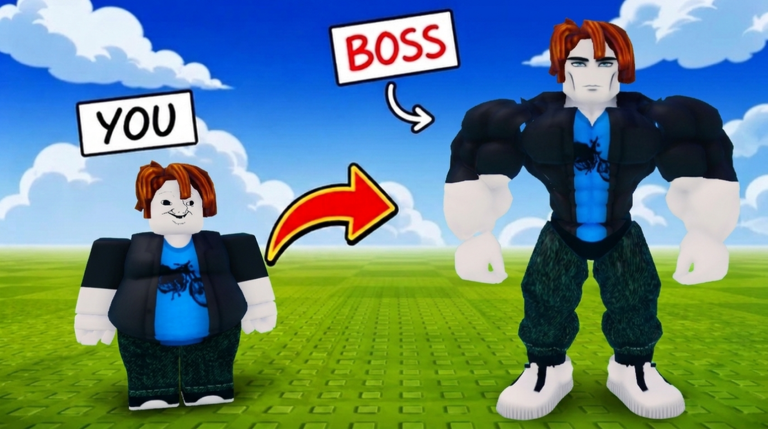
+1 Mog Evolution is a Roblox clicking game where you build up Appeal by tapping or clicking, upgrade your hammer, and earn Wins to Ascend through growing stages. Your long-term goal is to climb the leaderboard and reach True Adam.
In shortKnowing these four values from the start tells you exactly what to do next.
Before you do anything else, locate four things on screen: your current Appeal, how much Appeal you gain per click, your current Wins total, and the requirements to Ascend. If any of them are missing, open the menus along the edges of the screen one at a time until you find them.
Find the Appeal counterit is the central number that grows when you click or tap.
Check how much Appeal each single click is giving you right now.
Look up your Wins count and note how many you still need to Ascend.
Read the Ascend screen carefully to see what resets, what carries over, and what bonus you receive.
In shortA consistent 30-second test before and after any upgrade is the only reliable way to know whether a change actually helped.
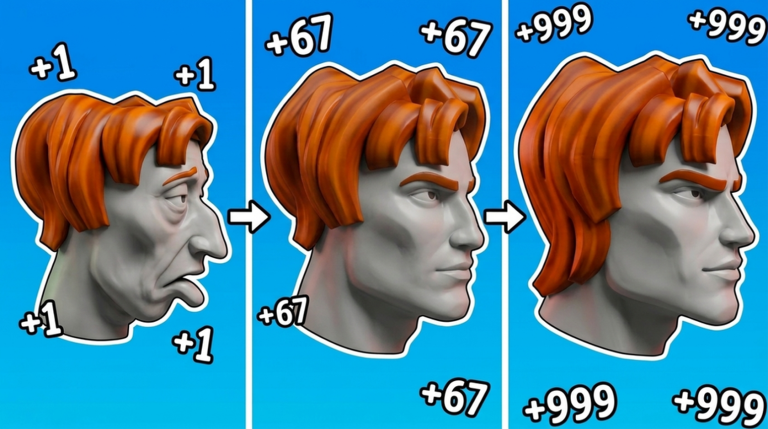
The numbers shown in promotional images are not a fixed rate that applies to everyone. Your actual Appeal per click depends on your current hammer and how far you have progressed. The cleanest method is a timed test under identical conditions — same duration, same input, nothing changed in between.
Tips worth knowing
Write down your Appeal total before the timer starts.
Click or tap normally for exactly 30 seconds without switching hammers or triggering other effects mid-test.
Subtract your starting number from your ending number to get your 30-second gain.
Double that figure for a rough per-minute estimate.
Run the same test again after any hammer upgrade so you have a direct before-and-after comparison.
Never treat a number from a promotional image as your personal Appeal rate.
05
Hammer upgrades and Bonesmash
Warn
In shortBuy hammer upgrades based on the Appeal speed improvement they deliver.
Every hammer upgrade increases the Appeal you earn per click. The game's own description names Bonesmash as a hammer upgrade that pushes your Appeal even higher. Before buying any upgrade, check the cost against the stated effect, then run your 30-second test afterward to confirm the gain was real. If Bonesmash is not visible yet, earlier hammer conditions in the upgrade path need to be met first.
Worth watching out for
Record your current per-click Appeal before spending anything.
Read the cost and the listed effect on every upgrade before you confirm the purchase.
After buying, redo the 30-second test to verify your speed actually increased.
If Bonesmash does not appear, check whether earlier upgrades in the sequence are still incomplete.
06
Earning Wins and deciding when to Ascend
Step
In shortConfirm a win is fully registered before you act on it, and read every line of the Ascend screen before you commit.
Wins are the currency that unlocks Ascension. Simply entering a challenge does not always add to your count — you need to reach the finish or victory condition. When you have enough Wins to Ascend, read what the confirmation screen tells you will reset and what you will gain before you press anything final.
Check your Winsnote the number before you enter any challenge.
Pick the right challengechoose one the game marks as available to you.
Finish completelystay until the game registers a win, then confirm your Wins counter went up.
Read the Ascend screenidentify every item that resets and every bonus you receive.
Screenshot the confirmationtake a photo of the screen before you tap the final button, especially on your first Ascend.
07
Evolution labels and the leaderboard
Summary
In shortThe meme-style labels track your in-game growth and are not judgments about real people.
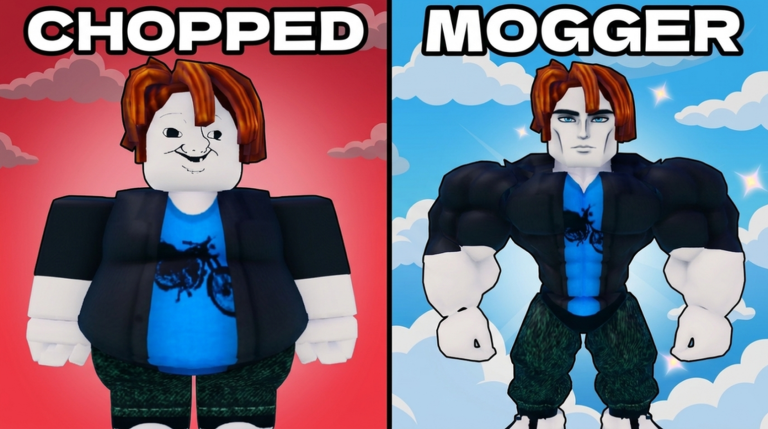
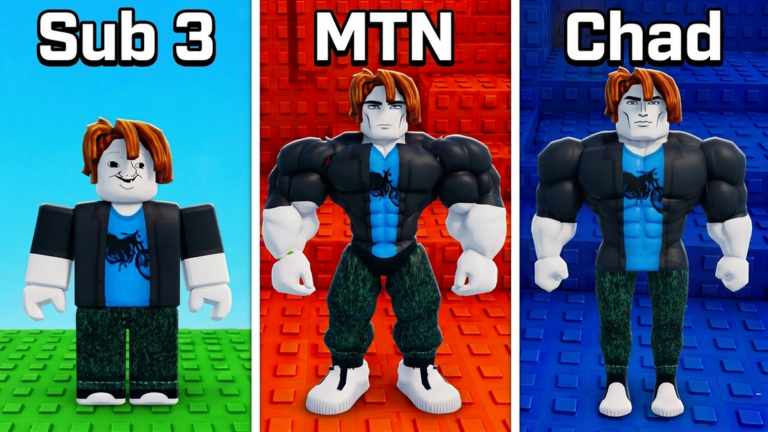
As your Appeal climbs, your character's label and appearance change to reflect your progress, with names like Chad and True Adam marking milestones along the way. True Adam sits at the top of the leaderboard as the game's stated final goal.
Current labelcheck in-game to see what you have now and what comes next.
True Adamthe final growth milestone named in the game's own description.
Label meaningmeme-style in-game progress markers, not ratings of real people.
08
When progress stops moving
Step
In shortWork through Appeal, hammer, Wins, and Ascend in that order to isolate the problem without changing too many things at once.
If your numbers feel stuck, go through the four main systems one at a time. If your display looks wrong, try closing menus and reopening them, then switch to a fresh server if the problem continues.
Appeal checkclick or tap and confirm the number on screen is actually rising.
Hammer checkopen the upgrade screen and verify which hammer is active and what effect it shows.
Wins checkconfirm you are completing challenges all the way to the victory condition, not just entering them.
Ascend checkreread the requirements and identify any condition you have not yet met.
Server switchif the display still looks wrong after the steps above, join a new server and compare the numbers.
Glossary
Glossary
Appeal
The central stat that grows each time you click or tap, and the main measure of your progress.
Hammer
An upgrade that increases the amount of Appeal you earn from each click.
Bonesmash
A named hammer upgrade that further increases your Appeal gain per click.
Wins
A count of completed victories that you accumulate in order to qualify for Ascension.
Ascend
The act of meeting the Wins requirement and moving to the next stage of progression.
Mog
In this game, to surpass someone else in Appeal or standing.
True Adam
The leaderboard and growth target named in the game as the ultimate goal to reach.
K / M / B
Shorthand for thousand, million, and billion used to display large Appeal numbers on screen.
Common questions
FAQ
Does '+1' in the title mean I only ever gain exactly 1 Appeal per click?
No. Upgrading your hammer changes how much Appeal each click gives you, so the amount rises as you progress. Always check the number your screen is currently showing rather than assuming it stays at one.
I finished a challenge but my Wins count did not go up — what should I check?
Entering a challenge is not enough on its own; the game needs to register a full win at the end. Confirm you reached the victory condition, and also check that you met any Appeal or entry requirements before you started.
What happens to my Appeal and hammer when I Ascend?
The Ascend confirmation screen lists exactly what resets and what bonus you receive in return. Read every line on that screen before you confirm, and consider taking a screenshot so you can refer back to it.
Are labels like Chad and True Adam meant to describe real people?
They are in-game progress markers styled after internet memes, not evaluations of anyone in real life. Use them only in the context of the game.
How many players can be in one room at the same time?
A single room holds up to 12 players.
Updated Sep 15, 2026
Game updates can change what is on this page. If you spot something, get in touch and let us know.