
Say Cheese Guide: How the game works

About
OverviewSay Cheese! [STORY] is a branching story game where you play a journalist hired by Big Media to cover a peaceful park — and your choices decide whether you spread chaos or bring hope.
What is on this page
Contents
Player notes and tips
Found a useful trick? Share it with everyone! Notes with screenshots are welcome!
Write a guide note
📸 Say Cheese! [STORY]
How the game works
Summary
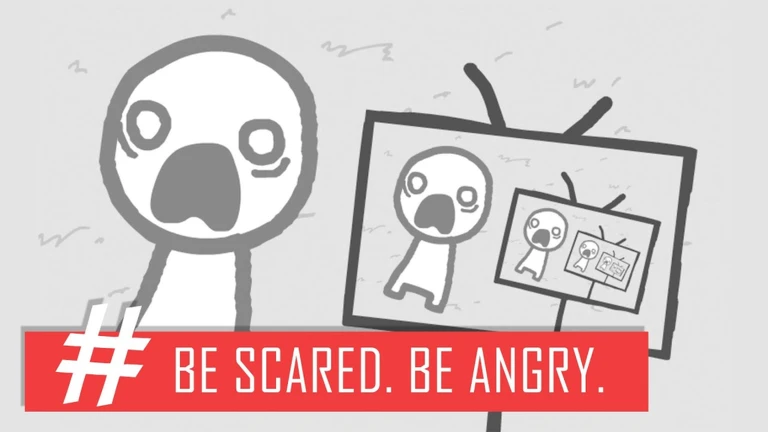
You are a journalist working for Big Media, a network that wants maximum viewers at any cost. A framing square appears on screen and you aim it at people or objects in the park, then shoot. Whatever you photograph appears on the central TV with a headline, and the residents react to that broadcast. Those reactions become the next thing that happens in the story.
- Journalist your role; you decide what to photograph and therefore what gets reported
- Big Media the network that hired you; it pushes you toward sensational, high-rating stories
- Framing square the targeting tool you move over the scene before you shoot
- Central TV the screen that broadcasts your photo and headline to the whole park
- Headline the short text that appears with your photo, telling you how the moment was framed as news
- Branching story the system where your shots accumulate into one of several different endings
MetaNew Player Survey

The next survey is being prepared.
Basic camera controls
Step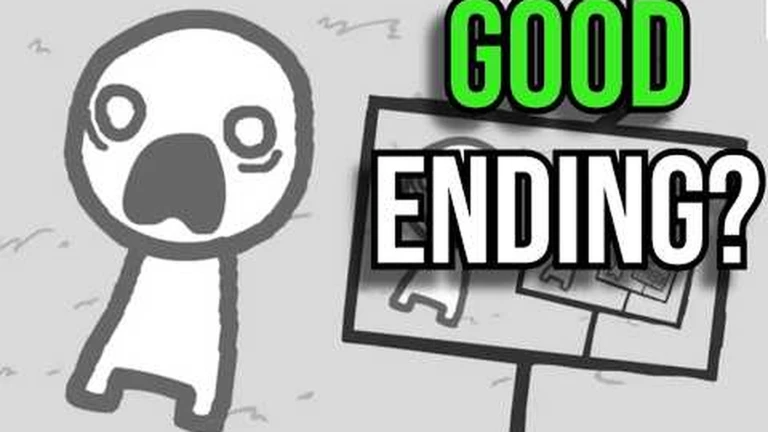
On PC you use the mouse to move the framing square and click to take the photo. Once the image hits the TV, read both the picture and the headline — they tell you which moment was turned into news and how it was spun.
- Move the square slide the framing square over the person or object you want to capture
- Take the shot click the mouse to photograph whatever is inside the square
- Read the TV check the photo and headline on the central TV to see how the scene was reported
- Watch the residents after the broadcast, look around the park for anyone whose behavior or expression has changed
- Pause if needed press the || button in the top right, or press P on a keyboard, to pause at any time
Early-game shooting sequence
StepStart with the person wearing a hat, then let the broadcast guide you to whoever reacts next. You are looking for the instant someone's expression changes or a speech bubble appears, not just people walking around. Before each shot, note the subject's face and who is nearby; after each shot, confirm on the TV what became the headline.
- Photograph the hat person after the broadcast, watch for any hat-wearing resident whose behavior shifts
- Find the shouter look for a resident who starts yelling at someone else and capture that exact moment
- Track who was yelled at follow that resident and watch for a fear reaction
- Frame the fear moment get the frightened resident and the square-shaped resident in the same shot
- Capture the HMPH wait for the angry square resident to react to a round-faced resident with a "HMPH" and photograph it
Reaching different endings
Tips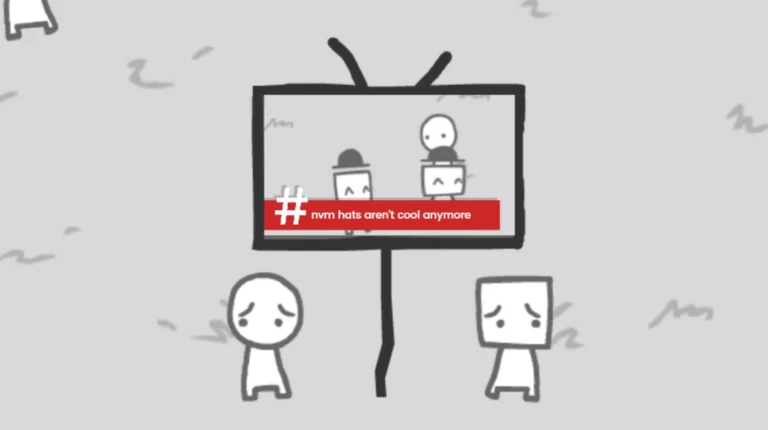
Your cumulative choices — what you photograph across the whole run — determine which ending you reach. The menu has an Endings section where you can track which ones you have found.
- Photograph empty grass with no residents or TV in the frame five times in a row to reach the Breaking News ending
- On the title screen, click the small cricket hopping from the left edge to the right to unlock the Cricket ending
- Consistently photograph people holding peace signs and placards to follow the hope-focused route
- Each full playthrough takes you down one branch, so replaying with different shots is how you find new endings
Content to know before you play
WarnSay Cheese! looks minimal and cartoon-like, but the story goes to some dark places. You can pause with || or P whenever you need a break.
Pause menu options
Table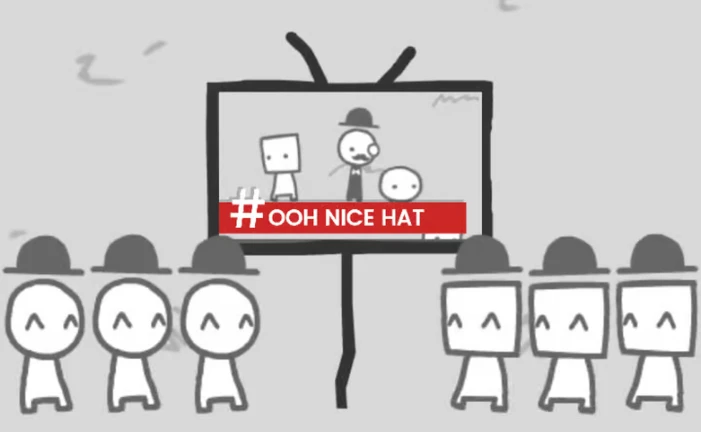
Open the pause menu with the || button in the top right corner, or press P on a keyboard. From there you have three options depending on what you need.
| Restart | takes the current run back to the very beginning |
| Main Menu | exits to the title screen |
Playing with others
SummaryThe game supports up to twelve players in a single session. Everyone experiences the same stage, but the ending you reach depends on the shots taken during that run. Solo play works just as well.
- Max players up to twelve people in one session
- Solo play fully supported at any time
- Shared stage all players in a session move through the same story
- Multiple endings even in a group, the outcome depends on what was photographed
Glossary
Glossary- Big Media
- The broadcast network that hired you; it wants high ratings above everything else.
- Framing square
- The on-screen targeting box you move over a subject before taking a photo.
- Headline
- The short text shown alongside your photo on the central TV, telling you how the moment was reported.
- Branching story
- A story structure where your choices lead to different paths and different endings.
- Central TV
- The screen in the middle of the park that broadcasts each photo you take to all the residents.
Common questions
FAQCan I replay the game to see other endings?
Yes — replaying is the main way to find all the endings. Choose different subjects to photograph and you will follow a different branch of the story each time.
What is the game based on?
It is based on "We Become What We Behold" by Nicky Case, developed for Roblox by Mechanical Boy LLC.
How do I find the Cricket ending?
On the title screen, look for a small cricket moving from the left side to the right. Click it to choose that ending.
Game updates can change what is on this page. If you spot something, get in touch and let us know.
