 Live now
–
Halloween 2026
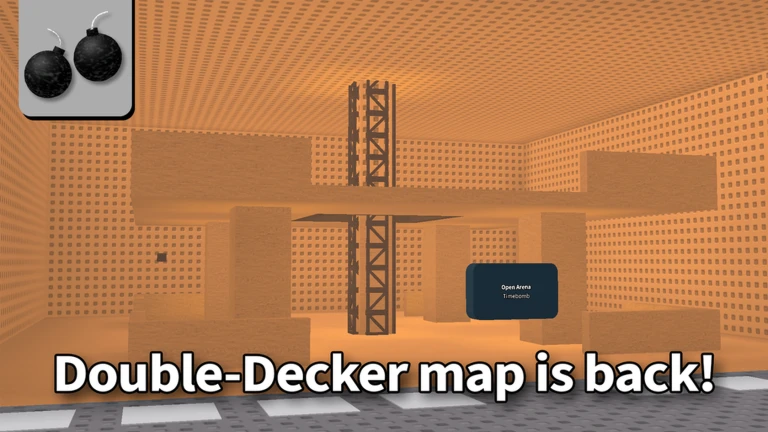
- Limited-time Halloween 2026 Kill Effects - Redecorated maps - New High FPS Truss Fix setting - Added ability to equip…

Timebomb Duels is a Roblox PvP game where players pass a live bomb to each other by physically touching opponents — whoever holds it when the timer hits zero is out, and the last player standing wins. This guide covers how to pass and dodge the bomb, how to handle lag, and what to expect from the current Alpha version.
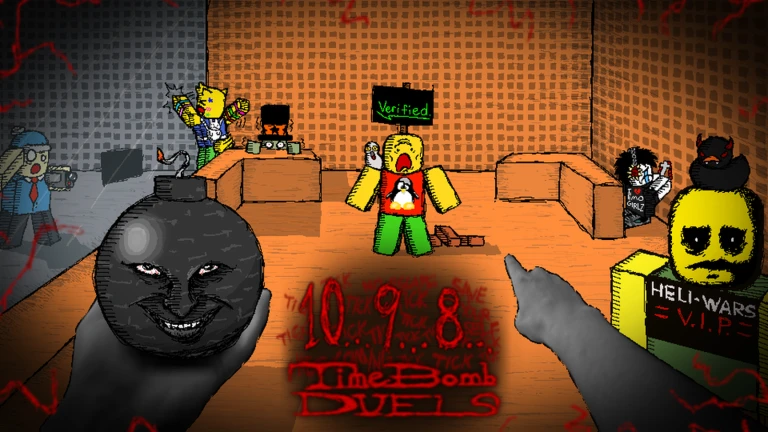
The bomb transfers the moment your character touches someone else's. That makes positioning, camera control, and reading your opponent's path the core skills of every round. Aim for the center of an opponent's body rather than the edge, because a glancing touch to an arm or foot can fail to register. After contact, check the bomb display to confirm it actually moved to them — if it did not, close in again.
The next survey is being prepared.
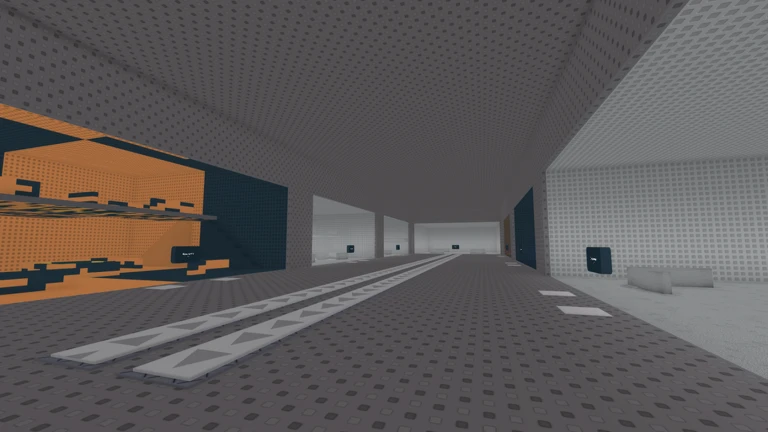
Before anything else, pick a server with the lowest ping available. The game itself advises this, and because transfers rely on physical contact, high latency makes the hit detection feel broken. Once you are in, use the first match to get three things clear: how the transfer feels, where the dead ends on the map are, and how to spot who currently holds the bomb.
Events running now or coming soon. They have fixed dates, so check them first.
Live now
–
- Limited-time Halloween 2026 Kill Effects - Redecorated maps - New High FPS Truss Fix setting - Added ability to equip…
 Upcoming
–
The current release date for this update is a placeholder, the real date will be set when the update is closer to being…
 Upcoming
–
Will be releasing sometime during 2026, a more accurate release date will be shown when the update is closer to release…
Speed matters less than unpredictability. If you juke constantly from far away, you only cover more ground yourself without gaining any real separation. Save the big direction changes for the moment a carrier closes in. Keep the bomb holder on screen at all times, and rotate the camera regularly so no one sneaks up from behind. Running along the outer edge of the map gives you room to maneuver, but hug walls too closely and corners will trap you — stay a little inside the boundary.
Running directly behind a fleeing player rarely closes the gap — they simply stay ahead of you. Instead, predict their next turn and move to intercept it, cutting their available space. When you do reach them, a diagonal or side-on approach is better than a head-on collision because it lets you break away in the opposite direction right after the pass. Whatever you do, do not hold the bomb until the last second — if there is any lag, the transfer may not register in time.
Because every transfer depends on physical contact, this game is especially sensitive to latency. Teleporting opponents, touches that do not register, and bombs that arrive from impossible distances are all signs of a poor connection. Switching to a server with lower ping fixes most of these problems. If that does not help, lowering your graphics quality and closing other apps on your device can stabilize things further.

The lobby offers several modes including free-for-all, open arena, and first-to-five. Because Alpha updates can rename or adjust them, always check the current lobby labels. Rounds that are already in progress may not let you join until the next one starts, so if you land in spectator mode, just wait.
| Free-for-all | for learning transfers, map layout, and reacting to multiple players at once. |
| Open arena | for practicing chasing and running. |
| First-to-five / one-on-one | rewards reading a single opponent's habits. |
The game is openly in Alpha as of September 2026, and the developers have stated that all stats are wiped after each stage concludes. Bugs and glitches are expected, and the developers ask players to report anything they find, noting that reports speed up fixes.
These ideas and tips come from people playing the game. Share your discoveries too!
Alphas are meant to have bugs. I heard picking a server with low lag is important, but how does everyone choose one?
Timebomb Duels [Alpha]
Run into another player's character — there is no dedicated button. Aim for the center of their body rather than the arms or legs for the most reliable contact. After touching them, check the bomb display to make sure it moved to them, and close in again if it did not.
Network latency is the most common cause — the server registered the contact too late or not at all. Try aiming for the body center and initiating contact a little earlier, and if the problem keeps happening, switch to a lower-ping server.
No — the game states that all stats are wiped after each development stage ends.
Rounds that are already in progress may not allow new players to join mid-game. Wait for the current round to finish, and you should be able to participate when the next one starts.
The developers ask players to report bugs, noting that doing so speeds up fixes. Note what happened and how to reproduce it, then submit the report through the game's official channels.
Before you start
Please check the following before using MetaNew.
* You can change your email preference any time from your profile.
