
Sol’s RNG Luck Calculation and Potions: Choosing Gear and Biomes
When increasing Luck in Sol’s RNG, remember that equipment, potions, and bonus rolls are not all multiplied together. Potions also differ between timed effects and effects for just the next 1 roll, and your target aura’s biome matters. Here we use specific numbers to compare spending your materials on equipment with drinking them as potions.
What kind of game is Sol’s RNG?
![Sol's RNG [ Summer Event 🏖️]](https://tr.rbxcdn.com/180DAY-30cc4055ad3a1d5f162042b78b29b689/512/512/Image/Webp/noFilter)
Sol’s RNG is a Roblox collection game where auras obtained through rolls also serve as crafting materials for equipment. For initial storage settings and instructions on redeeming codes, read our game guide.
MetaNew Player Survey
The next survey is being prepared.
Common mistakes when calculating Luck and rarity
| Example conditions | Normal Luck calculation | Result |
|---|---|---|
| No additional effects | 1 | 1 |
| Luck Glove only | 1+0.25 | 1.25 |
| Luck Glove and Lucky Potion | 1+0.25+0.25 | 1.5 |
| Previous conditions with bonus multiplier 2 | 1.5×2 | 3 |
Source: Sol’s RNG Wiki — Luck [1]
A normal Luck calculation example
Start by adding normal Luck increases to the base value of 1. With no other effects, Luck Glove’s +25% and Lucky Potion’s +25% give 1+0.25+0.25=1.5. It is not 1.25×1.25=1.5625. If the bonus multiplier is 2 under those same conditions, the normal portion becomes 1.5×2=3.
The calculation applies the final multiplier to ‘(1+normal Luck increases)×bonus multiplier+special Luck for 1 roll’. The bonus multiplier does not also multiply the special Luck. The game checks rarer candidates first, so dividing an aura’s displayed rarity by Luck alone does not establish that aura’s final acquisition probability.
‘1 in N’ also does not guarantee the aura on your Nth roll. Some exceptions, such as Memory, have fixed probabilities unaffected by Luck.
Choosing early equipment and crafting materials
| Icon | Equipment (slot) | Effect | Required materials |
|---|---|---|---|
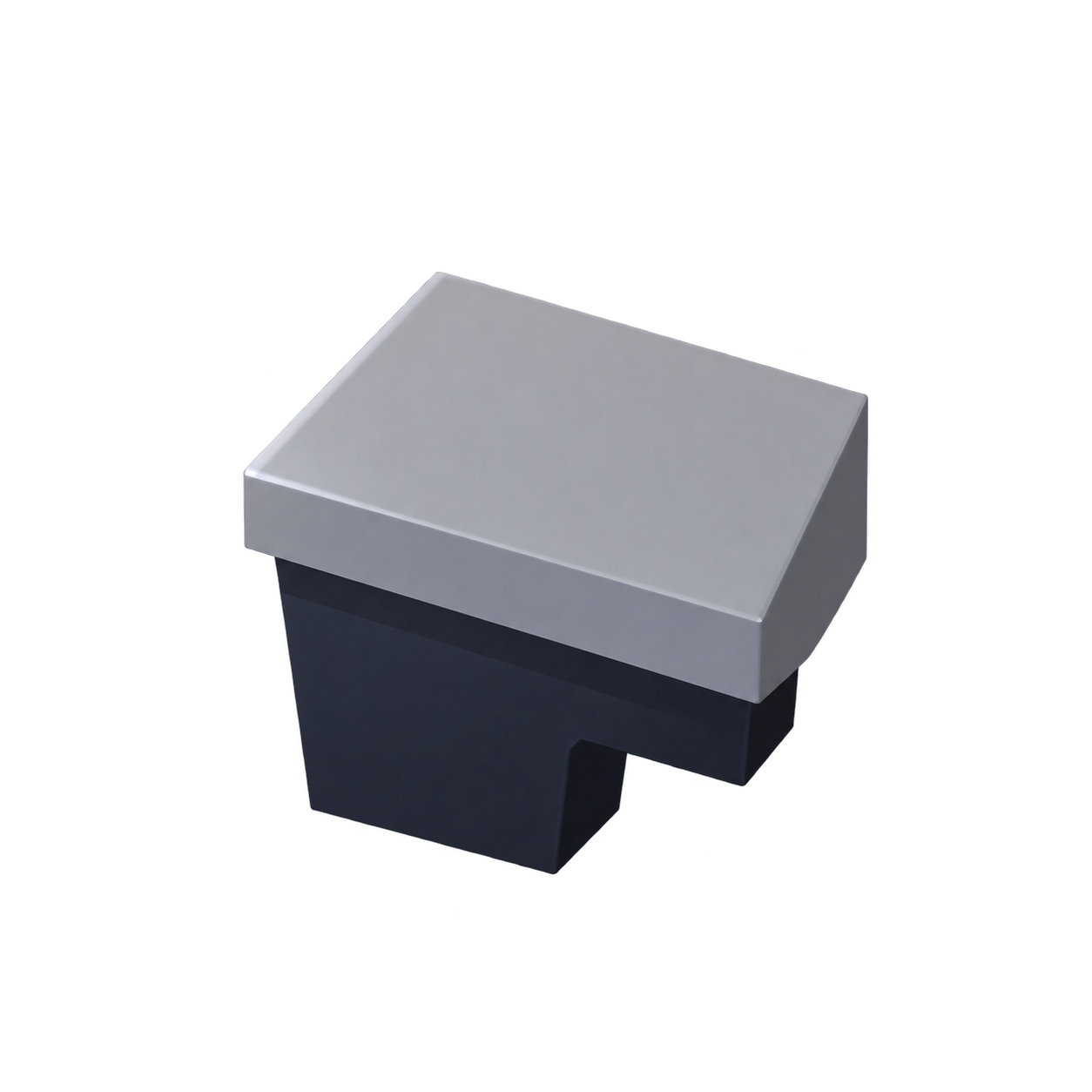 |
Luck Glove (right hand) | Luck +25% | Rare×3, Divinus×2, Crystallized×1 |
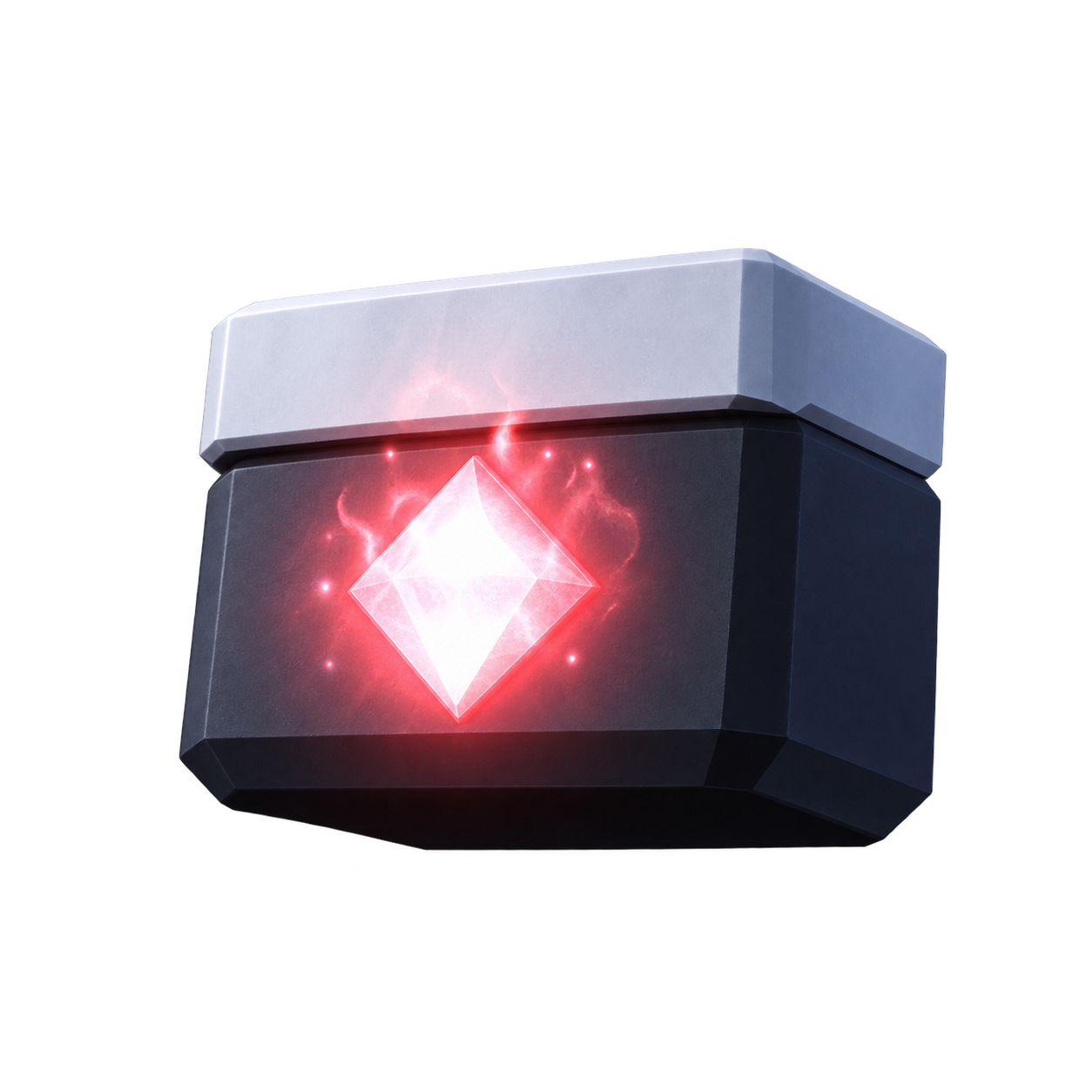 |
Desire Glove (right hand) | Luck +40% | Rage, Ruby, Diaboli, and Bleeding: 1 each |
 |
Lunar Device (right hand) | Roll speed +15% | Rare, Divinus, and Lunar: 1 each |
 |
Exo Gauntlet (right hand) | Luck +100%, roll speed +20% | Gilded×3, Precious×2, Magnetic×2; Sidereum, Undead, and Exotic: 1 each |
 |
Windstorm Device (right hand) | Luck +115%; also increases roll speed | Wind×25, Stormal×1, Aquatic×1, Sidereum×4, Precious×12 |
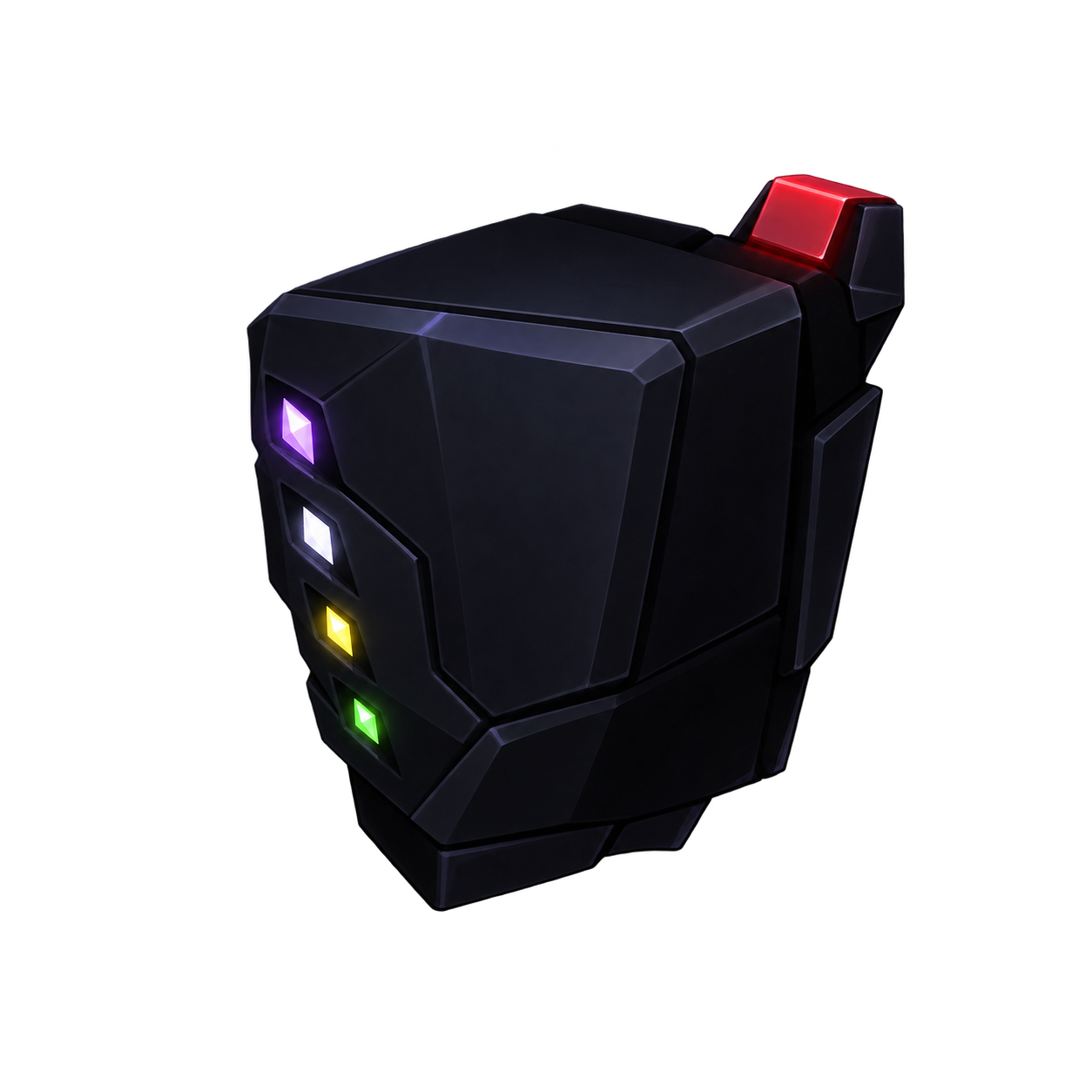 |
Jackpot Gauntlet (left hand) | Luck +77%, roll speed +7%. Rolling Jackpot grants 77 Coins | Rare×777, Gilded×77, Jackpot×77 |
Source: Sol’s RNG Wiki — Gears and equipment [2]
Choose right-hand gear for Luck and speed
Equipment is crafted at Jake’s Workshop. Luck Glove, Desire Glove, and Lunar Device are all right-hand equipment: you cannot equip them together and add their effects. Switch between them according to whether you want more Luck or faster rolls. Left-hand equipment uses a separate slot.
For example, Luck Glove requires 3 Rare auras. If you have 5 in storage, reserving the required 3 leaves 2 spare. Rather than deleting all low-rarity auras, compare your stock with the requirements of the equipment you want.
Desire Glove gives more Luck but needs different materials, including Bleeding. You can choose to craft the equipment whose materials you already have. Jackpot Gauntlet requires large quantities, so do not expect it to be as easy an early target as the right-hand options.
Potion effects and when to use them
| Icon | Potion | Effect | Duration / use |
|---|---|---|---|
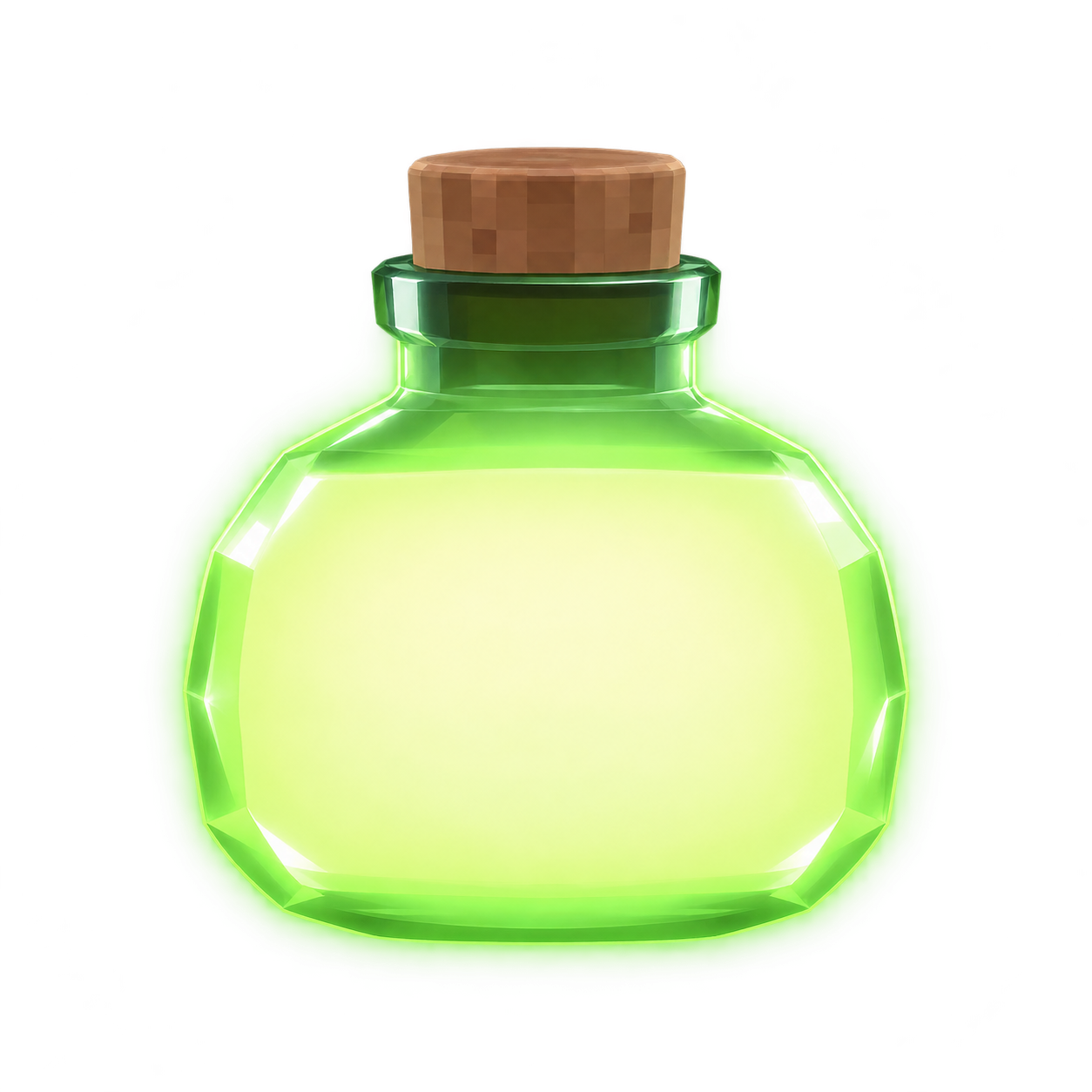 |
Lucky Potion | Luck +25% | 60 seconds. Use for a timed rolling session |
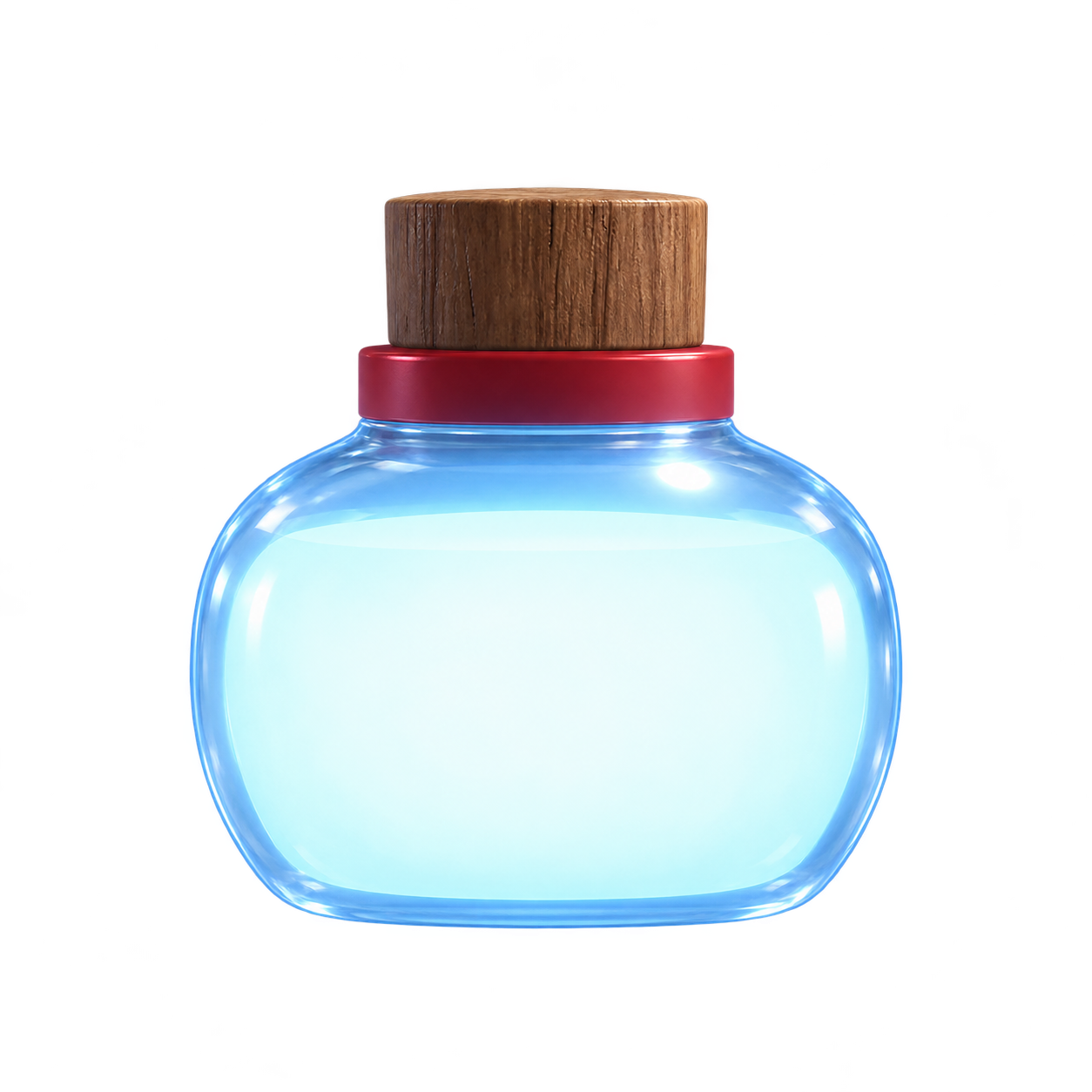 |
Speed Potion | Roll speed +10% | 60 seconds. Helps increase the number of attempts within the time |
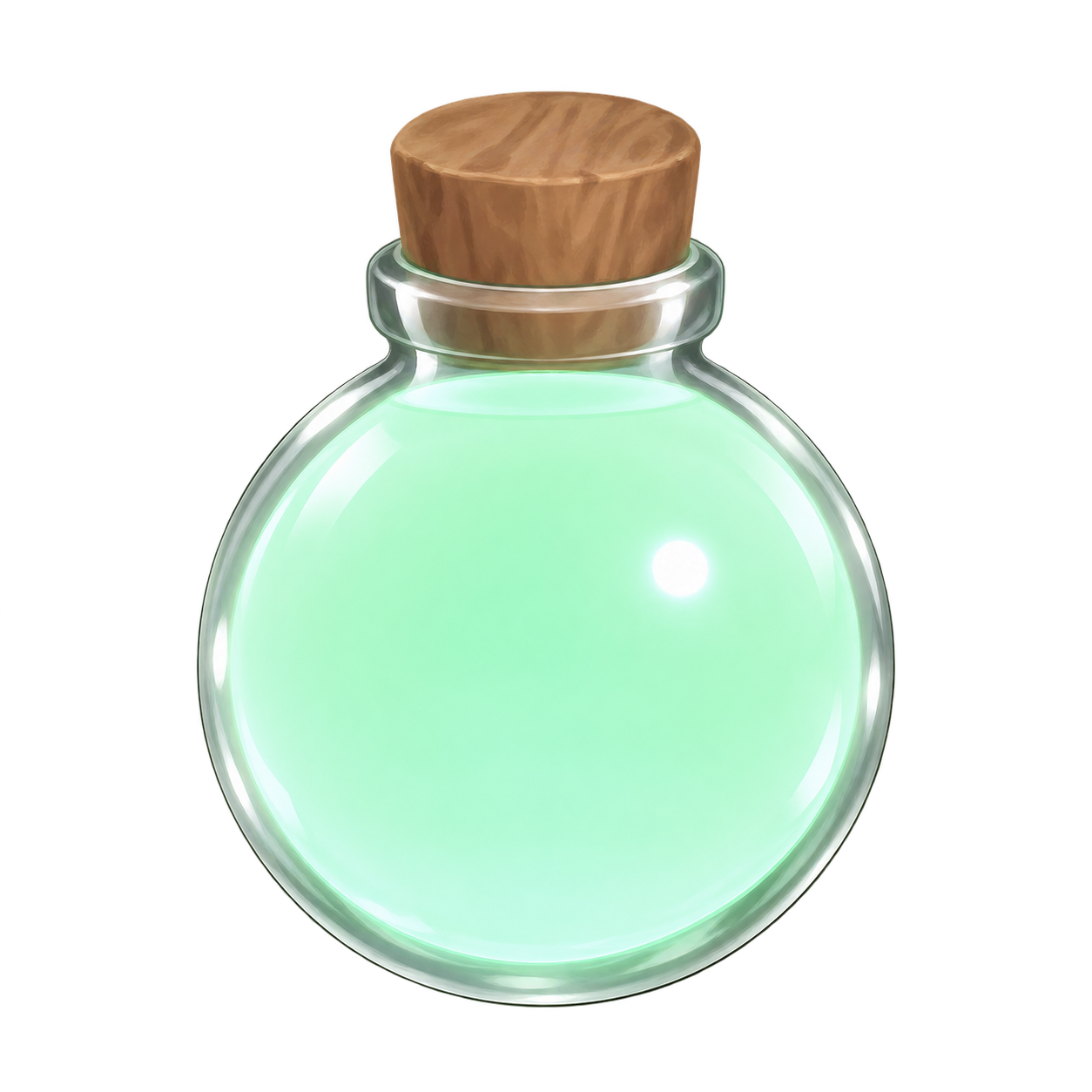 |
Fortune Potion I | Luck +50% | 300 seconds. Requires Lucky Potion×10 as an ingredient |
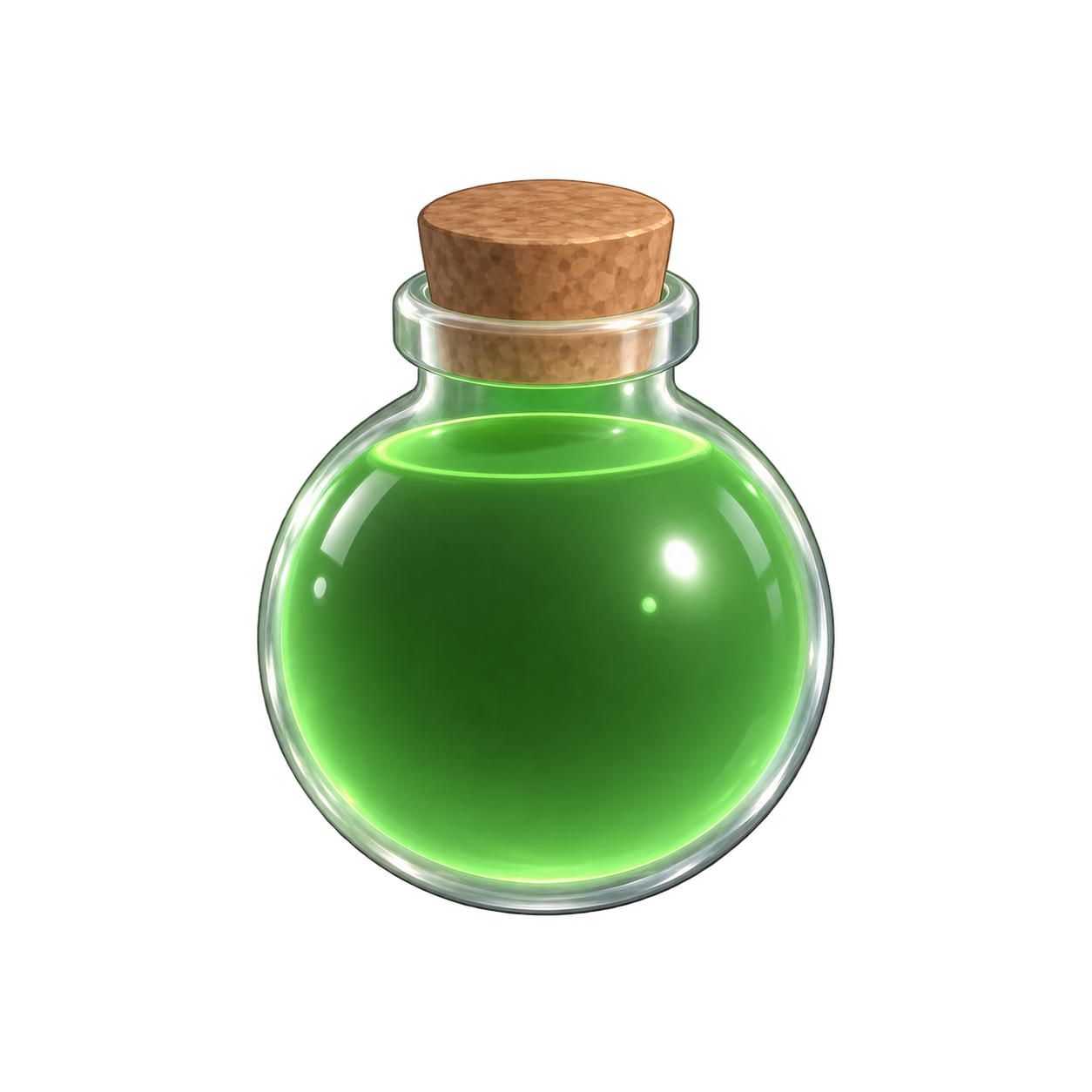 |
Fortune Potion III | Luck +100% | 300 seconds. Requires Lucky Potion×50 as an ingredient |
 |
Heavenly Potion | Special Luck +150,000 | Next 1 roll. Prepare your target biome and equipment before drinking |
Source: Sol’s RNG Wiki — Items and potions [3]
Timed potions versus next-roll potions
Using 2 Lucky Potions extends the duration while keeping the effect at +25%. Drinking 2 does not immediately raise the effect to +50%. Likewise, different tiers within the Fortune or Haste families do not all stack additively.
Basic potions also serve as ingredients for higher-tier potions. At Stella’s Cauldron, Heavenly Potion requires Lucky Potion×250, Celestial×2, Exotic×1, Powered×2, and Quartz×5. If you have 260 Lucky Potions and plan to craft this recipe 1 time, reserving 250 leaves 10 spare. Separate your crafting allocation before drinking potions to extend a buff.
Biomes and breakthroughs are different
| Aura | Displayed rarity under matching conditions | Displayed rarity elsewhere |
|---|---|---|
| Wind | WINDY: 1 in 300 | 1 in 900 |
| Abyssal Hunter | RAINY: 1 in 100,000,000 | 1 in 400,000,000 |
| Lunar | NIGHTTIME: 1 in 5,000 | 1 in 50,000 |
| Solar | DAYTIME: 1 in 5,000 | 1 in 50,000 |
Source: Sol’s RNG Wiki — Biomes [4]
Match the environment to the target aura
Biomes change the displayed rarity or acquisition conditions of particular auras. For example, Abyssal Hunter is 1 in 100,000,000 during RAINY, versus a breakthrough rarity of 1 in 400,000,000 elsewhere. The denominators differ by a factor of 4, but that does not mean rain multiplies your Luck by 4 across the board or makes every aura 4 times easier to obtain.
Night and day, which affect Lunar and Solar, are time-of-day conditions separate from biomes. Some auras can be rolled outside their matching environment; others are exclusive to it. A breakthrough outside the environment is not available for every aura.
If a desired aura is not staying in storage, check your save and skip settings first. If it is not eligible for the roll, check environmental and special-item requirements; if it is eligible but not appearing, consider Luck and number of attempts separately. Fixing storage settings is a different remedy from changing your acquisition probability. If Buffs Enabled is off, turn it back on before changing equipment or potions.
Diagnosing an aura that will not appear or stay in storage
| What is happening | What to check first | Next action |
|---|---|---|
| A rolled aura is not retained in storage | Aura Filter / free storage space | Set filters to retain required materials and remove surplus duplicates |
| Equipment or potion effects are not visible | Buffs Enabled / remaining duration | Enable buffs; if the effect has expired, choose which potion to use |
| You are rolling outside the required environment | Biome / day or night / special-item requirements | Prepare the required environment |
| The aura does not appear despite matching conditions | Whether you are mistaking displayed rarity for a guaranteed number of rolls | Do not assume a guarantee; decide your potion budget and play time |
Source: Sol’s RNG Wiki — Settings and Rolling [5]
What to check when an aura is missing or not stored
The settings to check depend on whether you have never rolled the aura or rolled it but did not keep it in storage. Raising Luck alone will not fix skipped saves or environmental requirements.
Frequently asked questions (FAQ)
Is equipment with higher Luck always better than other equipment?
Luck and roll speed are separate stats. Frozen Gauntlet gives Luck +150% but reduces roll speed by 25%. Consider the effect you want from 1 roll separately from the number of rolls you can make in a given time.
Do 2 Lucky Potions give a 2× effect?
1 normal Lucky Potion lasts 60 seconds; 2 give the same +25% effect for 120 seconds. They do not increase its strength to +50%.
Can I drink Heavenly Potion before the rain arrives?
It applies to your next roll, so Auto Roll can consume it before the desired environment arrives. If you are targeting specific conditions, stop Auto Roll, prepare your equipment and environment, and then use it.
Summary
Add normal Luck increases and check the effects of your right-hand equipment and potions. Use next-1-roll potions after your intended environment is ready. Reserving ingredients for higher-tier potions helps you decide how many to drink. Review aura storage settings separately from acquisition probability.
References and image sources
Sol’s RNG Wiki
- Luck
- Gears / Luck Glove / Desire Glove / Lunar Device / Exo Gauntlet / Windstorm Device / Jackpot Gauntlet
- Items / Effects / Lucky Potion / Speed Potion / Fortune Potion I・III / Heavenly Potion
- Biomes
- Settings / Rolling
Sources checked: October 24, 2026


